
My Account Settings
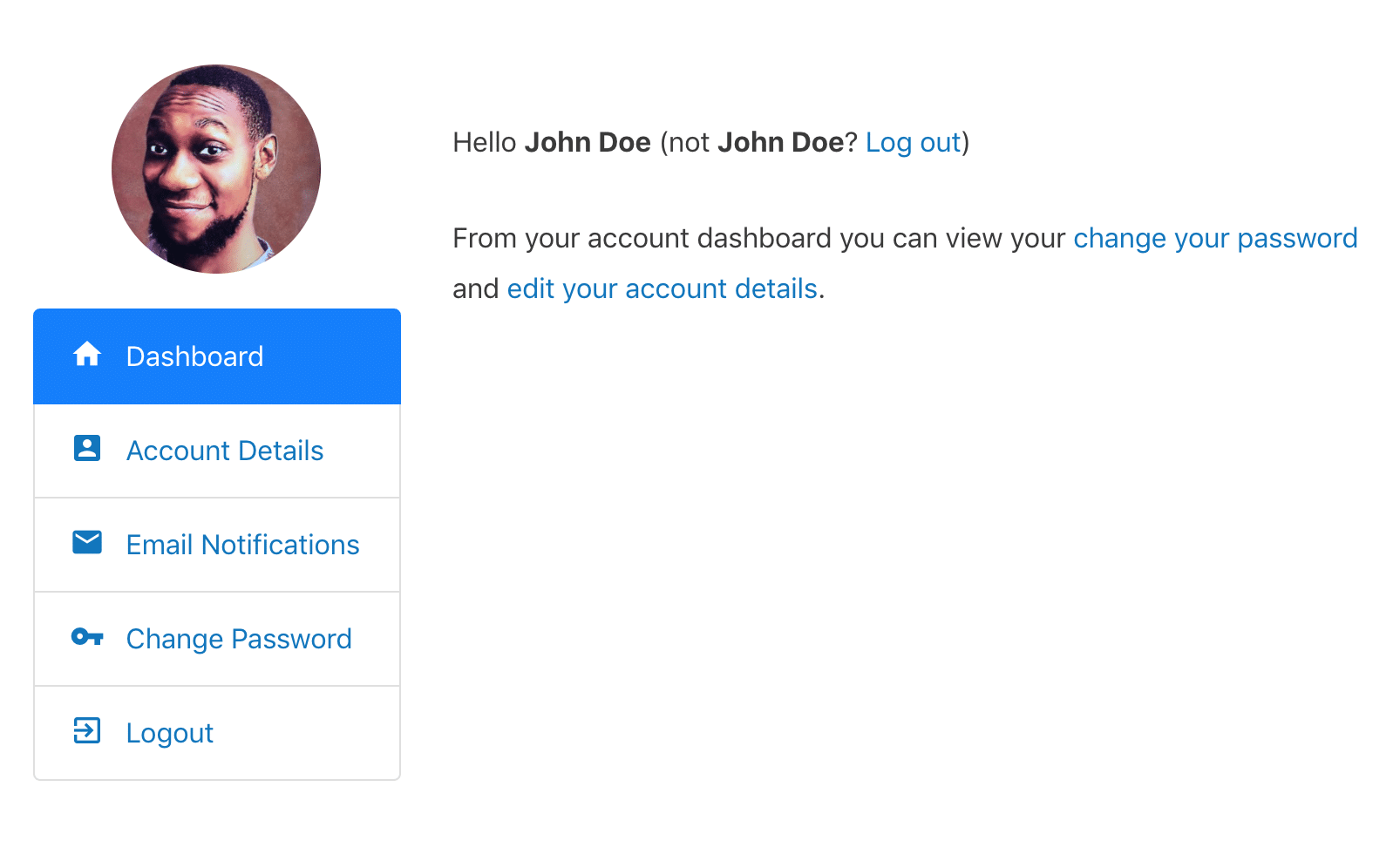
The My Account page is where users can edit their account information or details, change their password and perform other changes to their account settings. You can create this page by adding the shortcode [profilepress-my-account] to a page.
If you use ProfilePress Courses, a My Courses tab lists each student’s courses and progress. The Team Memberships addon adds a Teams tab for team owners, managers and members, and the Advanced Courses addon adds an Instructor Dashboard tab for instructors. See Course Catalog, My Courses, Shortcodes and Blocks Guide and How to Manage a Team Membership.
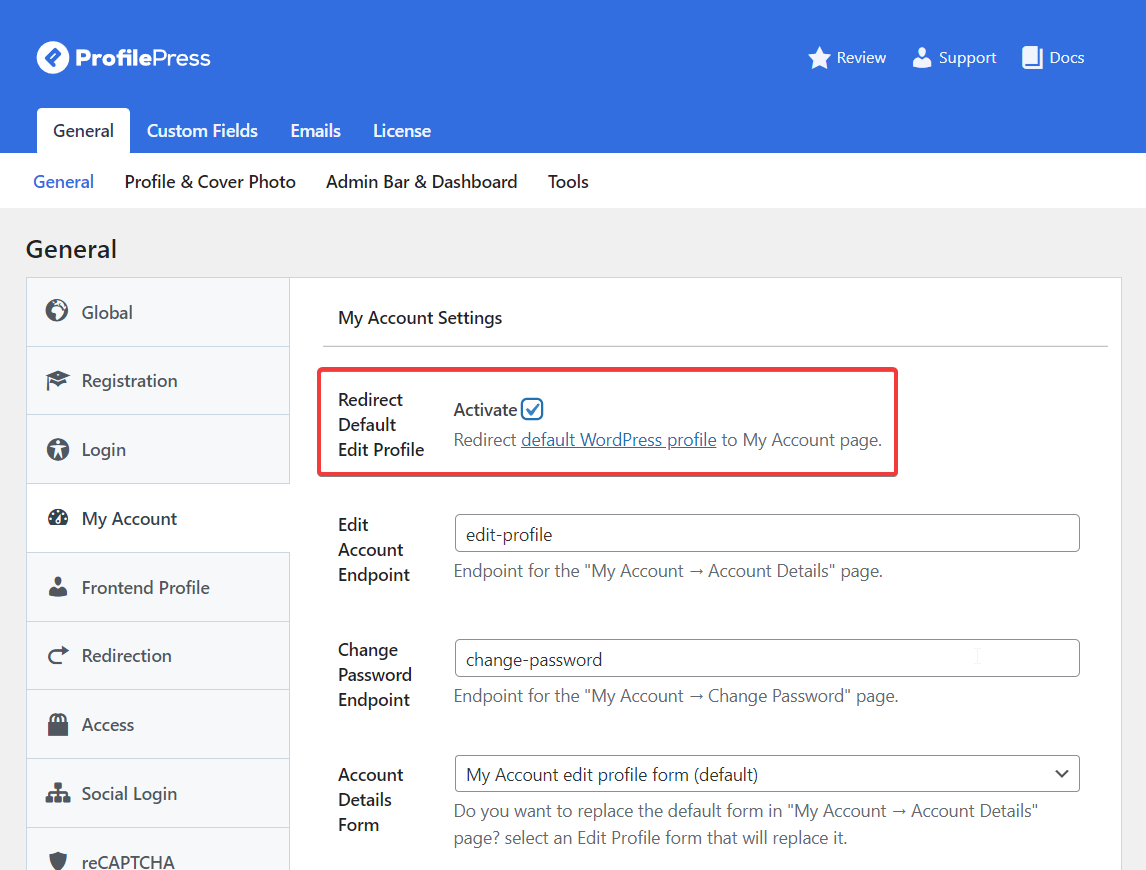
When you go to Settings >> My Account, you can customize the following settings.
Redirect Default Edit Profile
If you want to restrict access to the default WP profile and redirect users to the My Account page, you can activate this feature by clicking the checkbox beside “Redirect Default Edit Profile”.
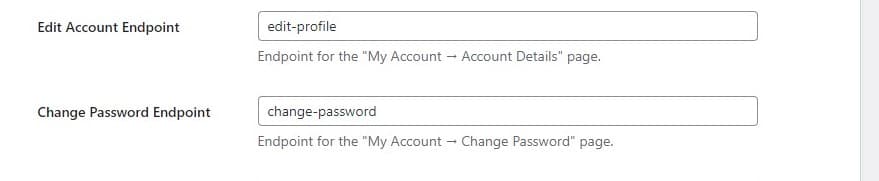
Edit Account/Change Password Endpoints
You can also change/modify the edit account and change password endpoints. These are the endpoints that appear in the URL when a user clicks either the edit profile or change password links on the My Account page.
Account Details Form
You can also select an edit profile form to replace the account details section of the My Account page.
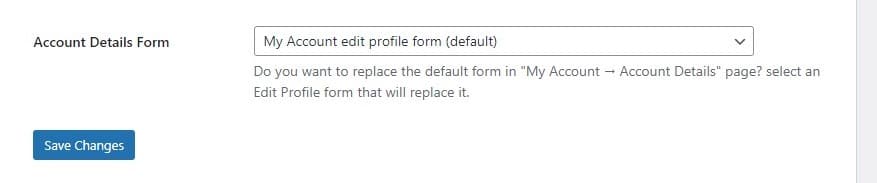
Don’t forget to click on Save Changes when you are done.
That’s it ?