Brevo for WordPress
Quick Setup in WordPress
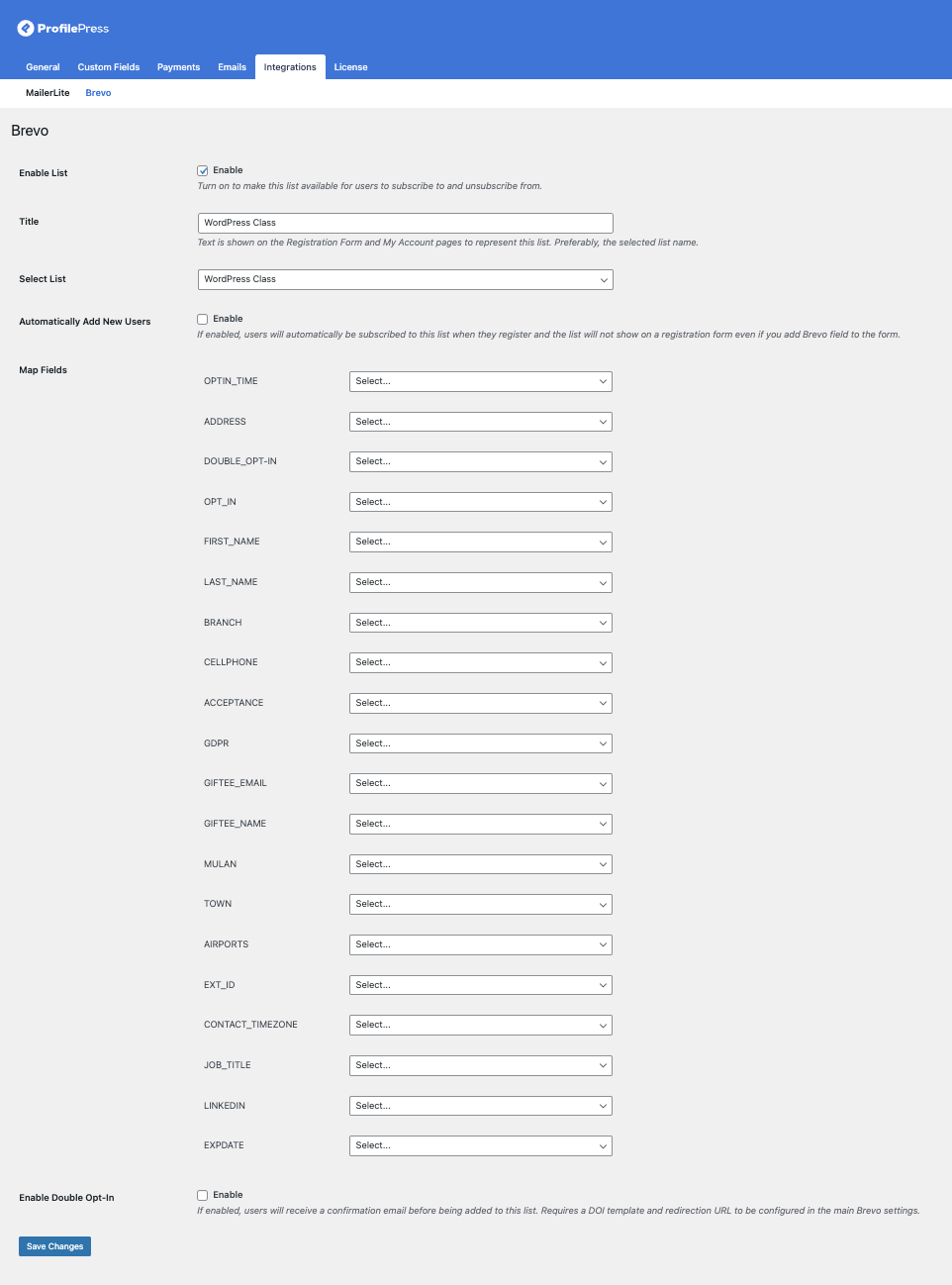
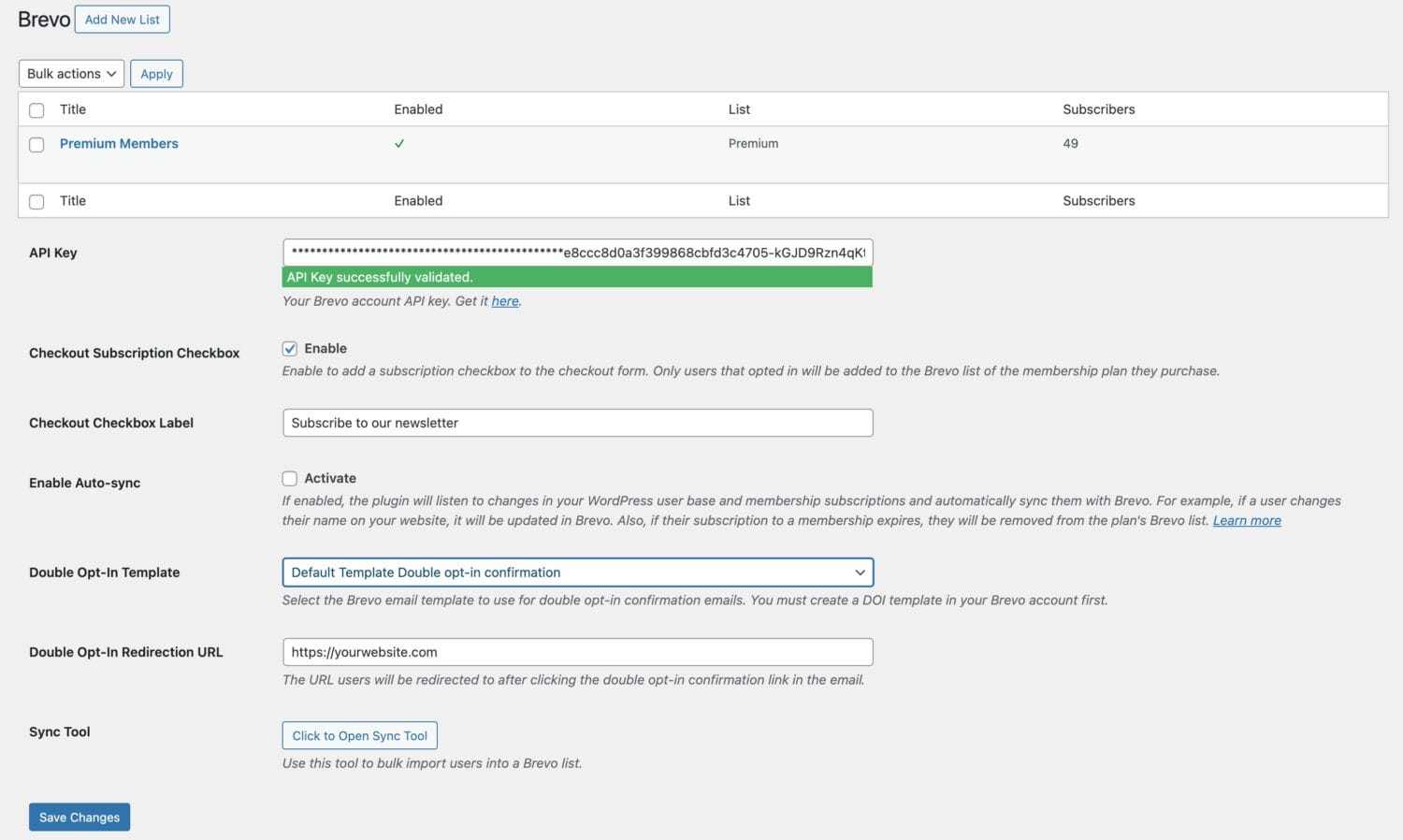
Get the Brevo integration in WordPress up and running in a matter of minutes.
Add the groups or email list you want to use and map the fields to your WordPress users.
Membership Integration
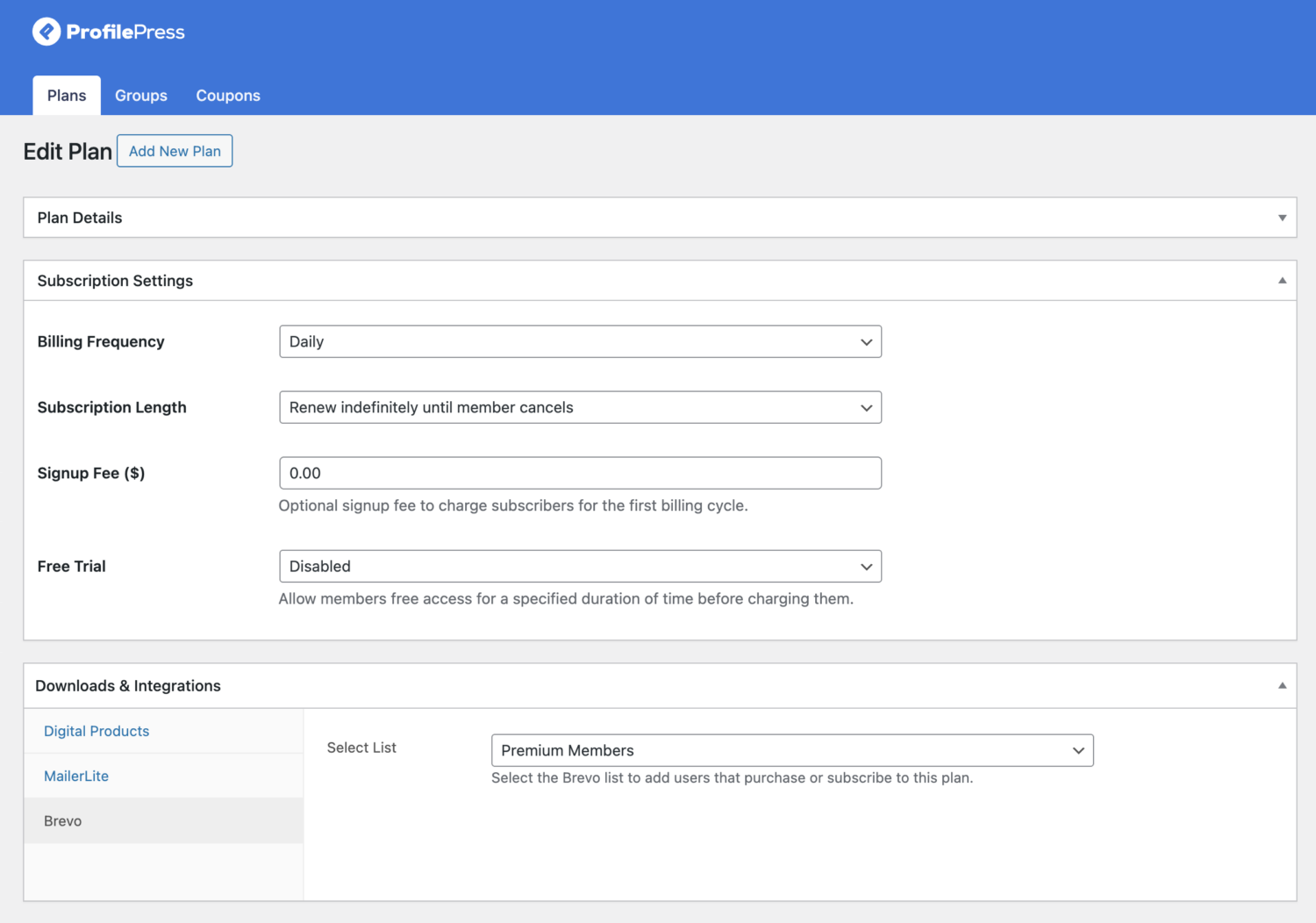
The Brevo addon allows you to add WordPress users, members, or customers to specific Brevo groups or lists based on the membership plan they purchase or subscribe to.
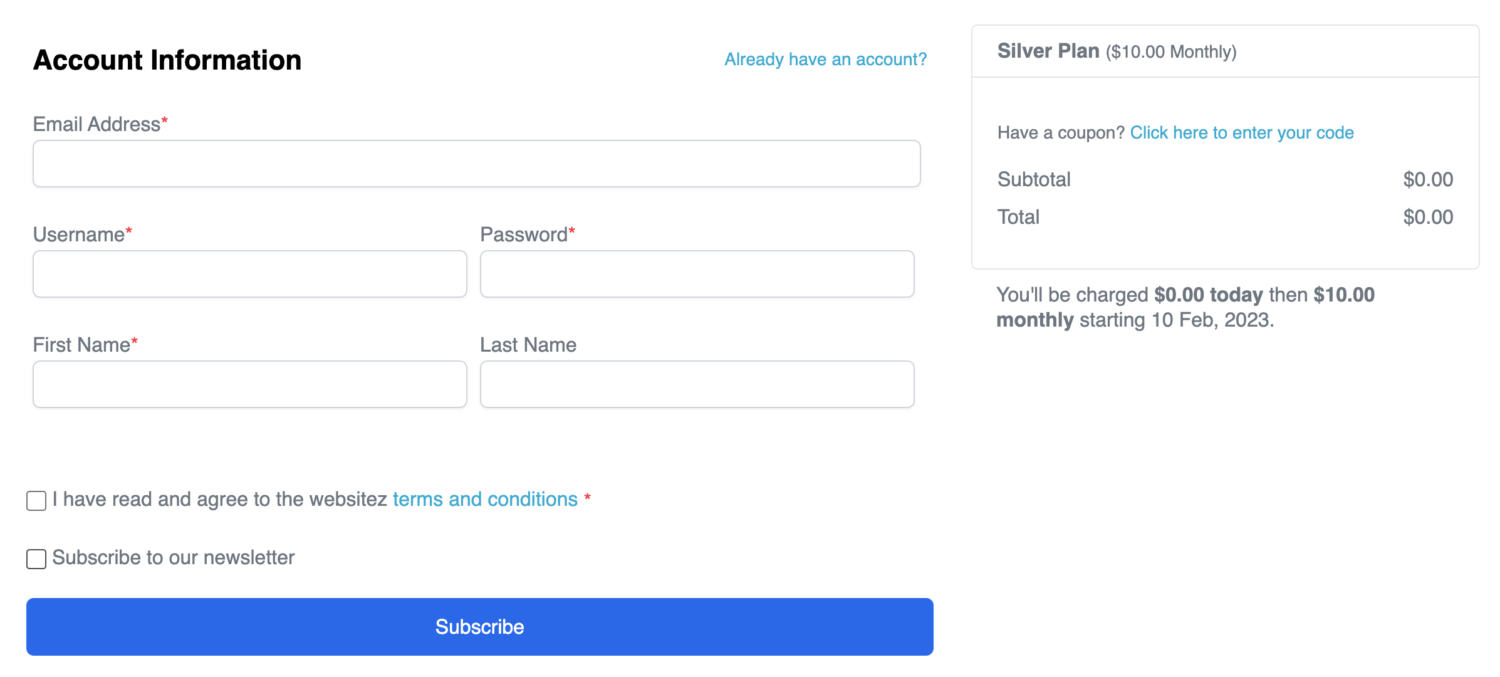
You can also give users the option to decide whether they want to subscribe to the Brevo list of the membership plan they purchase during checkout in WordPress.
Registration Forms Integration
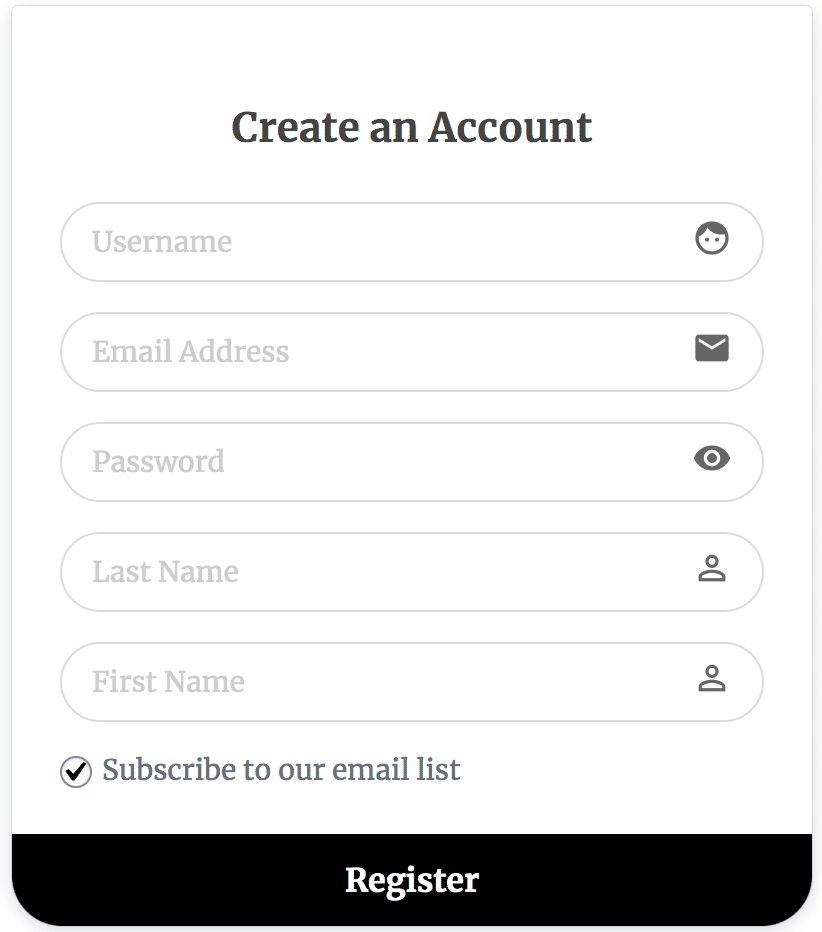
Add email list signup checkboxes to your WordPress site, allowing users to opt in to your Brevo group.
You can also give users the option to select the email list or group they would like to be added to during WordPress registration.
Sync Tool
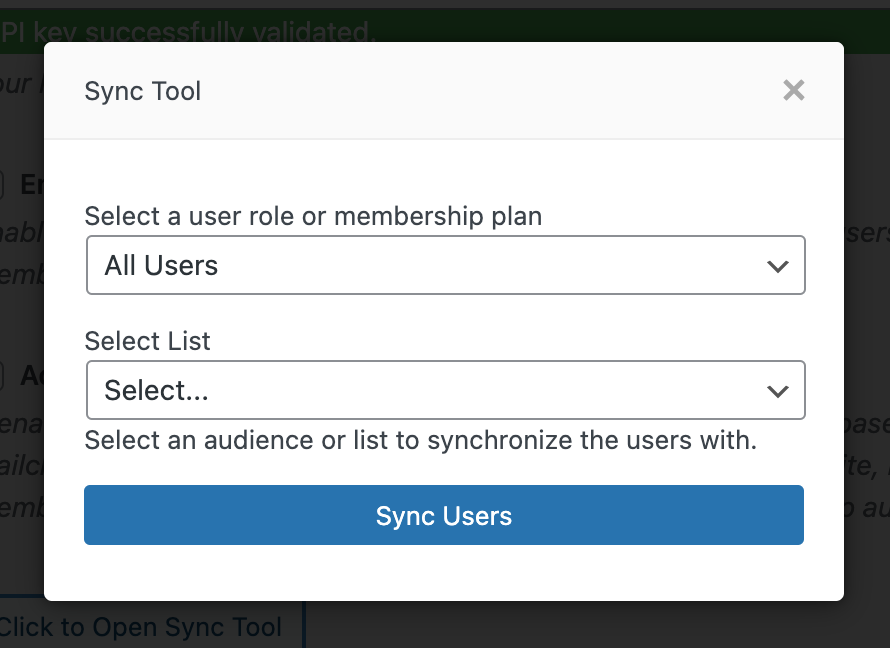
The Sync tool allows you to import all users of your WordPress site into a Brevo group. You can decide to sync only users of a specific role.
The Brevo addon also monitors changes in your WordPress users and automatically synchronizes any detected changes with your specified group.
Also, when members subscribe to a plan, they will be added to the Brevo list you have configured for that plan. And if their subscription expires, they will be removed from the list.
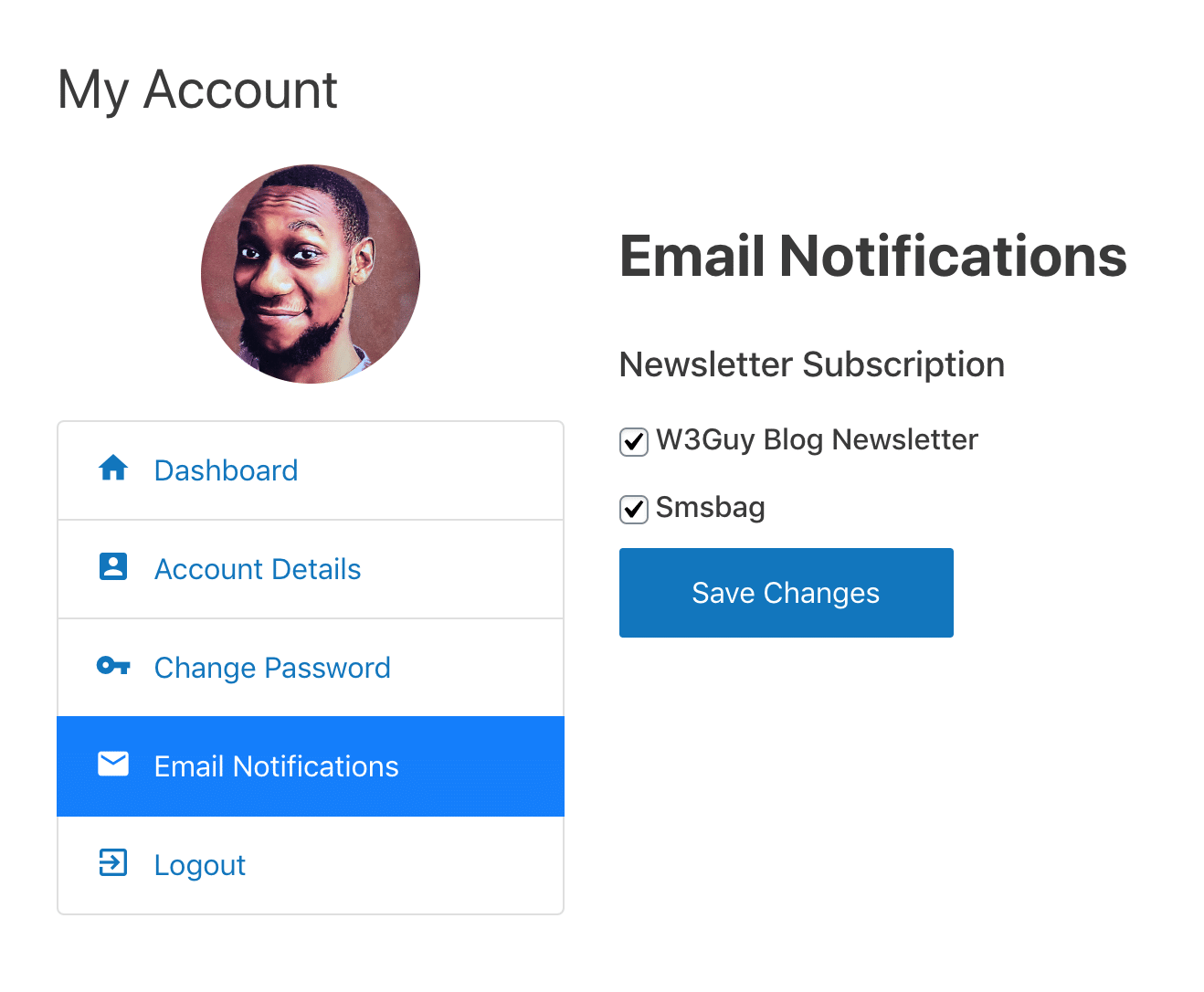
Manage Subscription Page
A “manage my subscriptions” page where logged-in users can manage their email preferences from their ProfilePress account page in WordPress. That is, they can unsubscribe or subscribe themselves to some of your emails and not others.