
ProfilePress Update 4.17.0 – Pay What You Want, Subscription Payment Failed Emails & More
We are excited to announce the release of ProfilePress 4.17.0. This update introduces a new premium Pay What You Want addon for flexible pricing. It also adds a Subscription Payment Failed email notification that fires for every payment gateway, and includes several improvements and bug fixes.
New features
Pay What You Want (Premium addon)
The new Pay What You Want addon lets customers set their own price for a membership plan or product at checkout, instead of paying a fixed amount you choose.
This works well for donations, nonprofits pairing membership with a donation ask, arts and community groups, pay-what-you-can event tickets, sliding-scale course pricing, and testing which price point converts best.
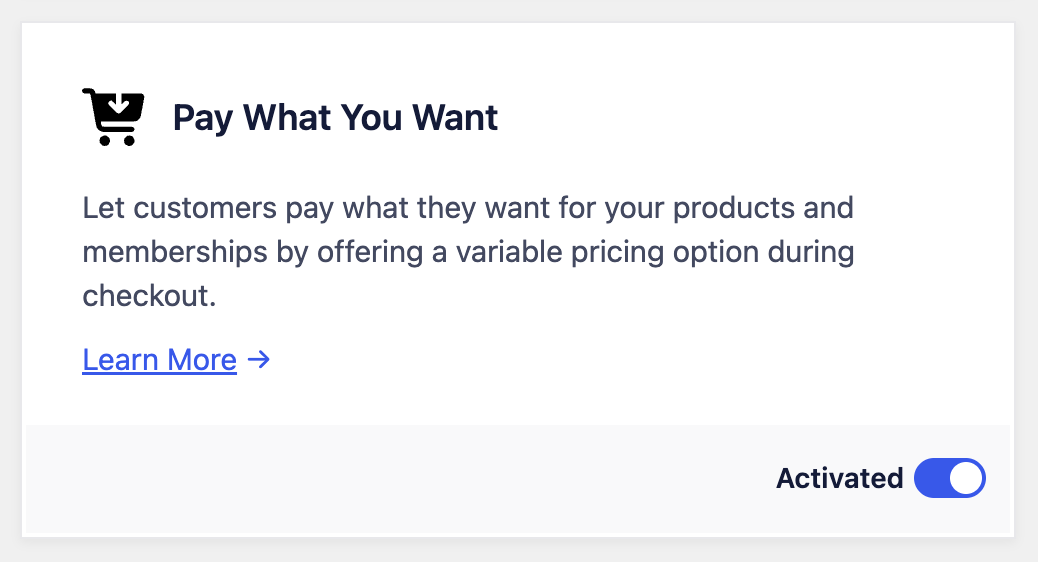
Pay What You Want is a premium addon. It is available on paid ProfilePress plans and does not ship with the free version.
Subscription Payment Failed email notification
Until now, a failed subscription renewal payment gave the customer no dedicated heads-up. They’d only hear from you once the subscription eventually expired or was canceled. ProfilePress 4.17.0 adds a Subscription Payment Failed Notification email that is sent the moment a recurring payment fails, while the gateway is still retrying and the subscription remains active. It’s the email that gives a customer the chance to update their card before they lose access.
The email fires from every supported gateway: Stripe, PayPal, Paystack, Razorpay, and Paddle. Stripe and Paystack need no setup on your part. If you’re running an existing site with PayPal, Razorpay, or Paddle, you need to enable a webhook event manually for the email to fire:
- PayPal: enable the
BILLING.SUBSCRIPTION.PAYMENT.FAILEDevent on your webhook. - Razorpay: enable both
subscription.pendingandsubscription.halted. - Paddle: add a notification destination for the
subscription.past_dueevent.
For developers: a new
ppress_subscription_payment_failedaction fires with the subscription object whenever a recurring payment fails, so you can hook in your own logic, such as an internal alert, an SMS, or a CRM tag.add_action('ppress_subscription_payment_failed', function ($subscription) { // Your custom logic here. });
Bug Fixes & Security
- Stripe checkout fix: changing an account email address no longer breaks checkout.
- Fatal error fix: entering an amount with a currency symbol or a thousands separator, for example
£35or1,234.56no longer throws a fatal error. This affected the amount field on Add Customer and the Plan Price field on the order edit screen. Amounts are now sanitized before ProfilePress processes them. - Security fix: shortcodes stored in a member’s first or last name could execute when that name was displayed on the front end, including in the member directory and on profile pages. Shortcodes in these fields are now stripped before output. Update to 4.17.0 promptly.
You can view the complete changelog here: https://profilepress.com/changelog/
– – –
Be sure to update to the latest version to take advantage of these new features and bug fixes. You can update your ProfilePress plugin from your website Dashboard by navigating to Dashboard>>Updates. You can also download the latest version from your ProfilePress account dashboard.
We are committed to improving our platform’s functionality and providing our users with the best possible experience.
If you have any feedback or suggestions, please contact our support team; we’ll gladly assist you. Thank you for using ProfilePress, and we hope you enjoy the new features.