
Are you looking for the best WordPress donation plugins to help you collect donations and raise funds for your cause?
Whether you run a charity, church, nonprofit organization, school, or community project, your website can make it easier for people to support your work. Instead of asking supporters to contact you before donating, you can add a donation form that lets them choose an amount and pay directly on your website.
But with so many donation plugins available, how do you choose the right one? Some let you add a basic PayPal donation button, while others offer recurring payments, fundraising campaigns, donor records, and detailed reports. With so many differences, picking a plugin that fits your needs can take time.
To help you decide, we compare the best WordPress donation plugins for 2026. You’ll learn what each plugin offers, its pros and cons, and who it’s best suited for, making it easier to find the right option for your website.
What to Look for in a WordPress Donation Plugin
Before choosing a donation plugin, think about how you plan to raise funds and what your supporters need. A plugin that works well for a small charity may not offer everything a large nonprofit organization needs.
Here are a few things to consider before you choose.
1. Payment Options: Choose a plugin that supports several payment methods, such as PayPal, Paystack, and Stripe. Giving donors different ways to pay can make the donation process easier.
2. Recurring Donations: If you want supporters to contribute regularly, look for a WordPress donation plugin that accepts recurring donations, including monthly and yearly ones.
3. Ease of Use: The plugin should make it easy to create donation forms and add them to your website without requiring coding skills.
4. Fees and Pricing: Check the plugin’s price and any extra transaction fees. Some plugins offer free versions, while others require a paid plan to access advanced features.
5. Fundraising Features: Depending on your needs, you may want features such as fundraising goals, progress bars, donor records, and automatic donation receipts.
6. Security and Payment Reliability: Since donors will share payment details, choose a plugin that works with trusted payment providers and supports secure transactions.
With these factors in mind, let’s compare the best WordPress donation plugins for 2026 and see what each offers.
1. ProfilePress
Best for: Membership websites, churches, charities, and organizations that want to accept donations alongside payments for subscriptions, digital products, and services.
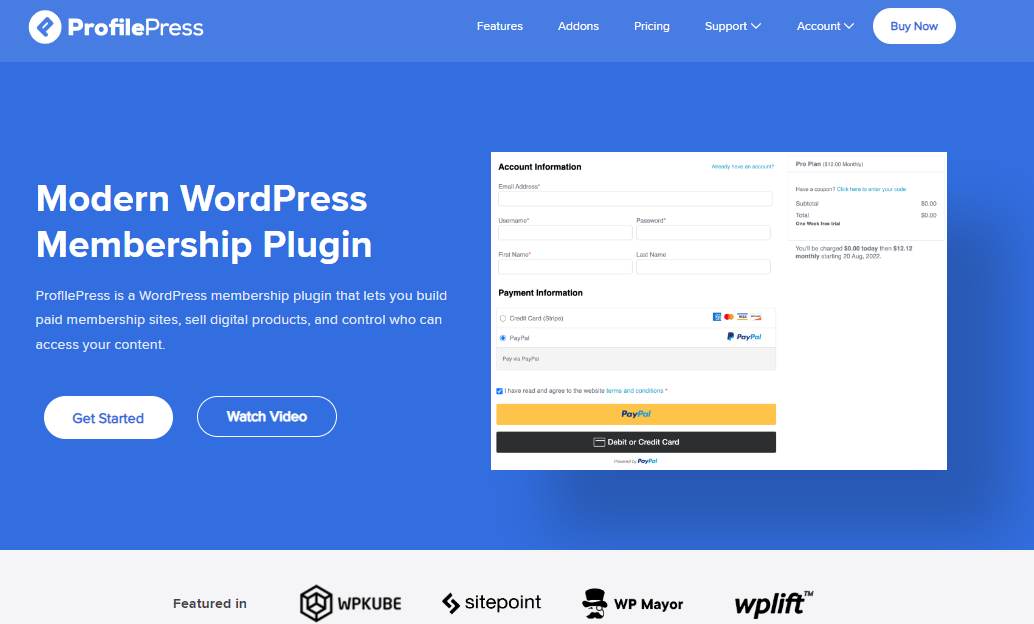
ProfilePress is an effective WordPress membership and ecommerce plugin that lets you accept payments and manage members from your website. For churches, charities, and nonprofit organizations, it lets you collect donations without relying on a dedicated donation plugin.
Its Pay What You Want addon allows supporters to choose how much they want to contribute. You can also accept one-time and recurring payments, making it suitable for fundraising campaigns and regular contributions.
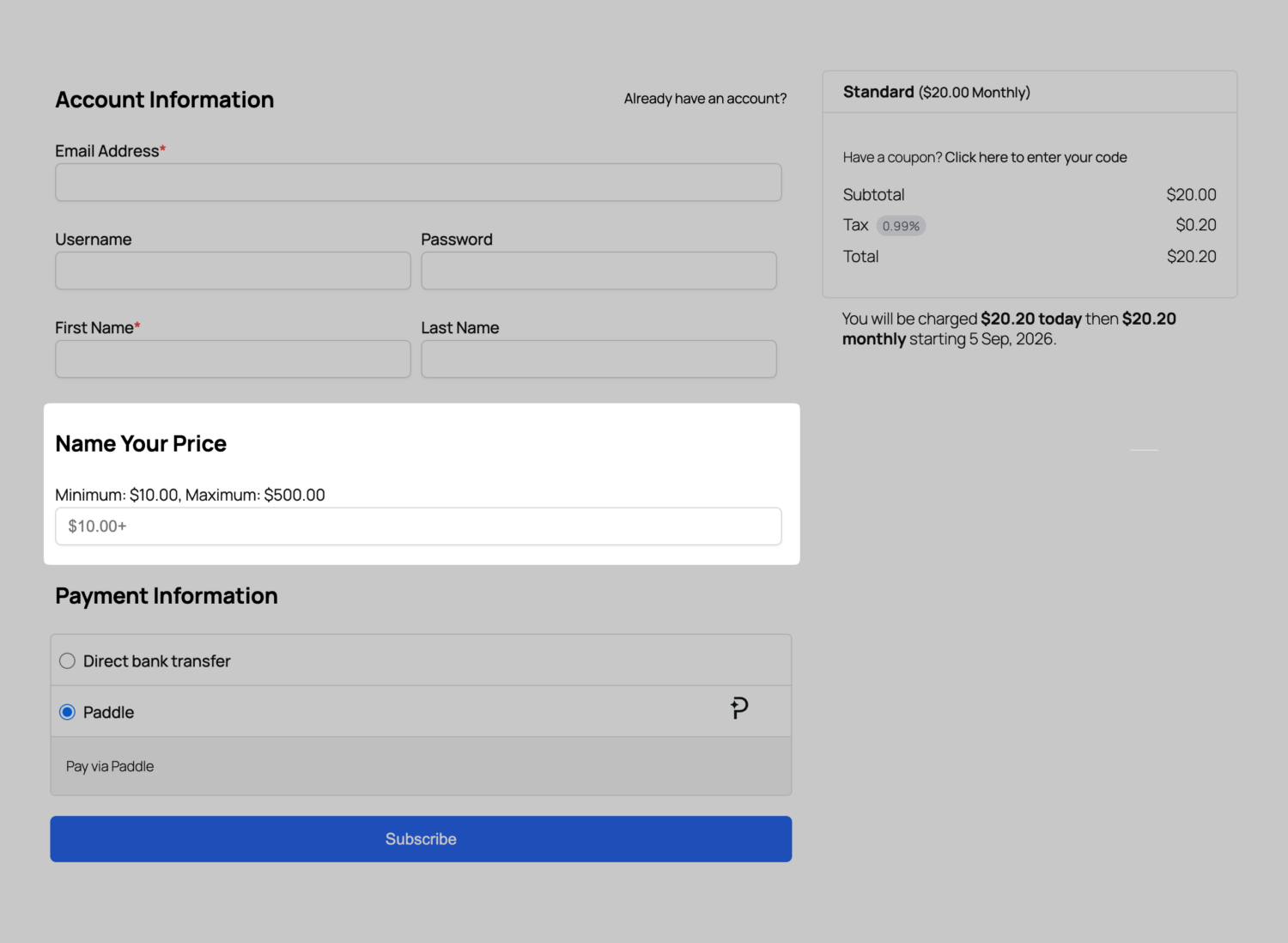
Another advantage is its range of payment options. ProfilePress supports Stripe, PayPal, Razorpay, Paystack, Mollie, Paddle, and bank transfers. This gives donors different ways to contribute, depending on their location and preferred payment method.
Beyond donations, you can create custom registration and login forms, manage member accounts, and restrict content to paying members. These features make ProfilePress worth considering if your organization also offers paid memberships, online courses, or digital products.
Pros
- Accepts one-time and recurring payments.
- Lets donors choose their contribution amounts with the Pay What You Want addon.
- Supports several payment gateways, including Stripe, PayPal, and Paystack.
- Includes a drag-and-drop form builder for creating custom payment forms.
- Supports paid memberships, subscriptions, and digital product sales.
- Offers payment reports and customer management features.
- Integrates with popular learning management systems.
Cons
- The Pay What You Want feature requires a premium addon.
- Some advanced features require a paid plan.
- It does not focus exclusively on donation campaigns and donor management.
- The range of membership features may be unnecessary for organizations that only need a basic donation form.
Verdict: ProfilePress is worth considering if you want to collect donations while running a membership website or selling digital products and services. Its Pay What You Want addon lets supporters choose their contribution amounts, while its payment integrations offer several ways to collect money.
2. GiveWP
Best for: Charities, churches, nonprofits, and individuals who want to collect donations, manage donors, and run fundraising campaigns directly from their WordPress websites.
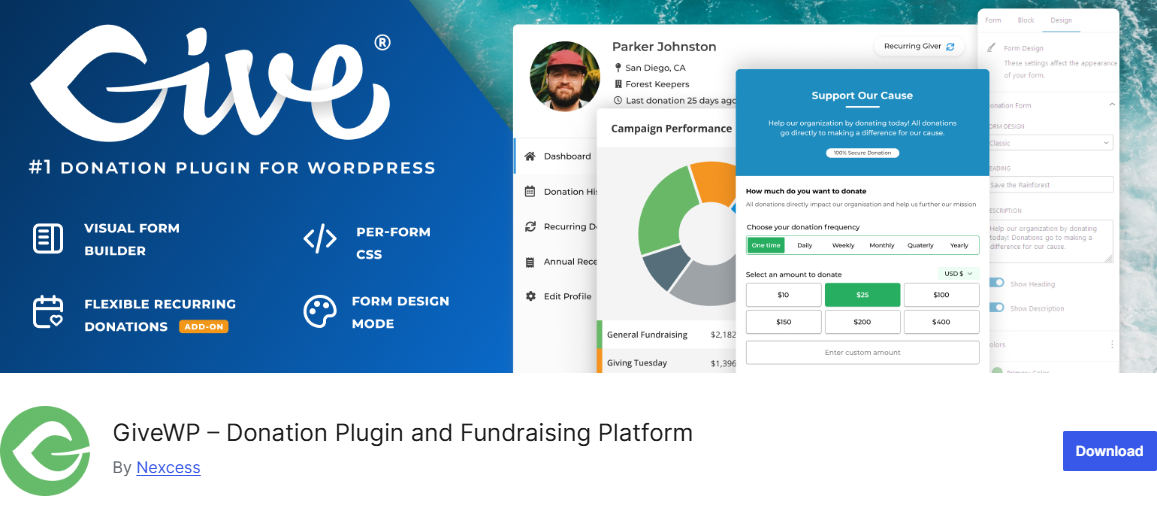
GiveWP is a dedicated WordPress donation plugin that helps organizations raise funds online. It lets you create donation forms, accept contributions, track fundraising progress, and manage donor records from your website.
Whether you are collecting money for a church project, supporting a local charity, or raising funds for a personal cause, GiveWP provides features to help you manage the process. You can start with its free version and create customizable donation forms without paying for a premium plan.
With GiveWP, you can create separate campaigns for different causes, set fundraising goals, and build dedicated campaign pages with donation forms and progress bars.
The plugin also provides reports that help you review donation activity, filter results by date or payment method, and export fundraising data. Donors can access their donation history through a dedicated dashboard, while available premium addons let you offer features such as recurring donations, peer-to-peer fundraising, and downloadable PDF receipts.
GiveWP also supports several payment methods, including Stripe, PayPal, Venmo, and offline donations. Additional payment gateways are available through its addons, giving you more options as your fundraising needs grow. You can display donation forms on different pages using blocks, shortcodes, or widgets.
Pros
- Offers a free version with customizable donation forms.
- Supports campaign-based fundraising with goals and progress bars.
- Provides donor management and fundraising reports.
- Accepts payments through Stripe and PayPal in the free version.
- Supports recurring donations through a premium addon.
- Allows donors to view their donation history through a dashboard.
- Offers additional features for peer-to-peer fundraising and PDF receipts.
- Lets you display donation forms across different pages on your website.
Cons
- Some advanced fundraising features require paid addons.
- Recurring donations require a premium addon.
- Additional payment gateways may require separate purchases.
- The range of available features may take time to learn if you are new to online fundraising.
Verdict: GiveWP is a great option for organizations that need more than a basic donation form. Its campaign pages, fundraising reports, and donor management features make it suitable for charities, churches, and nonprofits that want to manage their fundraising activities directly from WordPress.
3. Charitable
Best for: Charities, nonprofits, churches, foundations, and individuals who want to run fundraising campaigns, accept recurring donations, and encourage community support.

Charitable is another WordPress donation plugin that helps you collect donations and manage fundraising campaigns directly from your website. You can create donation forms, add suggested contribution amounts, allow donors to enter their preferred amounts, and set fundraising goals.
Its drag-and-drop form builder makes it easier to create forms that fit your website without writing code. Whether you are raising money for a community project, supporting a charity, or organizing a personal fundraiser, Charitable gives you a practical way to collect contributions online.
With Charitable, you can create multiple campaigns, display donation progress, share campaign updates, and show donor contributions to encourage others to give. It also supports recurring donations through compatible payment integrations, helping organizations receive regular support from donors.
For larger campaigns, its peer-to-peer fundraising feature lets supporters create donation teams and raise money on your behalf. This can be useful for charity walks, community events, and other campaigns that benefit from wider participation.
Charitable also includes donor management features that help you review donation history, export records, and send donation receipts. It integrates with payment providers such as Stripe, PayPal, and Square, with additional gateways available through its integrations. You can also connect it to email marketing services to keep supporters informed about your campaigns.
Pros
- Offers customizable donation forms and fundraising campaign templates.
- Allows donors to enter their preferred contribution amounts.
- Supports fundraising goals and donation progress displays.
- Provides recurring donation options through compatible payment integrations.
- Includes peer-to-peer fundraising and donation teams.
- Offers donor records, donation reports, and receipt features.
- Integrates with payment gateways such as Stripe, PayPal, and Square.
- Connects with email marketing services and workflow automation platforms.
Cons
- Some advanced fundraising features require a paid plan or addon.
- Recurring donations may require a premium plan.
- The range of available features may take time to learn.
- Additional integrations can increase the total cost, depending on your needs.
Verdict: Consider Charitable if you want to organize your fundraising efforts into separate campaigns. It is a useful alternative to GiveWP.
4. Donorbox
Best for: Nonprofits, charities, churches, and individuals who want to accept online donations, manage recurring contributions, and create branded fundraising forms.
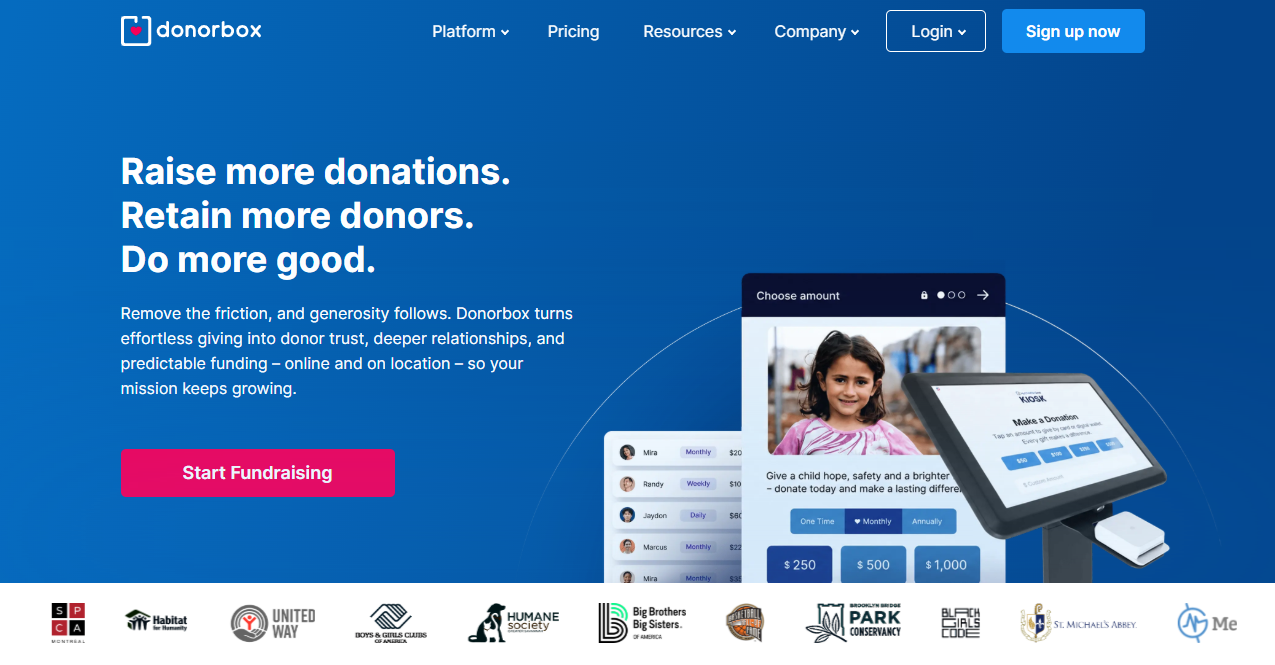
Donorbox is a donation platform that lets you collect contributions through your WordPress website without building a donation system from scratch. Its WordPress plugin makes it easy to embed donation forms on your website or display them as popups.
You can customize the forms with your logo, preferred colors, suggested donation amounts, and custom fields to collect information from supporters. Whether you are raising money for a charity project, supporting an animal rescue, or organizing a community fundraiser, Donorbox offers a convenient way to accept donations online.
A major benefit of Donorbox is its focus on making donations easy for supporters. It accepts payments through services such as Stripe and PayPal, with options including Apple Pay and Google Pay available through supported payment integrations.
You can accept one-time contributions or let donors set up recurring donations to build a regular funding stream. Donorbox also supports multiple currencies and offers localized donation forms in several languages, making it useful for organizations that receive contributions from people in different countries.
Donorbox also helps you manage donations after payments come in. Its dashboard lets you review donor records, resend receipts, issue refunds, and export donation data for financial reporting. You can also record offline contributions, such as cash or checks, to keep your records up to date.
Pros
- Offers a free WordPress plugin for embedding donation forms.
- Lets you create branded donation forms and popup forms.
- Supports one-time and recurring donations.
- Accepts payments through Stripe and PayPal, with additional payment options available through supported integrations.
- Supports multiple currencies and several form languages.
- Sends automatic donation receipts.
- Provides donor records, donation reports, and CSV exports.
- Allows you to record offline donations.
- Offers additional fundraising services, including crowdfunding and peer-to-peer fundraising.
Cons
- The WordPress plugin relies on a Donorbox account and its external platform.
- Platform fees and payment processing charges apply.
- Some fundraising features require separate plans or services.
- Organizations that want to manage their entire donation system within WordPress may prefer a plugin with more built-in functionality.
Verdict: Donorbox is worth a look if you prefer a hosted fundraising service with WordPress integration. Compare its total fees and available payment methods with self-hosted alternatives before deciding.
5. Donations via PayPal
Best for: Bloggers, churches, charities, and small organizations that want a simple way to accept donations through PayPal on their WordPress websites.

Not every website needs a donation system packed with advanced features. Sometimes, all you need is a button that lets visitors support your work with a few clicks. Donations via PayPal is a lightweight WordPress plugin that does just that.
It lets you add a PayPal donation button to your website using a shortcode or sidebar widget, making it a practical choice for individuals and organizations that want to collect contributions without setting up a complex fundraising system.
The plugin lets you control how your donation button looks and works. You can choose a button from the available options or use your own image. It also lets you set a default donation purpose, add a reference, select a currency, and adjust the button’s language and payment page style. These settings help you use the same plugin for different purposes, whether you are collecting donations for a church project, supporting a blog, or raising funds for a community cause.
Pros
- Provides a simple way to accept donations through PayPal.
- Lets you add donation buttons to posts, pages, and sidebars.
- Supports custom donation button images.
- Allows you to set a default donation purpose and reference.
- Offers currency, language, and payment page customization options.
- Uses shortcodes to place donation buttons where needed.
- Works well for websites that need basic donation functionality.
Cons
- Focuses on PayPal rather than offering multiple payment gateways.
- Does not include advanced fundraising campaign management.
- Lacks built-in donor management and detailed fundraising reports.
- Offers fewer features than full-featured donation plugins.
- May not suit organizations that need extensive fundraising features as their operations grow.
Verdict: Go for Donations via PayPal if you want a simple donation button without the extra features found in larger fundraising plugins. Its shortcode and sidebar widget make it easy to collect contributions through PayPal, while its customization settings let you adjust the button to suit your website.
6. Donation Platform for WooCommerce
Best for: Charities, nonprofits, churches, and fundraising organizers who want to use WooCommerce to collect donations, manage donor records, and run fundraising campaigns.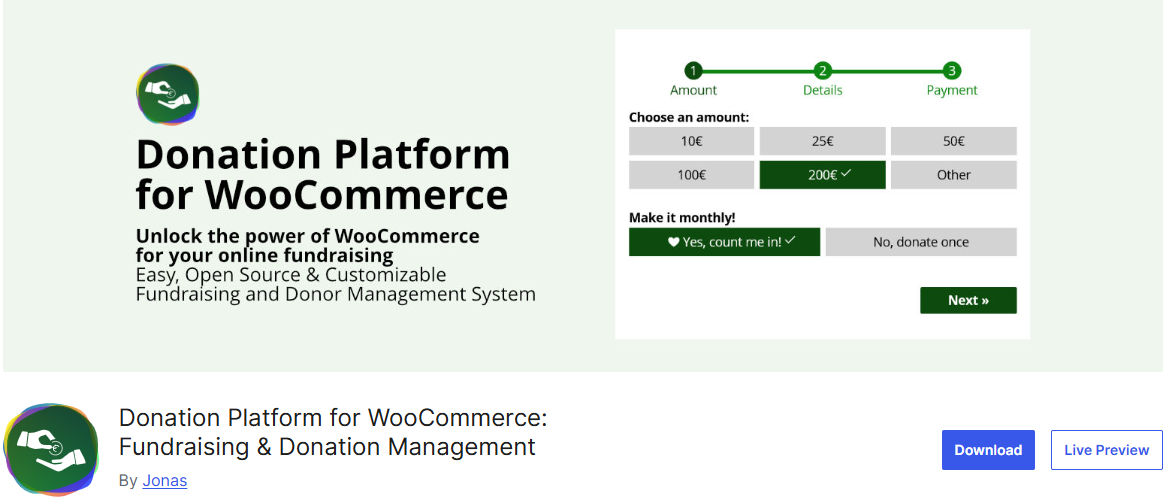
Donation Platform for WooCommerce turns a WordPress website powered by WooCommerce into a fundraising platform. It lets you create donation forms, collect contributions, and manage donations using WooCommerce’s existing features.
Whether you are raising money for a charity, supporting a community project, or collecting funds for a personal cause, this plugin offers a practical way to manage donations from your own website. It is also free and open source, with no paid extensions required for its own features.
What makes this plugin worth considering is its range of donation features. You can choose from five donation form designs, set suggested contribution amounts, and let supporters enter their own amounts. It also supports donation receipts, donor accounts, donation leaderboards, and fee recovery, which allows donors to cover payment processing costs.
For organizations that want regular contributions, compatible WooCommerce subscription extensions enable recurring donations. You can also add donation requests to checkout, allowing customers to contribute while purchasing products from your store.
Another advantage is its connection to the wider WooCommerce ecosystem. The plugin supports payment options through WooCommerce gateways, giving you access to a wide range of payment providers, including PayPal and Stripe through compatible integrations.
You can also connect your fundraising website to email marketing services, customer management systems, and analytics platforms. However, the plugin modifies WooCommerce’s frontend text for donation purposes. If you also run a regular online store, you may need to enable compatibility mode or use a separate WordPress installation. Consider this before you install it.
Pros
- Free and open source, with no paid extensions required for its own features.
- Includes five donation form designs.
- Allows donors to enter custom contribution amounts.
- Supports donation receipts and donor accounts.
- Offers donation leaderboards to recognize supporters.
- Allows donors to cover payment processing fees.
- Supports checkout donation requests for WooCommerce stores.
- Works with a wide range of compatible WooCommerce payment gateways.
- Gives organizations control over their donation data.
Cons
- Requires WooCommerce to work.
- Recurring donations require an additional subscription extension.
- Setting it up may take extra work if you are unfamiliar with WooCommerce.
- Running donations alongside a regular online store may require compatibility settings.
- Some features depend on other WooCommerce extensions and integrations.
Verdict: Consider this plugin if WooCommerce already powers your website and you want to add donation functionality. If fundraising is your site’s main purpose, go for GiveWP or Charitable.
7. Accept Donations with PayPal & Stripe
Best for: Charities, churches, nonprofits, and website owners who want to accept donations through PayPal and Stripe without setting up a complicated fundraising system.

Accept Donations with PayPal & Stripe is a WordPress plugin that lets you collect donations directly from your website. It connects with PayPal and Stripe, allowing supporters to donate through their PayPal accounts or pay by credit card using Stripe. You can add donation buttons to any page or post using shortcodes, or add a donation widget so visitors can find it easily.
The plugin gives you control over how your donation buttons look and work. You can choose from seven built-in PayPal button designs or upload your own image. Each button can have its own currency, language, and PayPal account, which is useful if you manage different fundraising activities.
The plugin also supports 25 currencies and 18 languages, making it suitable for organizations that receive support from donors in different countries. You can view donation records in your WordPress dashboard and use PayPal Sandbox mode to test your setup before accepting real payments.
If you want to encourage regular giving, the plugin supports monthly recurring donations through PayPal. You can also add dropdown menus that let donors select from preset contribution amounts. The Pro version offers more recurring donation options, including daily, weekly, monthly, and yearly payments, along with the option to set donations to continue indefinitely.
Pros
- Accepts donations through PayPal and Stripe.
- Lets you add donation buttons to pages and posts using shortcodes.
- Includes a donation widget for your website.
- Offers seven built-in PayPal button designs and custom button images.
- Supports multiple currencies and languages.
- Allows separate settings for each donation button.
- Displays donation records in the WordPress dashboard.
- Includes PayPal Sandbox mode for testing payments.
- Supports monthly recurring donations through PayPal.
- Offers additional recurring payment options in the Pro version.
Cons
- Focuses mainly on PayPal and Stripe rather than offering a wide range of payment gateways.
- Advanced recurring donation options require the Pro version.
- Does not provide the campaign management and peer-to-peer fundraising features available in dedicated fundraising plugins.
- Organizations that need detailed donor reports and advanced fundraising features may need another solution.
Verdict: Go for Accept Donations with PayPal & Stripe if you want a simple way to collect contributions through your WordPress website. Its donation buttons, preset amounts, currency settings, and PayPal testing option make it useful for churches, charities, and small organizations that want to start accepting payments without building a large fundraising system.
Frequently Asked Questions About WordPress Donation Plugins
Q1. What Is the Best WordPress Donation Plugin?
The best WordPress donation plugin depends on your fundraising goals, budget, and required features. GiveWP and Charitable are worth considering if you want to create fundraising campaigns, set donation goals, and manage donor records.
ProfilePress may be a good fit if you want to accept donations alongside memberships, subscriptions, or digital products. Donorbox is another option if you prefer to manage donations through an external fundraising platform. If you only need a basic donation button, Donations via PayPal or Accept Donations with PayPal & Stripe may meet your needs.
Before choosing a plugin, compare its payment options, recurring donation support, pricing, and reporting features.
Q2. Which WordPress Donation Plugin Is Best for Churches?
The best donation plugin for a church depends on how it collects offerings and manages contributions. A church that needs a basic way to receive donations may find a PayPal button plugin sufficient.
For churches that need campaign pages, donation goals, recurring contributions, and donor records, GiveWP or Charitable may be worth considering. ProfilePress can also work for churches that want to accept donations alongside paid memberships, subscriptions, or restricted content.
Q3. Can I Accept Donations Without Using WooCommerce?
Yes, you can accept donations on WordPress without installing WooCommerce. Plugins such as GiveWP, Charitable, and ProfilePress let you collect donations through their own forms or payment features.
Accept Donations with PayPal & Stripe also lets you add donation buttons to your website without building a WooCommerce store.
WooCommerce may be useful if your organization already sells products or uses its checkout system. However, if your main goal is to collect donations, a dedicated donation plugin may be a better fit.
Q4. Can Donors Choose Their Own Donation Amounts?
Yes, several WordPress donation plugins let donors enter the amount they want to contribute. This gives supporters more freedom to donate according to their budgets.
Some plugins also let you display suggested amounts, such as $10, $25, or $50, while allowing donors to enter a different amount. Others provide dropdown menus with preset contributions.
For example, ProfilePress supports flexible pricing through its Pay What You Want add-on. Donation Platform for WooCommerce also lets you set custom contribution amounts.
Conclusion: Which WordPress Donation Plugin Should You Choose?
Choosing a WordPress donation plugin comes down to one question: what does your fundraising actually look like? The seven plugins we compared cover everything from a single PayPal button to full campaign platforms with donor records, recurring gifts, and peer-to-peer fundraising. The right pick matches how you collect money today, with room to grow.
If you want donations and memberships under one roof, ProfilePress leads the pack. If fundraising is your whole focus, GiveWP gives you campaign pages, donor dashboards, and reports for free. Charitable gets a campaign live fastest, Donorbox keeps the technical side off your plate, and Donation Platform is for anyone already running a store.
So pick the plugin that fits your cause, install it, and put that first form live this week. Your donors are already looking for the donate button.