
LearnDash is one of the best-known LMS plugins for WordPress, and for good reason. It’s mature, widely used, and has a large ecosystem.
But it isn’t the right fit for every site. You might want a free version to start with, a lower total cost, or memberships and courses handled by one plugin instead of two.
In this guide, we’ll show you five LearnDash alternatives worth considering, a fair look at LearnDash vs Tutor LMS, and how to switch without moving your courses. We make ProfilePress, one of the options, so we’ll be clear about where it fits and where it doesn’t.
Quick Answer: The main LearnDash alternatives for WordPress are ProfilePress, Tutor LMS, LifterLMS, Sensei LMS, and MasterStudy LMS, and all five have a free version. ProfilePress is the option if you want memberships, checkout, and courses in one plugin. If your LearnDash courses already work, ProfilePress Pro can also sell access to them as they are.
What Is a LearnDash Alternative?
A LearnDash alternative is another WordPress plugin that lets you build, deliver, and sell online courses. Some are dedicated LMS plugins (learning management systems), built mainly for courses. Others, like ProfilePress, are membership plugins with a built-in course builder, so courses, memberships, and protected content share one setup.
For example, a site that sells a monthly membership plus two courses might use one plugin for everything instead of an LMS, a membership plugin, and a checkout plugin.
Why Look for LearnDash Alternatives?
Most people who search for an alternative aren’t unhappy with LearnDash’s course features. The reasons usually come down to cost, setup, and what else the site needs to do.
- It’s premium only: LearnDash has no free version, so you pay before you can build your first course. If you’re testing an idea, you may want to start free and pay once the course sells.
- The total cost adds up: An LMS is rarely the only plugin you pay for. Add a membership plugin, a checkout or e-commerce plugin, and add-ons for each, and the yearly total can add up to several licenses.
- You want memberships and courses in one plugin: LearnDash is an LMS first. If you also sell memberships, protect content outside your courses or run a community, you add a membership tool next to it, either LearnDash’s companion product MemberDash or another membership plugin.
- Simplicity: A full-featured LMS has a lot of settings. If you’re selling one or two courses, you may want something lighter.
None of these mean LearnDash is a bad choice. They mean the best plugin depends on your site. For a broader look at the options, see our roundup of the best WordPress LMS plugins.
5 LearnDash Alternatives for Membership Sites
1. ProfilePress (Courses)
ProfilePress is a membership plugin with a built-in course builder. Courses are new in ProfilePress, so it doesn’t yet have LearnDash’s years of add-ons and integrations. It offers memberships, payments, and courses in one plugin, with the course builder included in the free version.
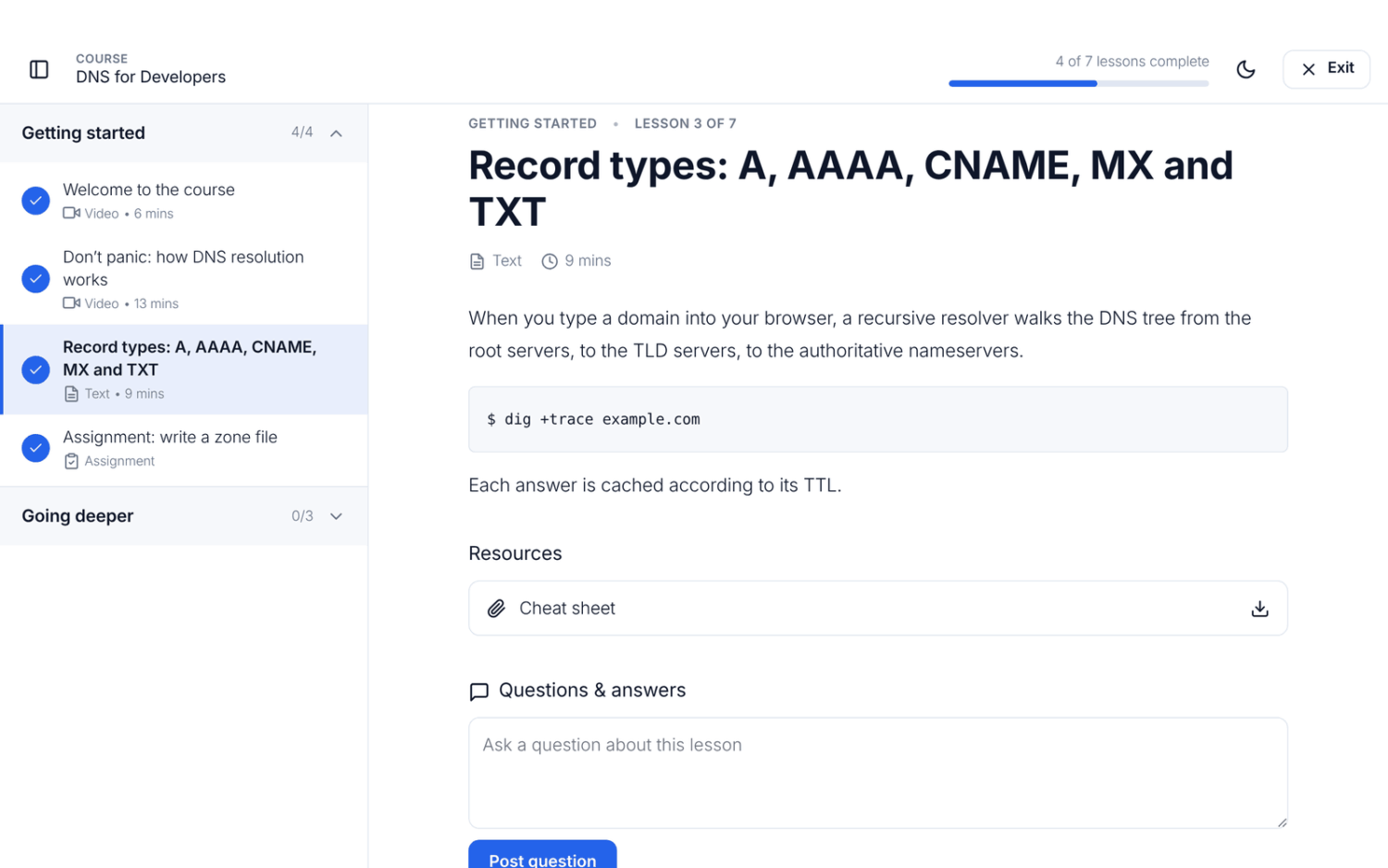
You build courses in a visual builder with sections and video, text, and quiz lessons. Students take lessons in a distraction-free focus mode and pick up where they left off, videos included. Certificates, drip, prerequisites, course bundles, and progress reports are part of the free plugin too.
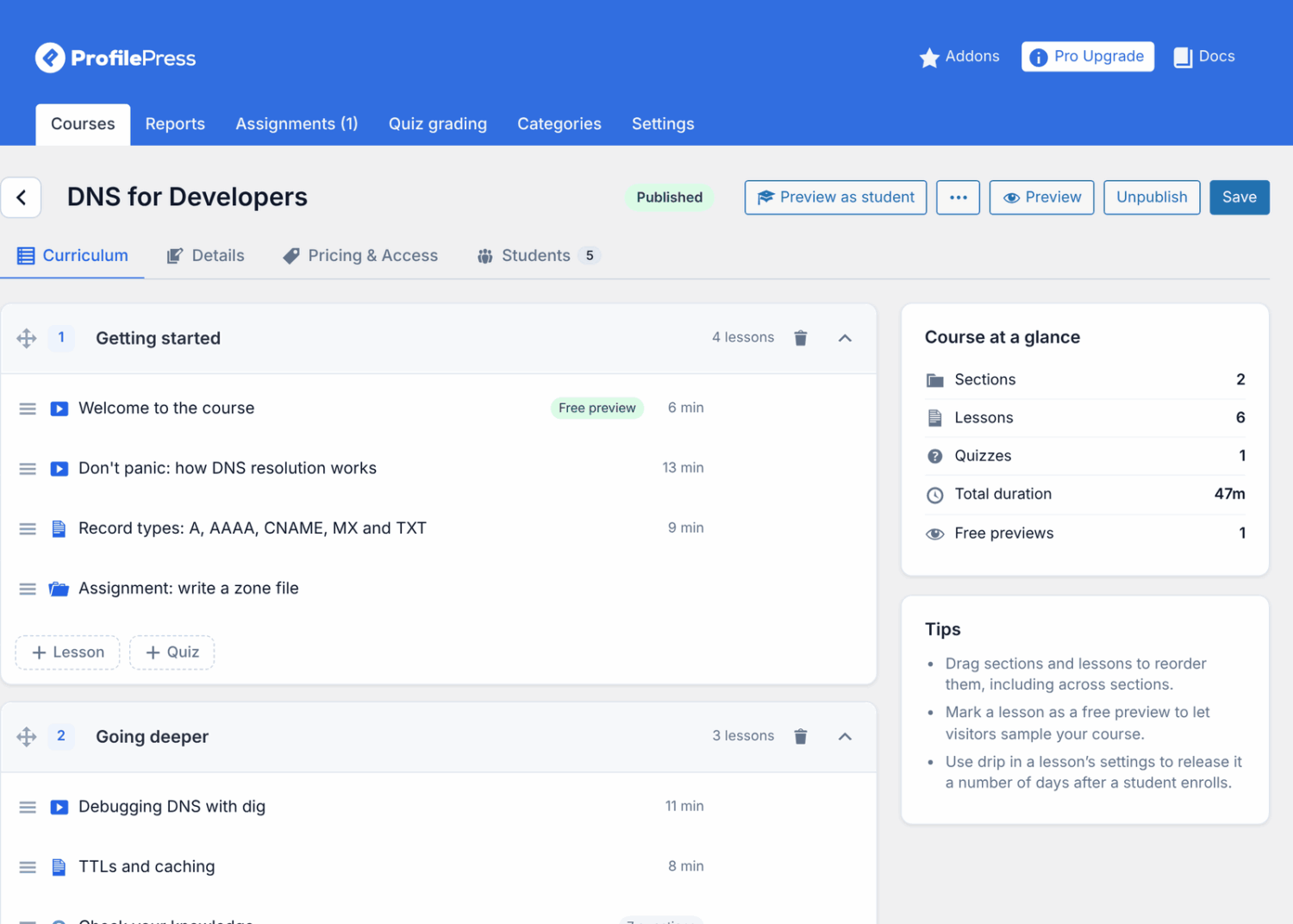
Selling works through ProfilePress membership plans. A course can be paid, free for members or free and open to everyone. For a paid course, you tick the plans that unlock it, or create a plan without leaving the builder.
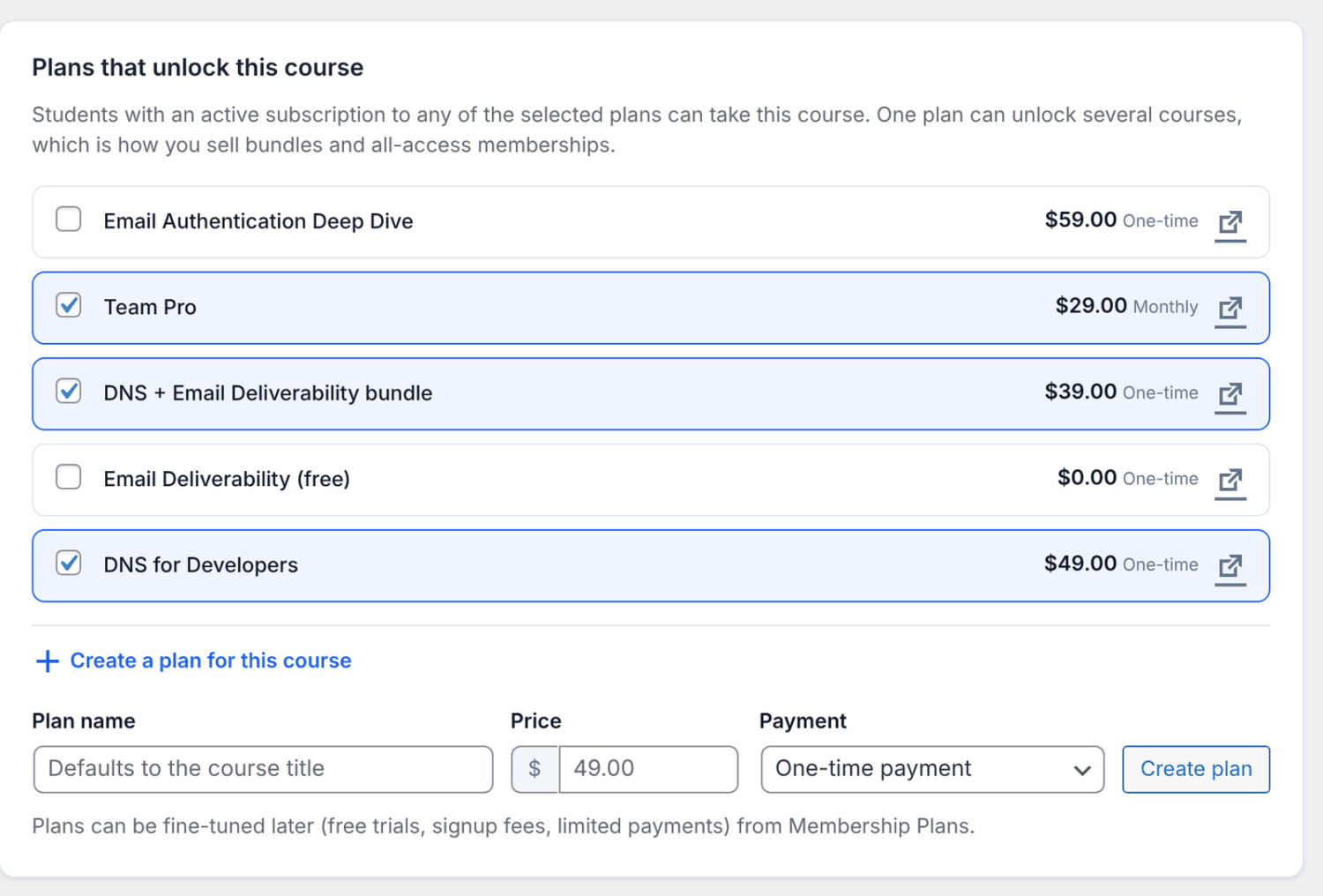
One plan can unlock several courses, so an all-access membership, a tiered membership and a one-off course sale all use the same setup. Plans can be one-time, monthly or yearly, with free trials and signup fees.
Because the plan is a membership, the same purchase can also protect pages, posts and downloads outside the course, give a user role or add the student to an email list. ProfilePress Pro adds two course add-ons:
- Advanced Courses (Pro Plus and Agency plans): Course instructors, assignments, written-answer quiz questions you grade by hand, completion actions, and course announcements.
- Team Memberships (Plus and Agency plans): Sell seats to companies, with invitations and automatic enrollment.
Best for: Membership sites that want courses and memberships in one plugin, and course creators who want to start free.
2. Tutor LMS
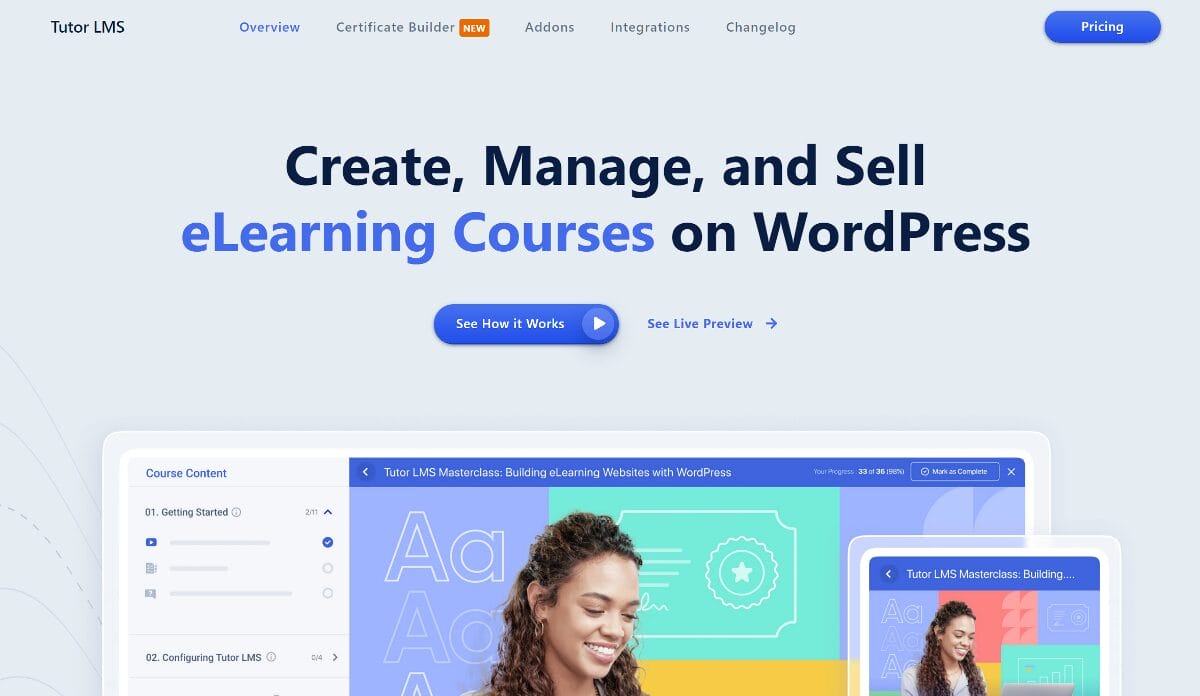
Tutor LMS has a free version on WordPress.org and a paid Pro version, so you can build and test a course before paying. It’s a full LMS with a course builder and quizzes, and it has its own ways to sell courses.
It can also hand monetization off to another plugin. If you choose ProfilePress as its monetization option, Tutor’s course pages link to the checkout of a ProfilePress plan, and the ProfilePress Tutor LMS integration is free.
Best for: Course creators who want a dedicated LMS with a free version to start on.
3. LifterLMS
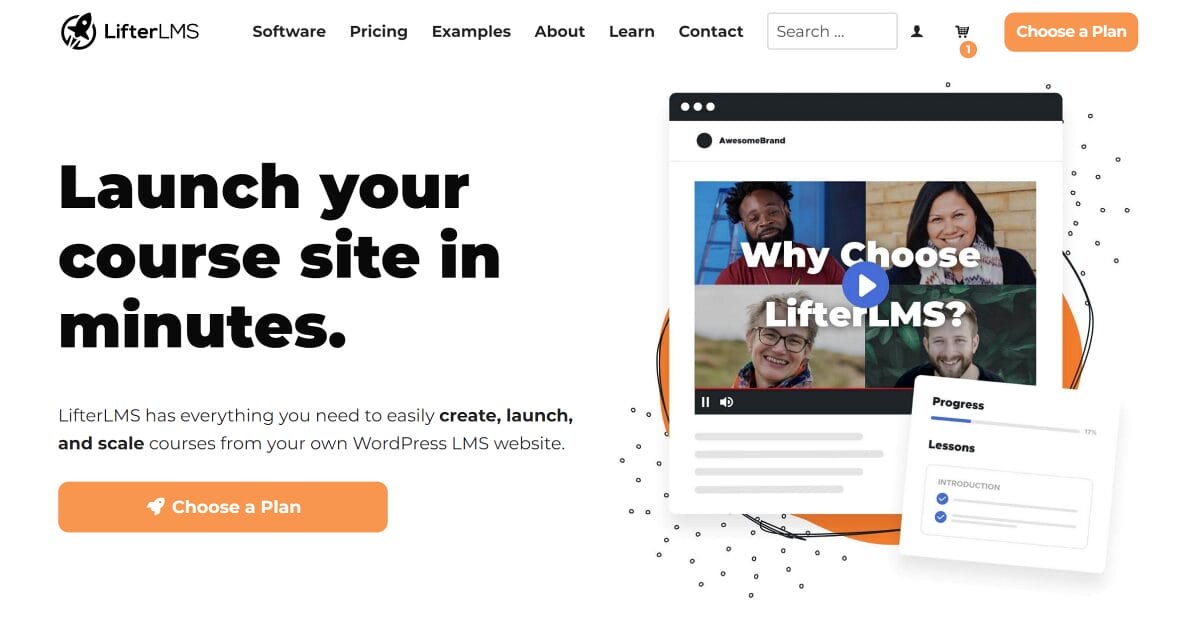
LifterLMS has a free core plugin on WordPress.org, with paid add-ons for extra features. It includes memberships alongside courses, which makes it a common choice for sites that sell both.
If you’d rather run payments and memberships in ProfilePress, ProfilePress can provide LifterLMS courses and memberships through a plan.
Best for: People who want an LMS that has its own memberships and are happy to add paid add-ons as they grow.
4. Sensei LMS
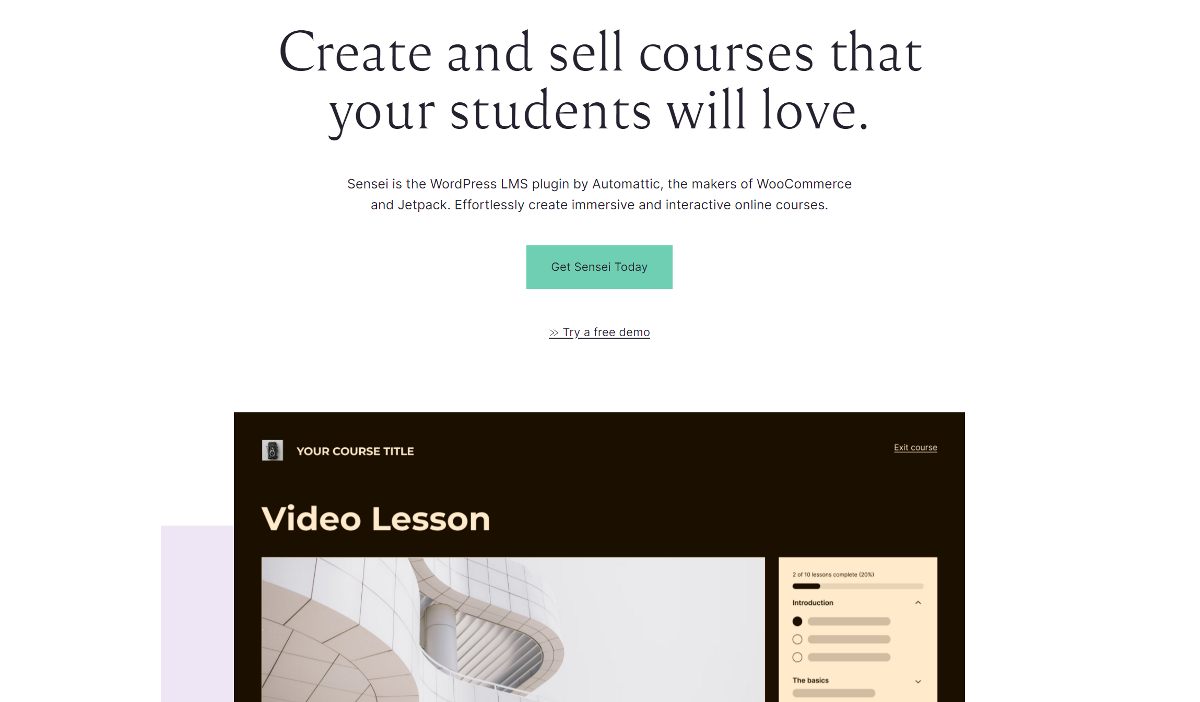
Sensei LMS is made by Automattic, the company behind WordPress.com and WooCommerce. It has a free version on WordPress.org and a paid Sensei Pro.
ProfilePress can sell access to Sensei courses and student groups when Sensei Pro’s groups are active.
Best for: Sites that want a straightforward course plugin from a company deeply involved in WordPress.
5. MasterStudy LMS
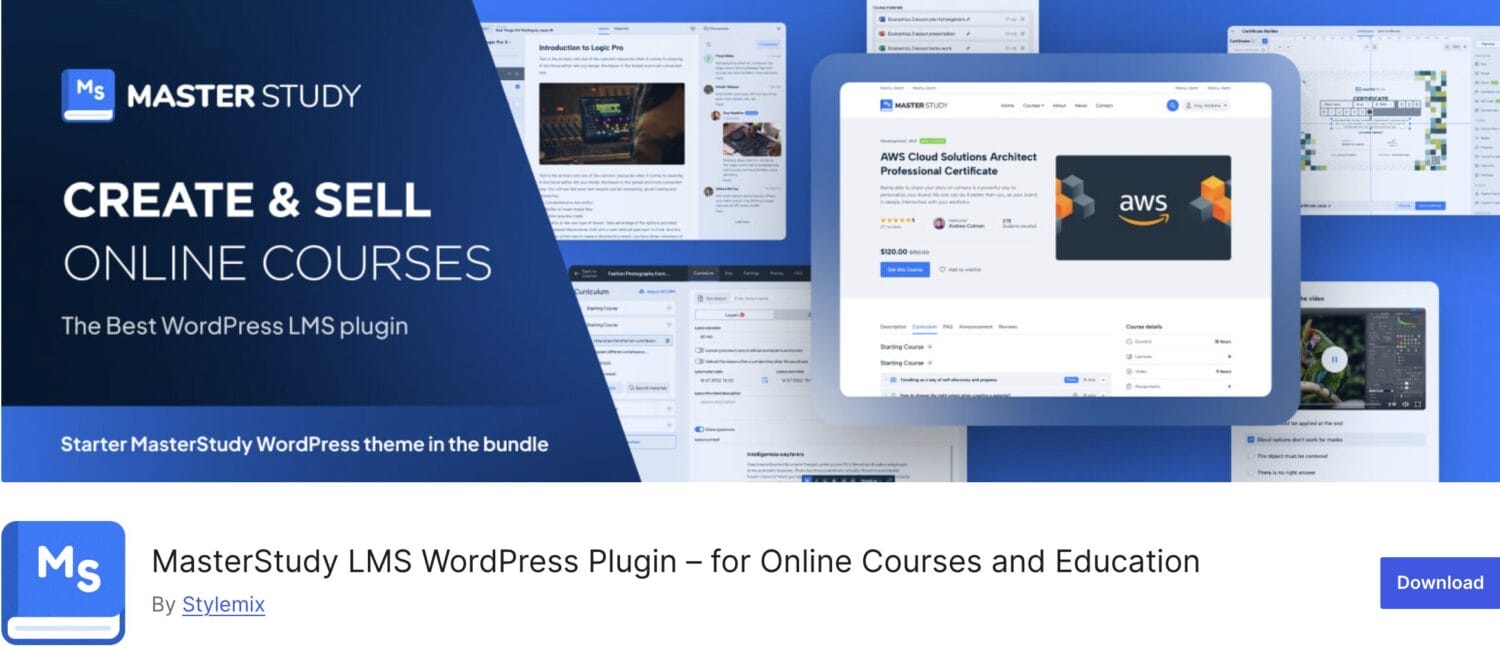
MasterStudy LMS has a free version on WordPress.org and a paid Pro version. It’s often used together with themes built for it, which helps if you want an online-school look without designing it yourself.
ProfilePress Pro can provide MasterStudy courses through a plan.
Best for: People building a school-style site who like starting from a ready-made design.
LearnDash vs Tutor LMS
These two come up together most often because both are full LMS plugins rather than membership plugins with courses added. At a high level, the main difference is how you pay for them, not what they can teach.
| LearnDash | Tutor LMS | |
|---|---|---|
| Free version | No, premium only | Yes, on WordPress.org, with a paid Pro version |
| Getting started | Buy a license, then build | Build on the free version, upgrade when you need Pro features |
| Track record | On the market longer, with a large ecosystem of add-ons and integrations | Newer |
| Course features | Course builder, quizzes, groups, and ways to sell courses | Course builder, quizzes and ways to sell courses |
| Pricing | From $259 a year for one site | Free; Pro from $199 a year for one site, or $499 one-time |
- Choose LearnDash if you want a long-established LMS with many third-party add-ons, themes and developers who know it, and the price of a premium plugin isn’t a concern.
- Choose Tutor LMS if you want to start free, keep costs low while you test a course, and upgrade later.
Either way, both work with ProfilePress if you want one place for memberships, checkout and protected content around your courses. The Tutor LMS integration is free, and the LearnDash integration is included in every ProfilePress Pro plan. For a wider comparison, see LifterLMS vs LearnDash vs Tutor LMS vs Sensei.
LearnDash Alternatives Compared
| Alternative | Free version? | Best for | Pricing |
|---|---|---|---|
| ProfilePress (Courses) | Yes, course builder included | Memberships and courses in one plugin | Free; Pro from $129/yr (Standard, 1 site), $299/yr (Plus, 3 sites), $599/yr (Agency, unlimited sites) |
| Tutor LMS | Yes, plus Pro | A dedicated LMS you can start free | Free; Pro from $199/year |
| LifterLMS | Yes, plus paid add-ons | An LMS with its own memberships | Free; bundles from $199/year |
| Sensei LMS | Yes, plus Sensei Pro | A straightforward course plugin from Automattic | Free; Pro $179/year |
| MasterStudy LMS | Yes, plus Pro | School-style sites with a ready-made design | Free; Pro Plus from $99/year |
| LearnDash (for reference) | No | A mature LMS with a large ecosystem | From $259/year |
Prices are starting prices in US dollars as of October 2026, taken from each vendor’s own site. Check their pricing pages for current offers.
Who Should Stay on LearnDash
Switching has a cost, and LearnDash does its job well. Stay on it if:
- Your courses, quizzes, and student records already work well, and moving them would take more time than it saves.
- You rely on LearnDash add-ons, a LearnDash theme or custom code built for it.
- Your problem is selling and memberships, not the courses themselves. In that case, keep LearnDash for the courses and change only what sits around it.
How to Sell LearnDash Courses With ProfilePress Without Migrating
Many people looking for LearnDash alternatives want a simpler way to sell memberships around their courses, not new courses. You can get that without moving a single lesson.
Before You Start: You’ll need LearnDash active and a ProfilePress Pro plan, which includes the LearnDash integration. See how to create membership plans if you’re new to ProfilePress plans.
Step 1: Activate the LearnDash Integration
Go to ProfilePress » Addons and activate LearnDash. Your LearnDash plugin must be active for the integration to be available.
Step 2: Choose the Courses and Groups a Plan Gives
Next, go to ProfilePress » Membership Plans and add or edit a plan. In the plan’s Downloads & Integrations box, choose the LearnDash courses and groups it should give, then save.
Step 3: Put the Plan on Sale
Add the plan’s checkout link to your pricing or course sales page.
Now, when someone buys the plan, ProfilePress enrolls them in those courses and adds them to those groups. When their subscription is canceled, expires, or runs out, ProfilePress removes access unless another active plan still includes the same course.
You can also enroll people in LearnDash courses when they register through a ProfilePress registration form, and show their LearnDash courses in a tab on the ProfilePress account page.
That means your courses, lessons, quizzes, and progress stay in LearnDash, and ProfilePress handles plans, checkout, subscriptions, and protected content around them. With the Team Memberships add-on, you can also sell seats to companies. See how to sell team access to LearnDash, LifterLMS or Tutor LMS.
Moving to the ProfilePress Course Builder Later
If you later want to move to the ProfilePress course builder, you can do it one course at a time. ProfilePress courses run alongside LearnDash.
When another course plugin is active, ProfilePress uses /pp-courses/ and /pp-lessons/ addresses so your existing course pages keep working. Build new courses in ProfilePress and leave older ones in LearnDash for as long as you like.
Expert Tip: Start with your next new course instead of migrating an old one. You’ll learn the builder on fresh content, and your existing students won’t notice any change.
Note: The ProfilePress export and import tool moves courses between ProfilePress sites only. To bring a LearnDash course across, rebuild it in the course builder and use Bulk add lessons to add its outline in one go.
Frequently Asked Questions About LearnDash Alternatives
Is there a free alternative to LearnDash?
Yes. ProfilePress includes a free course builder, and Tutor LMS, LifterLMS, Sensei LMS, and MasterStudy LMS all have free versions on WordPress.org with paid upgrades.
Which is better, LearnDash or Tutor LMS?
Neither is better for everyone. LearnDash is a mature premium plugin with a large ecosystem. Tutor LMS lets you start on a free version and upgrade later. Pick based on budget and the add-ons you need.
Can I use ProfilePress with LearnDash instead of replacing it?
Yes. With ProfilePress Pro, a membership plan can give LearnDash courses and groups. Buyers are enrolled automatically and lose access when their subscription ends.
Do I need ProfilePress Pro to create and sell courses?
No. Building, selling, and delivering courses is part of the free plugin. Every Pro plan adds integrations such as LearnDash. The Plus and Agency plans also include the Advanced Courses add-on and Team Memberships.
Is ProfilePress Courses as mature as LearnDash?
No. ProfilePress Courses is new, and LearnDash has been around far longer, with more third-party add-ons. The ProfilePress advantage is having memberships, checkout, and courses in one plugin.
Conclusion
We hope this article helped you compare LearnDash alternatives and choose the right one for your site. If LearnDash works for you, there’s no need to leave it.
If you want to start for free, or run memberships and courses from one plugin, ProfilePress is worth a look. And if you already have LearnDash courses, ProfilePress Pro can sell access to them as they are. Get ProfilePress today.