
8 Best WordPress Content Locker Plugins
Do you want to know the best WordPress content locker plugins you can use to lock content on your site?
If you publish valuable content on your website, you may have noticed something frustrating. Visitors read your article, enjoy the information, and then leave without taking any action. They do not subscribe to your email list, create an account, or interact with your website in any meaningful way. Over time, this can make it difficult to grow your audience or build lasting connections with readers.
This is where content lockers become useful.
WordPress content locker plugins let you hide a section of your page, article, download link, or resource until the visitor completes an action, such as subscribing to your newsletter, logging in to their account, or sharing the page. Once the requirement is completed, the hidden section becomes visible.
In this article, we’ll review the best WordPress content locker plugins available. You’ll discover which plugin is the right fit for your needs, and get answers to common questions.
1. ProfilePress
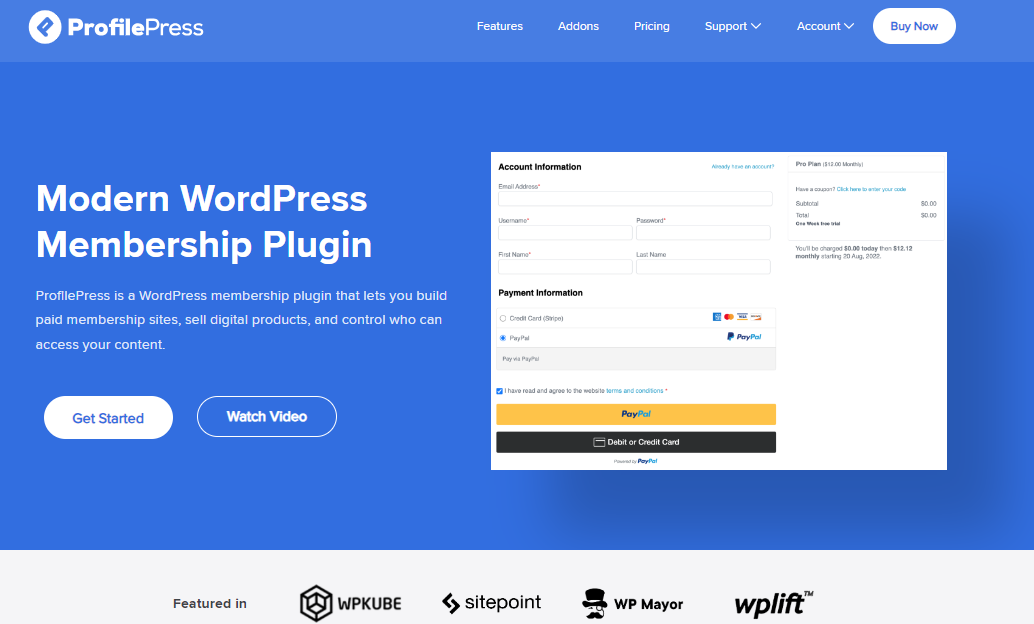
ProfilePress is a WordPress membership and ecommerce plugin that allows you to restrict access to content on your website with ease.
If you want to lock certain pages, posts, or sections of your WordPress website so that only registered users or paying members can view them, ProfilePress makes the process very easy. Instead of showing every visitor the full content of your website, you can place selected articles, downloads, or resources behind a paywall or membership rule. This helps protect valuable information while encouraging visitors to sign up or purchase access.
One thing many website owners appreciate about ProfilePress is the level of control it gives over who can see specific content. You can restrict access based on membership plans, user roles, or login status. This means you can decide exactly which users can view certain posts, categories, pages, or downloadable files. For example, a site owner running an online course or a premium blog can allow only paying members to view lessons, tutorials, or exclusive resources.
Another advantage of ProfilePress is that it does more than content restriction. It also allows you to create membership plans, accept payments, and manage users from one place. This makes it useful for websites that want to build a paid membership area or sell digital content.
Features
ProfilePress includes many features that help manage restricted content and membership websites. These include:
- Content protection that allows you to hide posts, pages, categories, and other content from non-members.
- A metered paywall addon that allows guests and visitors to view a limited number of restricted posts before access is limited.
- Membership plans and subscriptions for selling access to premium content
- Multiple payment gateways, including Stripe, PayPal, Paystack, RazorPay, Mollie, and bank transfer
- Custom WordPress registration and login forms
- User profiles and member directories for community-style websites
- Access rules based on user roles, membership plans, or login status
Cost
ProfilePress offers a free version along with paid plans. The content locking feature is included in the paid plans, with pricing starting at $129 per year.
2. MailOptin
MailOptin is widely known as a lead generation and email marketing plugin, but it also includes a powerful content locking feature that can help increase email subscribers.
With MailOptin, you can hide a portion of your article or resource and require visitors to enter their email address before they can view the full content. Until the visitor subscribes, the locked section remains blurred or hidden, encouraging readers interested in the content to join your mailing list.
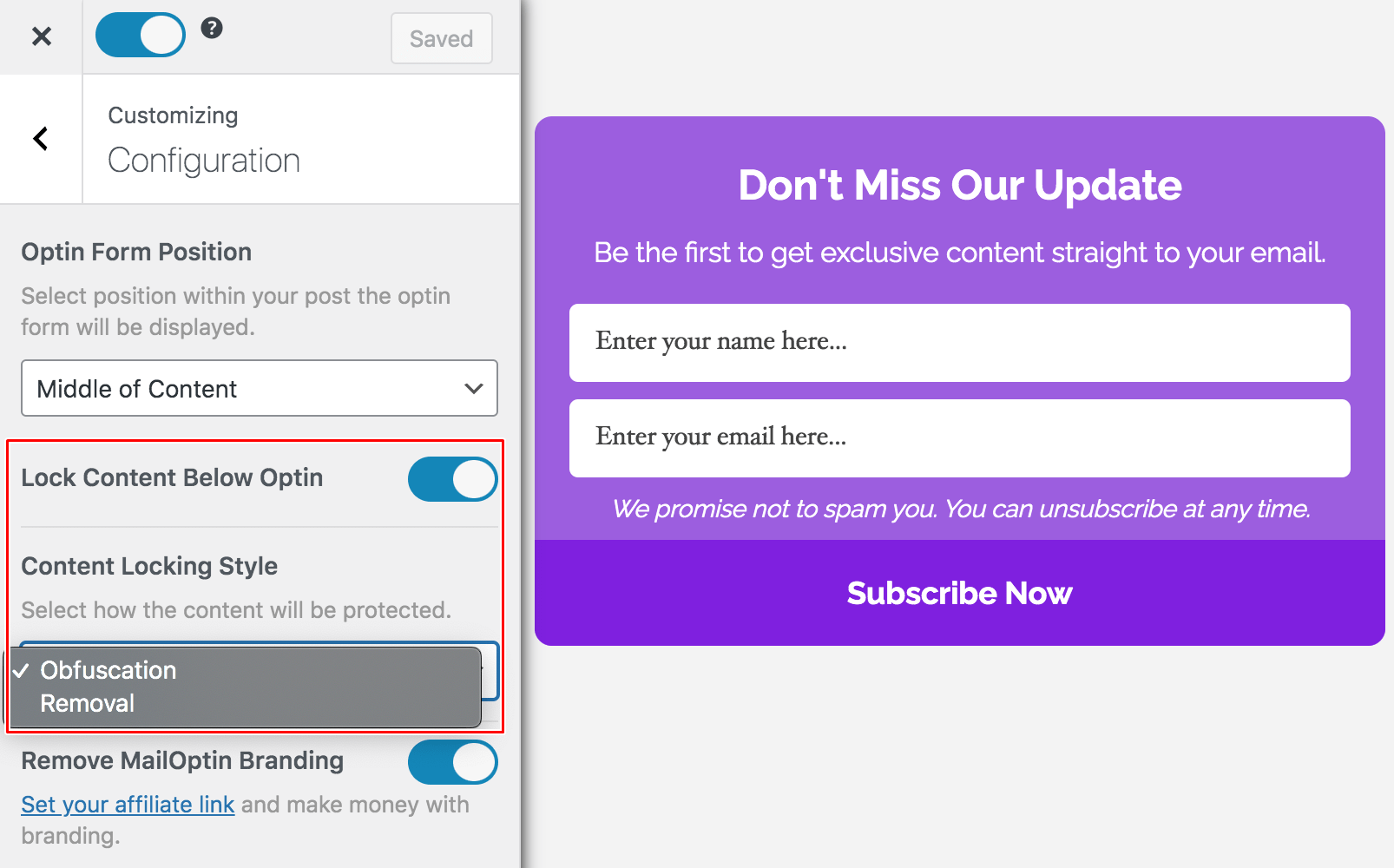
This approach works particularly well for blog posts, tutorials, and content upgrades where the most valuable information appears in the locked section.
For example, you might allow visitors to read the introduction of a guide and then lock the rest of the article until they subscribe. Once the visitor submits their email address through the optin form, the hidden content becomes visible instantly. This creates a simple exchange where readers gain access to useful information while you grow your email list.
Features
MailOptin includes several features that help with content locking and email list growth, including:
- A content locker that hides part of your article until visitors subscribe
- Multiple optin form types, such as popups, slide-ins, notification bars, sidebar forms, and in-post forms
- Display triggers and targeting rules based on scroll percentage, page views, time on site, and user actions
- Integration with many email marketing platforms, including Mailchimp, AWeber, ConvertKit, MailerLite, ActiveCampaign, and others
- A/B testing to compare different optin campaigns and improve conversions
- Automated email notifications and newsletters that send new blog posts to subscribers
- Lead storage and analytics to track optin activity and performance
Cost
MailOptin provides a free version that includes basic optin forms and email notification features. The content locking feature is available in the premium version, which also unlocks advanced targeting rules, automation options, and integrations with many email marketing platforms. Premium plans start at $99 per year.
3. Opt-In Content Locker
Opt-In Content Locker is a WordPress content locker plugin designed to protect your valuable content and encourage visitors to subscribe before accessing it. The plugin works by wrapping the content you want to lock in simple shortcodes, [optinlocker]…[/optinlocker].
Visitors must submit their email or contact information to unlock the content, and once submitted, the hidden material becomes visible instantly. This method allows you to convert casual readers into subscribers while keeping premium resources secure.
You can choose between a regular locker mode, where content is completely hidden from both users and search engines, and a soft locker mode, where content remains visible for search engines but is restricted for visitors using JavaScript.
This ensures you maintain SEO value while still locking content for subscribers. The plugin also remembers visitors who have already subscribed using cookies, so they don’t have to re-enter their details when revisiting your site.
Features
- Modern opt-in forms with CSS3 AJAX-driven design
- Content locking to hide important information until the visitor submits their contact details.
- Cookie-based recognition to remember previously subscribed users
- Regular and soft locker modes to control content visibility for users and search engines
- Integration with major email marketing services, including Mailchimp, GetResponse, iContact, Campaign Monitor, and Sendy
- Customizable fields, including optional name fields and Terms & Conditions support
- WYSIWYG editor for designing subscription boxes with shortcodes and content
- CSV export for all collected subscriber data
Cost
Opt-In Content Locker is available with two licensing options. The Regular License costs $17, and the Extended License costs $85.
4. Secure Copy Content Protection
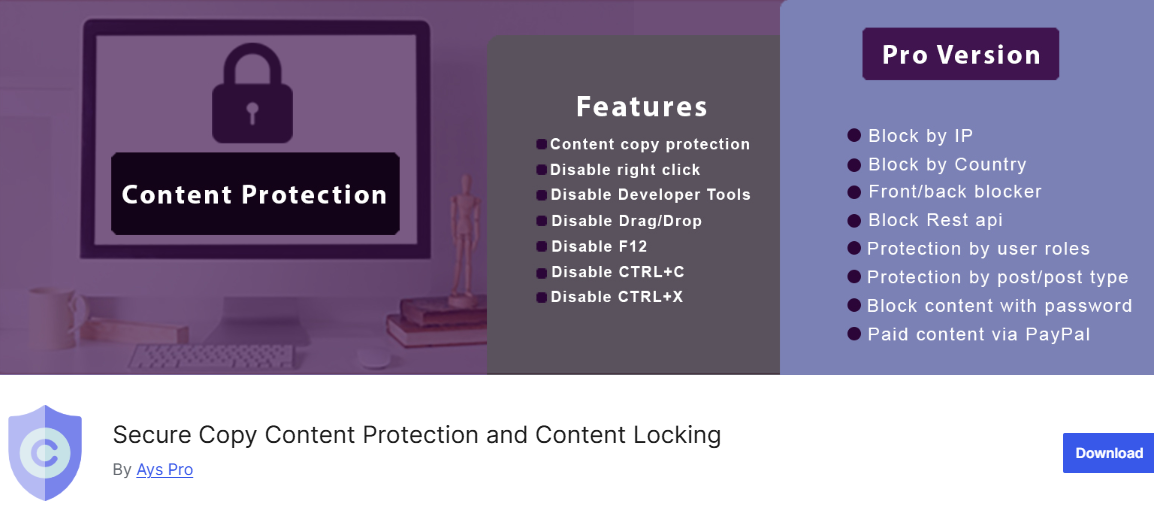
Secure Copy Content Protection is one of the best WordPress content locker plugins that helps protect your website’s content from being copied or stolen. It allows you to easily lock specific parts of your site so that only authorized users can access them, keeping your articles, tutorials, and digital resources safe.
The plugin works by blocking common copy methods, including right-clicking, text selection, copy-paste commands, and keyboard shortcuts like CTRL+C and CTRL+V. It also offers advanced content locking features, such as password-protected sections and “Subscribe to View” content, which hides material until visitors enter their email addresses. This not only secures your content but also helps grow your email list.
In addition, Secure Copy Content Protection provides a multi-layered security approach. It blocks developer tools, turns off drag-and-drop actions, and prevents content scraping on both desktop and mobile devices. You can also schedule restricted content to appear only during specific periods or for specific user roles, giving you complete control over who sees your premium content.
Features
- Content copy protection to disable right-click, text selection, and copy-paste functions
- Password-protected content blocks using shortcodes
- Gated “Subscribe to View” content for email capture and lead generation
- Disable developer tools and keyboard shortcuts (F12, CTRL+C, CTRL+V, and more)
- Schedule content visibility and restrict content to specific user roles
- Mailchimp integration for automatic subscriber syncing
- Export subscriber data in CSV, XLSX, or JSON format
- IP blocking, geo-blocking, and role-based protection,
- Paid content via PayPal
- Browser compatibility with Chrome, Firefox, Safari, Opera, and Internet Explorer
Cost
Secure Copy Content Protection is available in Free and Pro versions. The free version provides essential content protection features, including right-click and copy prevention, password-protected content, and basic subscription locking.
The Pro version unlocks advanced options, including IP and country blocking, user role-based content restriction, paid content via PayPal, and image watermarking. Pricing for the Pro version starts at $39.
5. Social Share & Locker Pro
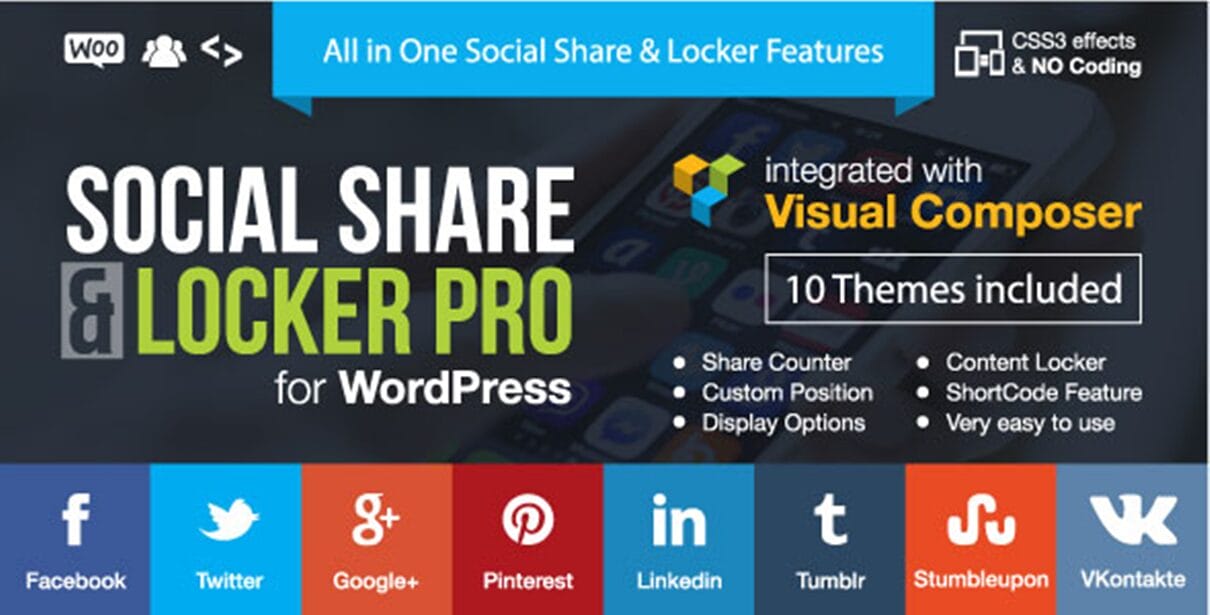
Social Share & Locker Pro combines social sharing with content locking to help website owners grow traffic and engagement. Instead of giving visitors instant access to certain content, the plugin allows you to lock parts of your page and require users to share the content on social media before they can view it.
This “pay with a share” approach helps spread your content across social platforms while increasing your website’s visibility.
The plugin makes it easy to lock different types of content, such as text, download buttons, videos, or image galleries. Once the content is locked, visitors must share the page on networks like Facebook, X (Twitter), or LinkedIn to unlock it.
You can also add delays, automatic unlock options, or set the locker to reset after a certain period, so users may need to share again to view the content later. This makes it a useful option for promoting articles, downloads, or exclusive resources.
Another useful aspect of Social Share & Locker Pro is its targeting options. You can control when the content locker appears based on user status, comments, roles, or referral sources.
For example, the locker can appear only for new visitors, non-logged-in users, or people coming from search engines. This gives you more control over how your locked content is displayed and who can access it.
Features
- Social content locker that unlocks content after a user shares your page
- Support for many social networks, including Facebook, X (Twitter), LinkedIn, Pinterest, Reddit, and WhatsApp
- Option to lock text, videos, images, downloads, or any part of a page
- Delay time and auto-unlock settings for locked content
- Smart targeting based on user status, roles, comments, or referral sources
- Multiple social sharing button styles and layouts
- Real share counters that update automatically
- Shortcode generator for placing lockers anywhere on your site
- Integration with WPBakery Page Builder
- Responsive social button designs with hover effects
Cost
Social Share & Locker Pro is a premium plugin available on CodeCanyon. The Regular License costs $20, and the Extended License costs $95.
6. Subscribe to Unlock
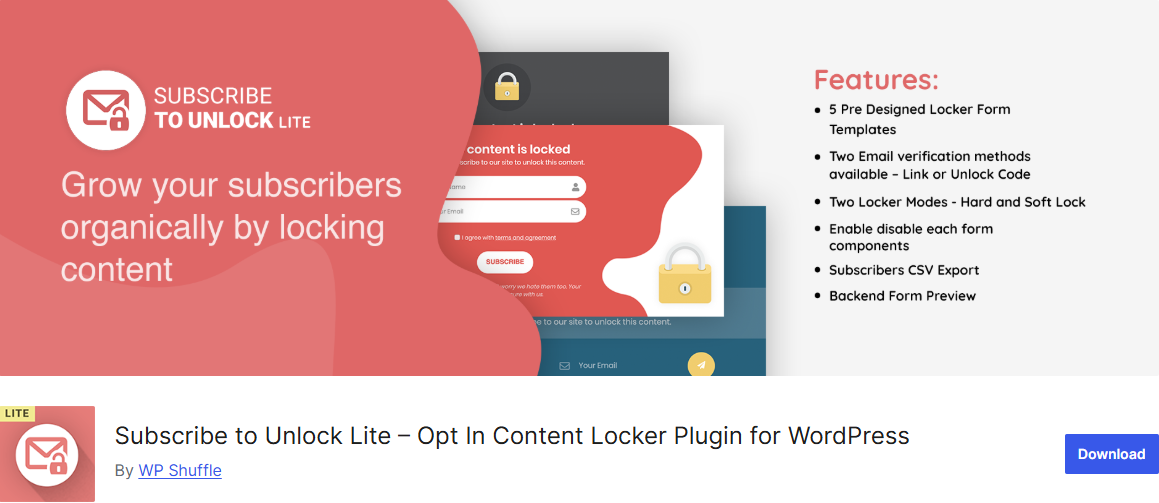
Subscribe to Unlock is an effective WordPress content locker plugin that lets you hide parts of your content until visitors subscribe to your newsletter.
Instead of granting readers full access immediately, the plugin displays a subscription form before the locked section. Once a visitor submits their email and completes the verification step, the hidden content becomes visible. This approach helps website owners turn regular visitors into subscribers while protecting valuable content.
This plugin gives you control over how the locked content appears to users. You can choose between Hard Lock, where the content remains fully hidden, or Soft Lock, where visitors can see a preview before subscribing.
Another useful feature is its email verification system, which helps ensure that the subscribers you collect are real. Visitors can unlock the content through a verification link or a special unlock code sent to their email. With these options, Subscribe to Unlock not only protects exclusive content but also helps grow your email list with genuine subscribers.
Features
- A content locker that reveals hidden content after a user subscribes
- Hard Lock and Soft Lock modes for different viewing experiences
- Pre-designed subscription form templates
- Drag-and-drop form builder for creating custom subscription forms
- Lock content directly from the post or page editor
- Popup locker option to lock entire pages
- Countdown timer option to make locked content more engaging
- Email verification through a link or an unlock code
- Integration with email services such as Mailchimp, Constant Contact, MailerLite, and Brevo
- CSV export to download and manage subscriber lists
- Responsive design that works across devices and browsers
Cost
Subscribe to Unlock offers a free Lite version with basic content locking and subscription features. A premium version is also available, which includes advanced templates, more customization options, additional integrations, and extended functionality for managing subscribers. The premium version costs $18.
7. Super Social Content Locker
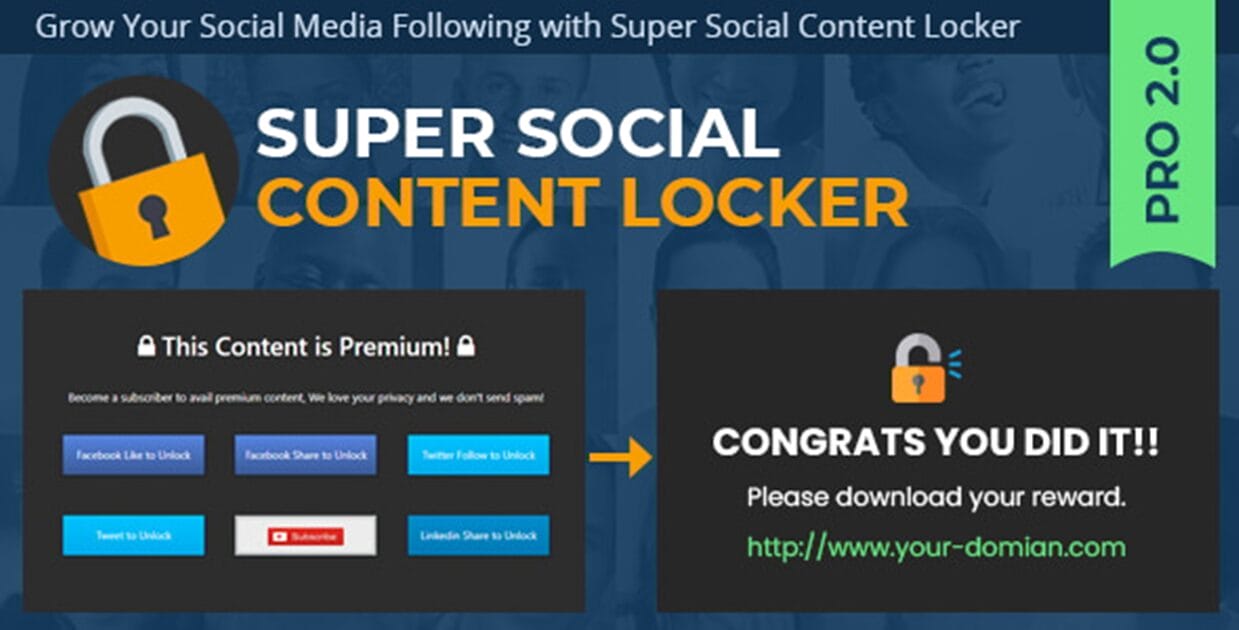
Super Social Content Locker is one of the best WordPress content locker plugins designed to restrict access to certain parts of your content until visitors complete a specific action.
Instead of giving users instant access, the plugin allows you to lock text, downloads, videos, or other page elements. Visitors must perform an action, such as subscribing, sharing on social media, or submitting a form, before the locked content becomes visible. This approach helps website owners increase engagement while protecting valuable content.
The plugin offers different types of lockers that can be used depending on how you want to present your content. For example, the Popup Overlay Locker displays a pop-up that blocks the content until the required action is completed.
The Premium Content Locker hides part of an article or page and reveals the remaining content only after the visitor unlocks it. There is also an Exchange Locker that uses a simple give-and-take model, where users complete an action in exchange for access.
Another advantage of Super Social Content Locker is its ability to encourage visitor interaction. You can require actions such as subscribing as a member, watching a short video, submitting a form, or voting in a poll before the content is unlocked. This makes the plugin useful not only for protecting content but also for increasing email subscribers, social media engagement, and user participation on your website.
Features
- Multiple content locker types, including pop-up overlay, premium content locker, and exchange locker
- Lock text, downloads, videos, or other page elements until an action is completed.
- Options to unlock content through social sharing, form submission, or membership registration
- Ability to build an email list and export subscribers as CSV files
- Integration with Mailchimp for managing subscriber lists
- Built-in locker themes such as Basic Slim, Common Grey, Stylish Grey, and Stylish Dark
- Options to increase engagement through voting systems, rating widgets, and video viewing
- Unlimited lockers with no set limit
- User-friendly admin panel for easy setup and management
Cost
Super Social Content Locker is a premium WordPress plugin that costs $28.
8. Pretty Opt-In
Pretty Opt-In is an excellent WordPress content locker plugin that locks valuable content and collects email subscribers at the same time. With this plugin, you can hide resources such as downloads, discount codes, videos, or exclusive information until visitors subscribe to your email list.
This plugin allows you to place lockers anywhere on your site using a shortcode. This makes it easy to lock specific sections of a page, blog posts, or special offers without affecting the rest of the content.
Pretty Opt-In also lets you control who can see the locker, including options to display it only to non-registered visitors or to show it on mobile devices. These options give you flexibility in how your locked content appears to different users.
Another helpful aspect of Pretty Opt-In is its focus on email lead generation. The plugin saves subscriber emails directly in your WordPress database and can also send them to supported email marketing services.
Features
- Content locker for downloads, videos, discounts, and other resources
- Shortcode support to lock specific sections of posts or pages
- Customizable locker layout, title, message, and button text
- Option to display lockers for mobile users or non-registered visitors
- Email notifications when a new subscriber joins
- Save subscriber emails in the WordPress database
- Cookie expiration settings for controlling repeat access
- Bulk actions to manage lockers quickly
- Integration with email services such as MailChimp, SendGrid, SendinBlue, MailPoet, ActiveCampaign, FreshMail, MailJet, and MailerLite
Cost
Pretty Opt-In offers a free version with basic content locking and email collection features. The Pro version adds more integrations and advanced customization options and costs $59.
What’s the Best Content Locker WordPress Plugin?
Now that we have explored the 8 best WordPress content locker plugins, the next question is obvious: which one is the best for your website?
The truth is that the best WordPress content locker plugin depends on what you want to achieve. Some plugins focus on growing your email list, while others are designed to increase social shares or protect premium resources.
If your goal is to collect email subscribers, MailOptin is an excellent option. If you need advanced user management and membership-based content restriction, ProfilePress is a great choice. For websites that want to increase social visibility and encourage sharing, Social Share & Locker Pro is worth considering.
Each plugin mentioned in this article offers a different way to lock content and engage visitors. Some allow you to hide sections of your posts until users subscribe, while others require actions such as sharing, following, or registering as a member. The best choice depends on the type of content you want to protect and the kind of interaction you want from your audience.
WordPress Content Locker Plugins FAQs
Q1. What is a content locker plugin for WordPress?
A content locker plugin lets you restrict access to specific content on your website, such as articles, downloads, videos, or premium resources. Visitors must take a specific action, such as subscribing, sharing on social media, or registering, to unlock the content. This helps website owners grow their email list, increase engagement, or protect valuable resources.
Q2. Will content lockers affect my user experience?
Content lockers can enhance user engagement if implemented thoughtfully. Avoid locking all content at once, and provide a clear incentive for users to subscribe, share, or register. Plugins like MailOptin and ProfilePress offer soft locks or previews so users get a taste before fully unlocking content, ensuring a balanced experience.
Q3. Can I integrate content locker plugins with email marketing services?
Absolutely. Many plugins, including MailOptin, Pretty Opt-In, and Super Social Content Locker, integrate with popular email marketing platforms like Mailchimp, ActiveCampaign, SendinBlue, and MailerLite. This allows you to automatically add subscribers to your email lists and manage them efficiently.
Q4. Can I lock content for specific user roles or subscribers only?
Yes. Plugins like ProfilePress allow you to set content visibility rules based on user roles, membership status, or logged-in status. This is especially useful for membership websites or online courses where content should be restricted to paying members or specific groups.
Q5. Do content lockers affect SEO?
They can affect SEO if most of the content is hidden. The safest approach is to leave a large portion of the article visible and lock only the most valuable section.
Get the Best WordPress Content Locker Plugin Today!
Content lockers are a practical way to turn passive readers into active participants on your WordPress website.
Instead of allowing visitors to consume your content and leave, these plugins encourage them to take meaningful actions such as subscribing to your email list, creating an account, or sharing your content with others.
Throughout this article, we looked at several excellent WordPress content locker plugins, each offering different ways to restrict content and increase engagement.
Some focus on email subscriptions, others encourage social interaction, while a few provide advanced membership and access control features. The right plugin for your site will depend on what you want your visitors to do before unlocking your content.
Get started today and begin turning your WordPress site visitors into active participants.