
9 Best WooCommerce Checkout Plugins
Are you looking for the best WooCommerce checkout plugin to increase conversions and reduce cart abandonment?
WooCommerce is one of the most popular eCommerce platforms in the world, trusted by millions of online stores to sell products and services. It gives you full control over your store, from product listings to payments. However, the default checkout setup is often limited and not fully optimized for conversions.
This is where WooCommerce checkout plugins come in. They help you improve your checkout page by reducing unnecessary fields, improving page speed, and creating a layout that’s easy for customers to follow. Some also offer advanced features like one-page checkout, address auto-fill, mobile optimization, and upsells to increase your average order value.
In this article, we’ll cover why having the best WooCommerce checkout plugin matters, review the top plugins available, and guide you on common checkout mistakes to avoid with WooCommerce checkout plugins.
Why You Need the Best WooCommerce Checkout Plugins
Below are some important reasons why your store needs the best WooCommerce checkout plugin.
1. Make Checkout Faster and Easier: A long, confusing checkout form can frustrate shoppers and cause them to abandon their carts. With the right checkout plugin, you can remove unnecessary steps, reduce the number of fields, and make the entire experience smoother. When buying feels effortless, customers are much more likely to finish their purchase.
2. Increase Conversions and Sales: Every small improvement to your checkout can lead to more sales. Plugins that improve checkout flow, add one-page checkout options, or allow autofill for addresses can make it easier for customers to complete purchases. Some also let you offer addons or special deals during checkout, which can increase how much customers spend without feeling pushy.
3. Make Mobile Shopping Easy: Over half of online shopping now happens on phones and tablets. If your checkout doesn’t work well on mobile, you’re losing a huge number of potential sales. The best checkout plugins ensure that every page, form, and button works perfectly on smaller screens.
4. Build Trust With Customers: Your checkout page is where customers give you their sensitive information, like credit card details and addresses. If it looks messy, outdated, or confusing, shoppers may hesitate or leave. Checkout plugins let you display security badges, clear payment instructions, and professional design elements to reassure customers they are in safe hands. When people trust your store, they’re far more likely to finish their purchase.
5. Give Your Store More Flexibility: No two stores are exactly alike, and a generic checkout might not match your products or audience. The best WooCommerce checkout plugins give you control over the layout, form fields, and workflow. You can show or hide fields based on what customers need, adjust how pages flow, and create a checkout experience that fits your store rather than forcing your store to fit a template.
Now that you understand the benefits of using the best WooCommerce checkout plugins, the next section will show you the best WooCommerce checkout plugins to boost your store’s performance.
1. FunnelKit – Funnel Builder for WooCommerce Checkout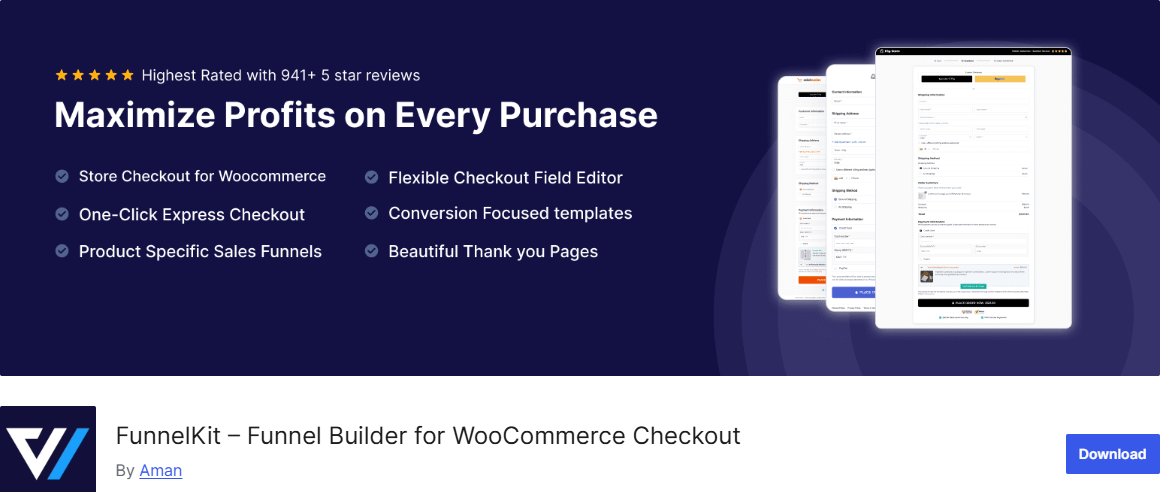
FunnelKit (formerly WooFunnels) is one of the best WooCommerce checkout plugins. This plugin goes beyond the standard checkout page by letting you create high-converting WooCommerce checkout pages, thank you pages, and complete sales funnels with ease.
Whether you want a one-page checkout, multi-step funnels, or upsell offers, FunnelKit makes it all possible without requiring advanced coding skills. It’s designed to help store owners guide visitors smoothly from product selection to purchase, increasing the chances they complete their order and even return for more.
One of the main benefits of using FunnelKit is that it combines multiple features in a single plugin. You don’t need separate plugins for order bumps, one-click upsells, cart abandonment recovery, or sales analytics. FunnelKit lets you manage everything right from your WordPress dashboard, saving time and effort while giving you the insights you need to make better business decisions.
For WooCommerce store owners who want to maximize revenue without complicating their workflow, FunnelKit is an all-in-one solution that delivers real results.
Features of FunnelKit
- Optimized WooCommerce checkout pages with trust badges, reviews, and product guarantees
- Customizable thank you pages to turn order confirmations into marketing opportunities
- Order bumps to increase average order value with one-click additions
- One-click upsells for post-purchase offers that boost revenue
- Mobile-responsive pre-built templates for landing pages, opt-in pages, sales pages, and checkouts
- Flexible checkout field editor to add, remove, or rearrange fields easily
- A/B testing to identify the highest converting pages, products, and offers
- Marketing automation for abandoned cart recovery and post-purchase follow-ups
- Detailed analytics and reporting to track revenue, conversions, and customer behavior
- Full compatibility with Elementor, Divi, Gutenberg, Oxygen, Bricks, and other page builders
- Dynamic offers and discounts for product choices, bundles, and coupons
- Contact tracking to monitor each customer’s journey and interactions
- Ability to create unlimited funnels and pages for every sales scenario
Price
FunnelKit offers a free version with basic checkout and funnel-building capabilities, ideal for small stores or testing the plugin. For more advanced features such as order bumps, one-click upsells, automation sequences, and full-funnel analytics, you’ll need FunnelKit Pro, which starts at around $99.50 per year for a single site.
2. Checkout Field Editor for WooCommerce
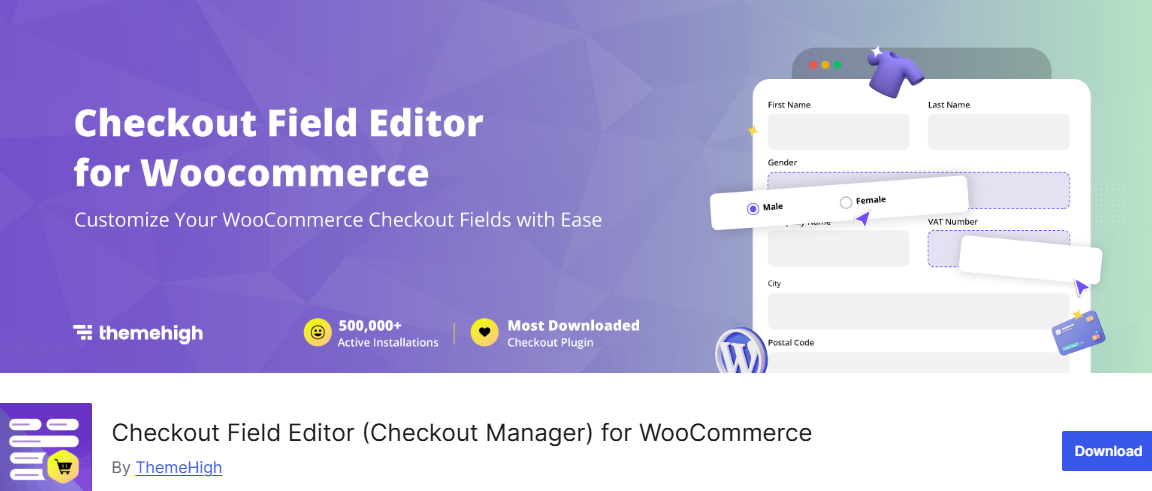
If you want full control over your WooCommerce checkout page, Checkout Field Editor for WooCommerce is an excellent choice. Unlike the default WooCommerce checkout, which is limited and rigid, this plugin allows you to add, edit, hide, or remove fields.
With Checkout Field Editor, you can also validate email addresses, phone numbers, URLs, and more to prevent errors at checkout. You can also control the visibility of fields on order pages, in emails, and on thank-you pages, ensuring customers see only relevant information. This reduces friction, boosts customer satisfaction, and minimizes abandoned carts.
Features of Checkout Field Editor for WooCommerce
- Add, edit, remove, and rearrange checkout fields easily
- Supports over 20 field types in Classic checkout and 4 in Block checkout (Text, Select, Radio, Checkbox)
- Field validation for Email, Phone, URL, Number, State, Postcode, and more
- Control field visibility in order details, admin emails, and customer emails
- Prevent address field overrides and customize address formats
- One-click reset to default checkout fields
- Compatible with Classic & Block checkout layouts
- Developer-friendly with custom hooks for extended functionality
- Conditional display for fields based on cart, user roles, products, payment methods, and more
- Price fields with multiple pricing options, including fixed, custom, percentage, and dynamic
- Fully compatible with multilingual plugins (WPML, Polylang, Loco Translate)
- Supports major themes like Astra, Divi, Avada, Flatsome, WoodMart, and Storefront
Price
Checkout Field Editor for WooCommerce offers both a free and a premium version. The free version includes essential features such as adding basic fields, drag-and-drop editing, field validation, and support for Block & Classic checkout.
The premium version unlocks advanced features, including additional field types, conditional fields, custom validations, price fields, more field placement options, integration with third-party plugins, and enhanced developer tools. Pricing starts at $49 per year.
3. CartFlows
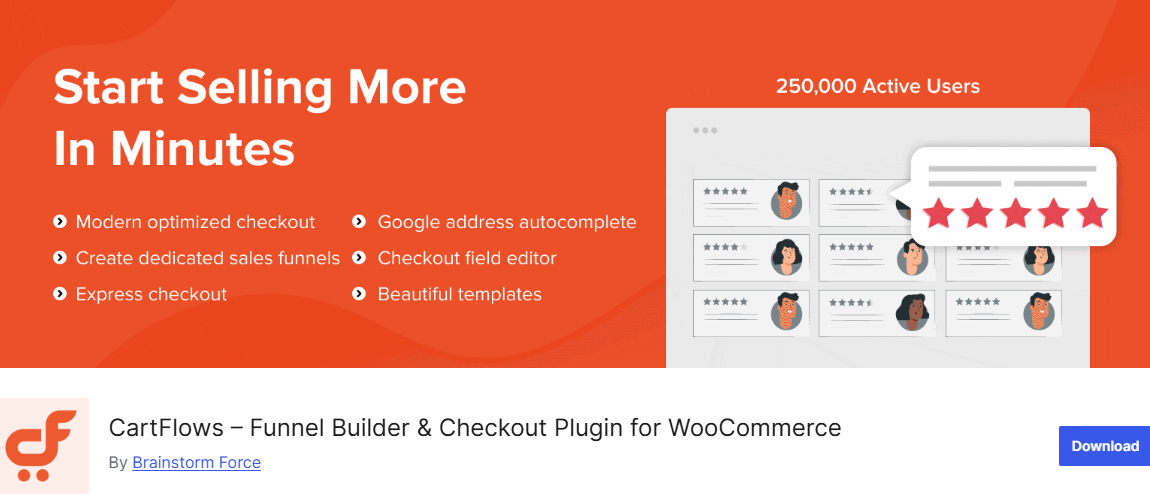
CartFlows is a top choice for WordPress users who want to take their WooCommerce checkout to the next level. Trusted by over 200,000 stores worldwide, it has helped eCommerce sellers, course creators, agencies, and entrepreneurs turn ordinary checkout pages into high-converting sales funnels.
With CartFlows, you get everything you need in one place: unlimited funnels, upsells, order bumps, A/B testing, and analytics, all built right into WordPress. Its drag-and-drop editor and ready-to-use templates make it easy for anyone, even those with little technical experience, to create professional-looking sales funnels in minutes. Whether it’s a simple one-page checkout or a complex multi-step funnel, CartFlows makes the process smooth, modern, and branded to your store.
On top of that, CartFlows works perfectly with popular page builders like Elementor, Bricks, Divi, Spectra, and Beaver Builder, so you have complete control over the design of your funnels. Advanced features like post-purchase automations, smart funnel routing, social media pixel tracking, and Google address autocomplete give store owners the tools they need to guide buyers through every step of their journey.
Features of CartFlows
- Modern checkout layouts to replace the default WooCommerce checkout
- Ready-made, professionally designed funnel templates
- Multi-page builder support (Elementor, Bricks, Divi, Spectra, Beaver Builder, etc.)
- Checkout form field editor for custom fields
- Social media pixel tracking for Google, Facebook, TikTok, Pinterest, and Snapchat
- Integration with OttoKit for post-purchase automation and lead management
- One-click upsells and downsells to boost average order value
- Dynamic order bumps with personalized offers
- A/B split testing for funnels, pages, and upsell offers
- Advanced funnel analytics and revenue insights
- Smart funnel routing based on cart contents or purchase history
- Google address autocomplete for faster checkout
- Auto apply coupons for a smoother purchase experience
- Lead generation tools with opt-in pages and squeeze pages
- Product options for personalization at checkout
- Enhanced subscription handling with WooCommerce Subscriptions
- Unlimited funnel steps and access to premium funnel templates
Price
CartFlows offers both a free and a pro version. The free version includes basic features such as modern checkout layouts, ready-made funnels, multi-page builder support, and basic checkout customization.
The pro version unlocks additional features, including one-click upsells, dynamic order bumps, A/B testing, advanced analytics, lead generation, smart funnel routing, and premium funnel templates. Pricing starts at $16 per month.
4. WooCommerce Checkout Manager
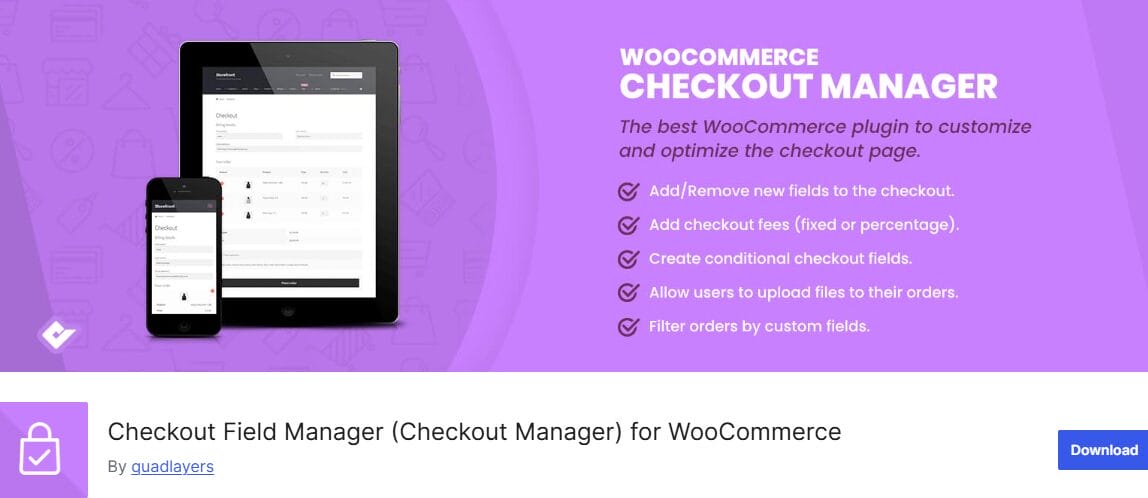
WooCommerce Checkout Manager is an excellent WooCommerce checkout plugin that lets you easily edit the default WooCommerce checkout fields by adding, removing, or rearranging them to suit your store’s needs. Instead of being stuck with the standard checkout layout, you can create a cleaner and more relevant form that collects only the information you actually need from customers.
With this plugin, you can create over 20 different types of custom fields, including text fields, dropdowns, checkboxes, date pickers, file uploads, and more. This makes it suitable for a wide range of stores, whether you need extra delivery details, customer notes, or custom options during checkout. You can also rename fields, highlight important ones, and organize everything in a way that feels natural and easy for customers to complete.
The plugin also improves the overall checkout experience by letting you control when and how fields appear. For example, you can show or hide fields based on user input, remove unnecessary sections like order notes, or even require customers to fill in shipping details before proceeding.
Features of WooCommerce Checkout Manager
- Add, edit, remove, and rearrange checkout fields easily
- Create over 20 different field types, including text, select, checkbox, date picker, and file upload
- Rename and highlight important fields for better visibility
- Show or hide fields in billing, shipping, or additional sections
- Conditional fields to display options based on user input
- File upload support directly on the checkout page
- Option to remove order notes from checkout
- Add custom messages before or after the checkout form
- Force shipping address fields to always display
- Force account creation during checkout
- Customize the overall checkout flow to match your store’s needs
Price
WooCommerce Checkout Manager offers both a free and a premium version, giving you flexibility based on your needs. The free version includes essential features such as adding and editing checkout fields, rearranging sections, and making basic customizations to improve your checkout experience.
The premium version unlocks additional features like conditional logic based on cart total, more field display options, custom charges based on field values, file uploads, and greater control over how your checkout works. Pricing starts at $49 per year.
5. WooCommerce One Page Checkout
WooCommerce One Page Checkout is an excellent WooCommerce checkout addon that makes the buying process faster and more convenient for your customers. Instead of sending users through multiple steps from the product page to cart, then checkout, this plugin allows everything to happen on a single page.
Customers can select products, review their order, and complete payment without navigating away or waiting for new pages to load. This reduces friction and helps keep buyers focused on completing their purchase.
One of the biggest advantages of this plugin is how it improves the shopping experience. Long checkout processes are a common reason why people abandon their carts, and bringing everything into one place helps solve that problem. Whether you’re selling a single product, a few related items, or even a full catalog, you can create custom checkout pages that guide customers smoothly from selection to payment.
Another reason store owners like WooCommerce One Page Checkout is its flexibility. You can turn any page into a checkout page, including product pages or custom landing pages. This means you can design unique sales pages with your own content, then place the checkout form right where customers are ready to buy. It creates a more direct and focused experience, which can lead to more completed purchases and happier customers.
Features of WooCommerce One Page Checkout
- Display product selection and checkout form on a single page
- Allow customers to add or remove products without leaving the page
- Turn any page into a checkout page using shortcodes
- Create custom landing pages for promotions or special offers
- Support for various product types, including subscriptions, bookings, and bundles
- Built-in templates such as pricing tables and product lists
- Option to create custom templates for unique designs
- Simple setup with no coding required
- Ability to use product pages as checkout pages with a single option
- Curate and display specific products for targeted sales pages
Price
WooCommerce One Page Checkout is a premium plugin. Pricing starts at $79 per year.
6. Flexible Checkout Fields for WooCommerce
Flexible Checkout Fields for WooCommerce is a reliable WooCommerce checkout page plugin that gives you full control over your checkout form without coding. Instead of being limited by the default WooCommerce setup, you can easily edit existing fields or add new ones in just a few clicks.
With this plugin, customizing your checkout becomes much easier. You can rename fields, remove the ones you don’t need, rearrange their order, and choose which ones should be required. This helps you create a cleaner and more comfortable experience for your customers. When the checkout page feels less crowded and easier to complete, people are more likely to finish their purchase rather than leave halfway through.
Another great thing about Flexible Checkout Fields for WooCommerce is the variety of field types it supports. You can add text fields, email and phone inputs, checkboxes, date pickers, file uploads, and more. You’re not limited to the checkout page either; you can display these fields on the thank-you page, in customer accounts, or even in emails, giving you more ways to collect and use customer information.
Features of Flexible Checkout Fields for WooCommerce
- Edit, add, remove, and rearrange checkout fields
- Change labels, placeholders, and CSS classes
- Make fields required or optional
- Enable validation for fields like email, phone, and postcode
- Drag-and-drop field arrangement for easy customization
- Support for multiple field types (text, textarea, number, email, phone, checkbox, and more)
- Add advanced field types like date picker, time picker, and file upload
- Show fields on checkout, thank you page, account pages, and emails
- Hide unnecessary fields to speed up checkout
- Conditional logic to show or hide fields based on user input, cart value, or shipping method
- Multilingual support with WPML and Polylang
Price
Flexible Checkout Fields for WooCommerce comes with both a free and a premium version. The free version includes essential features like editing, adding, and rearranging checkout fields, along with basic validation and display options.
The premium version offers more advanced capabilities, including conditional logic, additional field types, custom field sections, and deeper control over how fields behave. Pricing for the Pro version starts at $59 per year.
7. CheckoutWC
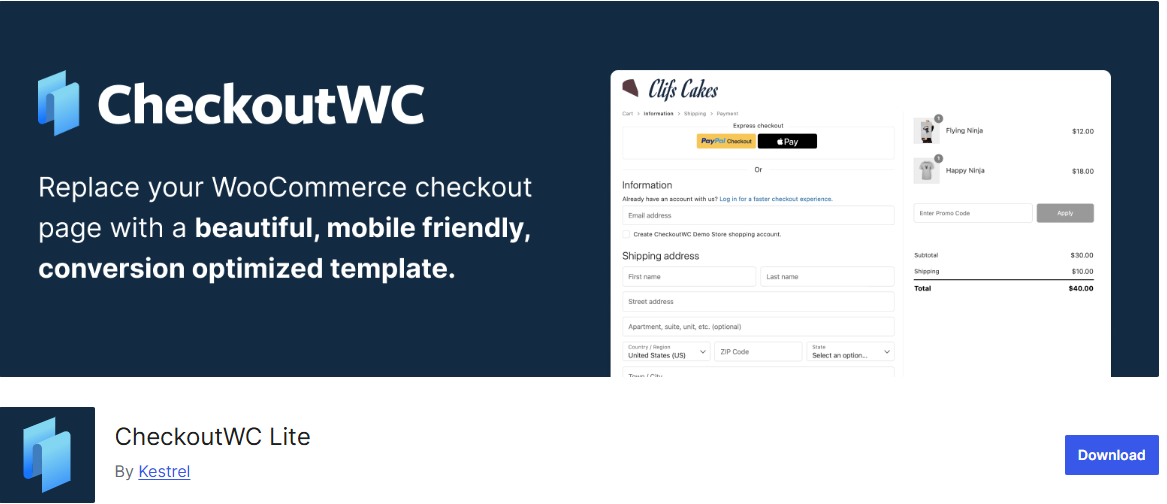
I know what you might be thinking: here’s another plugin to add, edit, or remove fields on the checkout page. However, CheckoutWC is different. It replaces the standard checkout page with a modern, clean, and conversion-focused design that feels much more intuitive.
Instead of overwhelming customers with a long form, CheckoutWC introduces a structured, step-by-step layout that’s easier to follow and quicker to complete. This small change can make a big difference in how many customers actually finish their purchase.
One of the main reasons store owners choose CheckoutWC is its focus on improving conversions. Features like express checkout options, such as Apple Pay, Google Pay, and PayPal, allow customers to complete their purchase in just a few clicks. It also includes helpful enhancements like address autocomplete and instant field validation, which reduce errors and save time during checkout. These improvements create a smoother experience, especially on mobile devices where long forms can feel frustrating.
CheckoutWC also pays attention to the little details that matter. It can skip unnecessary fields, adjust the checkout flow based on the type of product being sold, and clearly display order totals to build trust. The plugin works with most WooCommerce themes and payment gateways, so you don’t have to worry about compatibility issues.
Features of CheckoutWC
- Modern multi-step checkout layout inspired by Shopify
- Express checkout options (Apple Pay, Google Pay, PayPal)
- Mobile-friendly design for smooth checkout on any device
- Address autocomplete and instant field validation
- Option to skip unnecessary fields for faster checkout
- Clear display of cart totals and order summary
- One-page and multi-step checkout options
- Works with most WooCommerce themes and payment gateways
- Built-in support for subscriptions and different product types
- Order bumps and upsells to increase order value
- Abandoned cart recovery features
- Integration with analytics and tracking platforms
Price
CheckoutWC offers both a free version and a premium version. The free version includes basic checkout improvements such as a cleaner layout, mobile optimization, and essential customization options.
The premium version unlocks more advanced features like premium checkout templates, order bumps, upsells, abandoned cart recovery, and deeper checkout optimization options. Pricing starts at around $149 per year.
8. FuseWP
FuseWP is not a traditional WooCommerce checkout design plugin, but it plays an important role in improving what happens after a customer completes checkout. Instead of focusing on layout or fields, FuseWP connects your WooCommerce store to your email marketing platform or CRM, helping you turn every customer into a lead you can engage with.
When someone completes a purchase on your WooCommerce checkout page, FuseWP can automatically subscribe them to your email list or CRM as a contact. It doesn’t just add them at random; it can segment users based on what they’ve bought, their order status, product category, or tags. This means you can send more relevant emails, follow-ups, and offers that match their interests. If a customer updates their profile, cancels an order, or changes their email, FuseWP keeps everything in sync automatically.
FuseWP also goes beyond basic WooCommerce integration. It integrates with WooCommerce Subscriptions and WooCommerce Memberships, allowing you to segment users by their subscription plan or membership status. For example, you can move users between email lists when their subscriptions become active, expire, or are canceled. This makes it much easier to manage communication, improve retention, and build long-term relationships with your customers.
Features of FuseWP
- Automatically subscribe WooCommerce customers to your email list after checkout.
- Sync customer data (name, email, profile updates) with your CRM in real time
- Segment users based on products purchased, categories, tags, and order status
- Integration with WooCommerce Subscriptions for subscription-based segmentation
- Integration with WooCommerce Memberships to manage members by plan and status
- Bulk sync existing WordPress users to your email marketing platform
- Connects with popular CRMs and email platforms like Mailchimp, ActiveCampaign, HubSpot, and more
- Works with form plugins like WPForms, Gravity Forms, and Contact Form 7
- Supports custom field mapping for better audience targeting
- Option to enable double opt-in for email subscriptions
Price
FuseWP offers a free version with basic syncing and integration features. The premium version unlocks advanced options like custom field mapping, deeper integrations, and enhanced automation. Pricing starts at $119 per year.
9. ProfilePress (Simple Alternative to WooCommerce)
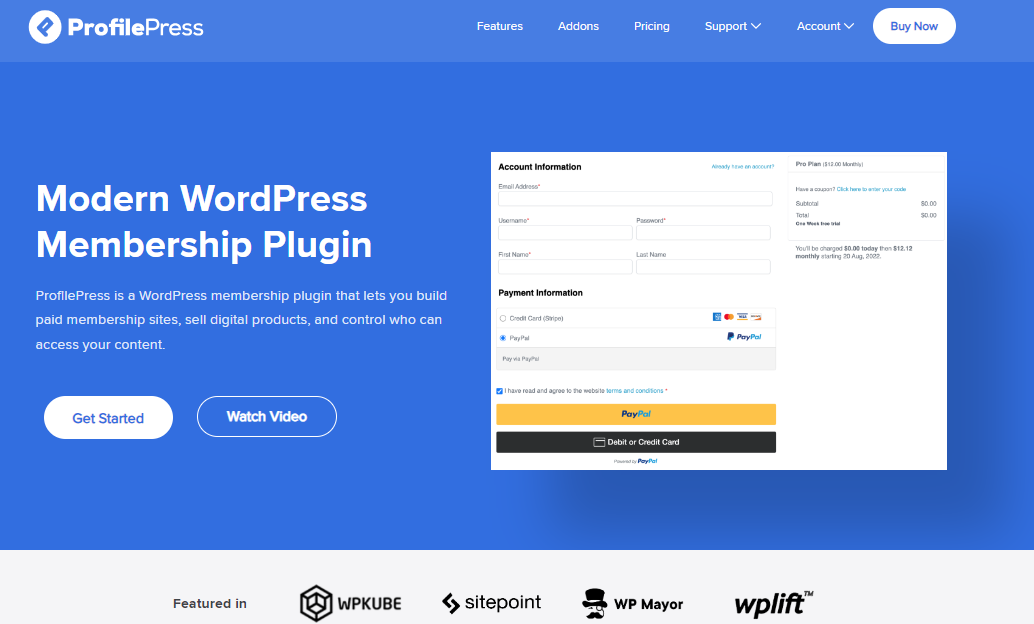
ProfilePress is a powerful ecommerce and paid membership plugin that gives you a simpler way to sell online without relying entirely on WooCommerce.
Instead of setting up a full eCommerce store, it lets you accept payments, sell digital products, and offer memberships using clean, customizable payment forms. This makes it a great option if you want something lighter and more focused, especially for selling services, subscriptions, or downloadable content.
What makes ProfilePress unique is how easy it is to create payment forms, registration forms, and user dashboards all from one place. You can accept payments through Stripe, PayPal, Paystack, and other gateways, while also controlling who can access your content.
If your goal is to build a membership site or sell digital products without the complexity of a traditional store setup, ProfilePress gives you a more direct approach.
At the same time, ProfilePress works perfectly alongside WooCommerce if you still need it. With its WooCommerce integration addon, you can combine both plugins to create a more flexible checkout and user experience. This means you’re not forced to choose one over the other; you can use ProfilePress to improve how users register, log in, and manage their accounts while still selling products through WooCommerce.
Features of ProfilePress
- Accept one-time and recurring payments (Stripe, PayPal, Paystack, Razorpay, and Mollie)
- Create custom checkout, registration, and login forms
- Drag-and-drop form builder for easy setup
- Sell memberships, subscriptions, and digital downloads
- Content restriction and paywall functionality
- User profiles and member directories
- Built-in reports for tracking sales and performance
- Email customization for user notifications
- Social login and two-factor authentication support
- Integration with LMS plugins like Tutor LMS and LearnDash
Features of ProfilePress WooCommerce Addon
- Replace WooCommerce login and registration forms with custom ones
- Add extra registration fields during checkout
- Manage billing and shipping fields from user profiles
- Let users view orders, downloads, and subscriptions from a custom dashboard
- Offer member-only discounts on WooCommerce products
This integration helps you create a more polished and user-friendly checkout experience without being limited by WooCommerce’s default forms.
Price
ProfilePress is a freemium plugin. Its WooCommerce addon is included in the Plus and Agency plans, priced at $299 and $599 per year, respectively.
Common WooCommerce Checkout Mistakes to Avoid

While choosing and setting up a WooCommerce checkout plugin can improve your store, it’s easy to make a few mistakes that can hurt your conversions instead of helping them.
Below are some common mistakes to watch out for and how to avoid them.
1. Adding Too Many Checkout Fields: One of the biggest mistakes store owners make is asking for too much information during checkout. Long and unnecessary forms can frustrate customers and lead to cart abandonment.
Only collect what you truly need to complete the order. If you need extra details, consider making those fields optional or placing them after checkout.
2. Overloading Your Checkout with Features: It’s tempting to use every feature a plugin offers, from upsells to custom fields and advanced layouts. However, adding too many elements can make your checkout confusing.
Keep things simple. Focus on features that directly help customers complete their purchase faster, such as a clean layout or a well-placed order bump.
3. Ignoring Mobile Users: A large number of customers shop using their phones, yet many stores still have checkout pages that are difficult to use on smaller screens.
If your checkout isn’t mobile-friendly, you risk losing a significant number of sales. Always test your checkout on mobile devices to ensure it’s smooth and easy to navigate.
4. Not Testing Your Checkout After Changes: After installing or customizing a WooCommerce checkout page plugin, some store owners forget to test the entire checkout process. This can lead to broken pages, payment failures, or missing fields.
Always place a test order to make sure everything works properly, including payment gateways, form validation, and order confirmation.
5. Using Too Many Plugins at Once: Installing multiple checkout plugins that perform similar functions can cause conflicts and slow down your website.
Stick to one primary checkout solution. For example, if you are using a funnel builder like CartFlows or FunnelKit, you may not need additional plugins for upsells or checkout design.
6. Not Showing Clear Pricing and Totals: Customers want to know exactly what they are paying before completing their purchase. Hidden fees or unclear totals can create doubt and lead to abandoned carts.
Make sure your checkout clearly displays product prices, shipping costs, and the final total.
7. Skipping Trust Signals: If your checkout page doesn’t feel secure, customers may hesitate to enter their payment details.
Adding trust signals such as secure payment icons, SSL badges, and recognizable payment methods can help build confidence and improve conversions.
Conclusion
We hope this article helped you pick the best WooCommerce checkout plugin for your store.
As you’ve seen, the right plugin can do more than change how your checkout looks; it can improve the entire buying experience, reduce cart abandonment, and help you increase your sales.
Whether you need a simple way to edit checkout fields, a one-page checkout, or a complete funnel system, there’s a solution that fits your needs.