
8 Best Memberstack Alternatives for 2026
Are you looking for the best Memberstack alternative for your website?
Memberstack is a popular membership platform used by creators, businesses, and Webflow users to manage memberships, user authentication, and recurring payments. However, it may not be the right fit for every project.
As your website grows, you may need features that Memberstack doesn’t provide, more flexible pricing, deeper customization options, better community features, or support for platforms beyond Webflow. Fortunately, there are several excellent alternatives available, each designed to meet different membership and subscription needs.
In this guide, we’ll explore the best Memberstack alternatives for 2026. We’ll compare their features, pricing, strengths, and drawbacks to help you find the platform that best fits your website and business goals.
Why People Leave Memberstack (Honestly)
Let’s get one thing out of the way: most people don’t leave Memberstack because it’s a bad platform.
In fact, it’s helped thousands of creators, startups, and online businesses launch membership websites without having to build complicated user authentication and subscription systems from scratch.
Below are some common reasons people start looking for alternatives.
1. Pricing Becomes Harder to Justify: One of the biggest reasons people leave Memberstack is cost. When you’re just starting, the monthly fee may seem reasonable. However, as your membership site grows and you need access to more advanced features, the cost can start adding up.
Many website owners eventually compare Memberstack’s pricing against competing platforms and discover alternatives that offer similar or even more functionality at a lower cost.
2. More Features Needed: Memberstack does memberships really well. That’s its strength. The problem is that running a membership business often involves much more than memberships. You may need course creation features, community discussions, email marketing, customer relationship management (CRM), event management, or advanced automation.
Once you start adding separate tools for each of these functions, things can become expensive and difficult to manage. That’s why many users eventually move to platforms that offer more functionality under one roof.
3. Limited WordPress Integration: While Memberstack works well with no-code website builders, many WordPress users prefer a membership solution that operates directly inside WordPress. Plugins such as ProfilePress allow users to manage memberships, subscriptions, payments, and restrict access to content from their WordPress dashboard. For businesses heavily invested in WordPress, this often feels like a more natural setup.
Quick Verdict: Which Memberstack Alternative Is Right for You?
| Platform | Best For |
| ProfilePress | WordPress users wanting complete control and customization of their membership website |
| Outseta | SaaS startups and membership businesses are looking for a single all-in-one platform. |
| Uscreen | Video-driven businesses that focus on streaming, live sessions, and a Netflix-style member experience. |
| Podia | Creators who want a clean setup for selling courses, downloads, and memberships. |
| Kajabi | Creators building full online businesses with courses, funnels, email marketing, and memberships in one system. |
| Mighty Networks | Community-first brands that want members to interact, join events, and take courses in a social-style environment. |
| Circle | Community-first membership businesses |
| Wild Apricot | Associations, clubs, and non-profits managing members, renewals, events, and organizational workflows. |
Now let’s take a closer look at each of these Memberstack alternatives.
1. ProfilePress
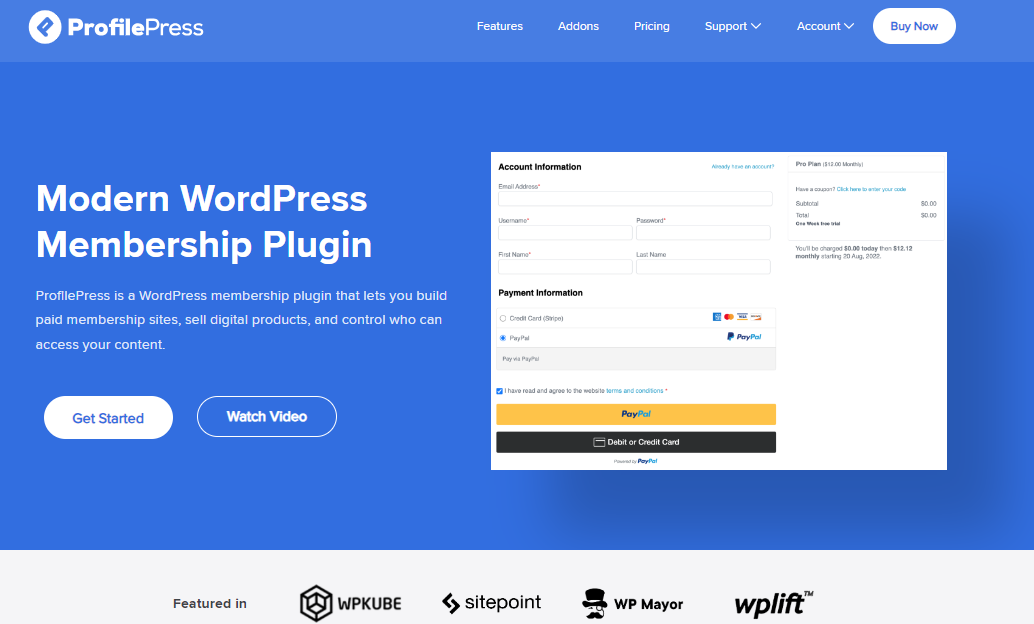
If you’re running a WordPress website, ProfilePress is arguably the best Memberstack alternative available today.
Unlike Memberstack, which operates as a SaaS platform layered on top of your website, ProfilePress lives directly inside WordPress. That may not sound exciting at first, but it’s actually a huge advantage. You own your website, your data, your memberships, and your entire customer experience.
What makes ProfilePress particularly appealing is how much functionality it packs into a single plugin. It handles memberships, subscriptions, recurring payments, content restriction, user registration, checkout forms, digital product sales, and member management without requiring a collection of separate plugins.
For many website owners, that’s the difference between managing one plugin and managing an entire stack of tools that must work together.
Another reason we love ProfilePress is its flexibility. Whether you’re building a paid newsletter, an online course website, a private community, a membership program, a digital download store, a coaching business, or a members-only WooCommerce shop, the plugin provides the tools you need to create and monetize your content.
Features of ProfilePress
- Create unlimited membership plans and subscription tiers
- Accept one-time and recurring payments
- Supports Stripe, PayPal, Paystack, Razorpay, Mollie, and bank transfers
- Powerful content restriction and paywall functionality
- Metered paywall for limiting free article views
- Drag-and-drop registration, login, checkout, and profile form builder
- Frontend user profiles and member directories
- WooCommerce integration
- Popular course plugin integrations include LearnDash, Sensei, and Tutor LMS.
- Social login support
- Two-factor authentication (2FA)
- Email verification and user moderation
- Detailed sales, subscription, and membership reports
- Email marketing integrations with Mailchimp, Brevo, MailerLite, and Campaign Monitor
- Advanced login redirects and access control rules
Pros
- Runs entirely on WordPress, giving you complete ownership and control
- Combines memberships, payments, content restriction, and user management in one plugin
- Supports multiple payment gateways, including Stripe, PayPal, RazorPay, Mollie, and Paystack
- Excellent WooCommerce integration
- Works with leading WordPress LMS plugins
- Highly customizable registration, login, and checkout experiences
- No per-member pricing as your audience grows
Cons
- Only works with WordPress websites
- Slight learning curve for users completely new to WordPress
Pricing
ProfilePress offers a free version with basic membership functionality. Premium plans start at $129 per year.
Why a WordPress Membership Site Is Better Than SaaS
SaaS platforms are great for getting started quickly. But once you move past the “quick setup” stage and start thinking like a long-term business owner, WordPress starts to look very different and, in many cases, more attractive.
Here’s why.
1. You Actually Own Everything (No Middleman): With a WordPress membership site, everything lives on your website. Your users, your content, your payments, your membership rules, your data… all of it stays under your control.
With SaaS platforms like Memberstack, you’re essentially renting part of someone else’s system. It works fine until you start asking, “What happens if I want to leave?”
On WordPress, there’s no platform holding your business hostage. You own the house, not just the furniture inside it.
2. Costs Stay More Predictable as You Grow: SaaS pricing usually looks harmless at the beginning. Small monthly fee, easy decision. But as your site grows, things change. More users, more features, higher tiers, add-ons, and suddenly your “simple membership platform” starts feeling like a subscription stack of its own.
WordPress flips that model. Instead of paying per user or constantly upgrading plans, you typically pay a fixed yearly cost for your plugin and hosting. That makes budgeting a lot easier.
3. Way More Flexibility (You’re Not Stuck in a Box): SaaS platforms are built to serve many users at once, which means they do not always adapt easily to very specific needs. If you want custom checkout flows, unique access rules, or deeper control over your setup, you may quickly run into limitations.
WordPress gives you more flexibility. With plugins like ProfilePress, you can shape your membership site the way you want. You can create different pricing models, design custom registration and login pages, and connect with other plugins to extend functionality. Since you are not locked into a closed system, you have far more control over how everything works.
4. Better Ecosystem for Growth: WordPress is not a membership system. It’s an entire ecosystem. That means your membership site can grow into anything:
- A course platform with LMS plugins
- A store with WooCommerce
- A blog or SEO-driven content site
- A community hub
- A coaching or subscription business
Instead of being limited to one platform’s feature set, you’re building on top of a system that already powers a huge portion of the web. So your membership site doesn’t hit a ceiling quickly.
5. More Control Over Design and User Experience: With SaaS platforms, you often get a “within the system” feel. It works, but there’s always a certain structure you can’t fully escape.
WordPress gives you full control over how everything looks and behaves. Your login pages, checkout flow, member dashboards, emails, and access rules can all match your brand exactly.
That level of control makes a big difference when you want your membership business to feel premium and unique.
6. You’re Not Dependent on One Company’s Roadmap: SaaS platforms evolve based on their own priorities, not yours. They might add features you don’t need or delay features you actually want. You’re basically along for the ride.
With WordPress, you choose your direction. You pick plugins, you choose integrations, you decide when to upgrade, and you’re not waiting for a platform update to unlock something important for your business.
That independence is one of the biggest reasons people eventually switch.
2. Outseta
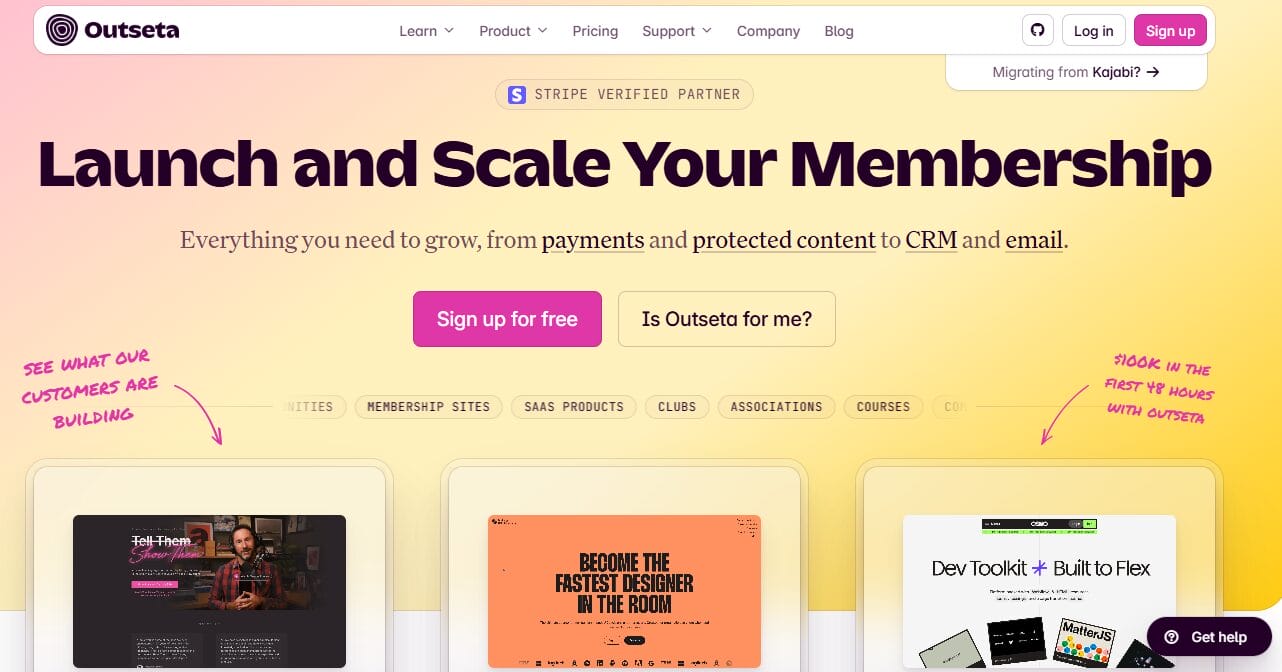
Outseta is an excellent Memberstack alternative that takes a different approach from many membership platforms. Rather than focusing solely on memberships, it aims to become the operating system for your entire business.
What impressed us most is how much functionality comes built in. Instead of paying for separate services to handle subscriptions, customer management, email marketing, user authentication, and customer support, Outseta brings everything together under a single roof. For startups and small teams, that can mean fewer integrations to manage and fewer monthly subscriptions to pay for.
Another thing we liked is that Outseta isn’t tied to a specific website builder. Whether your site runs on WordPress, Webflow, Squarespace, or a custom-built platform, you can connect Outseta using embeddable forms and APIs. This gives businesses the freedom to choose the website platform that best suits their needs without worrying about switching membership software later.
Features of Outseta
- Includes a built-in CRM for tracking members and customer relationships
- Handles recurring subscriptions and payment processing through Stripe
- Comes with email marketing automation for onboarding and engagement
- Features a help desk with live chat and knowledge base functionality
- Provides user authentication and content access controls
- API and embeddable forms for integration with any website
- Supports team-based subscriptions and per-user billing options
Pros
- Combines CRM, billing, email, and support in one system
- Good fit for SaaS and subscription-based startups
- Works with almost any website platform
- Pricing structure is easy to understand and scales with your contact list
- Reduces the need for multiple third-party services
- Includes a 7-day free trial with access to all features
Cons
- Can feel overwhelming during initial setup
- Not as flexible as self-hosted WordPress solutions
- Transaction fees may add up depending on the growth stage
Pricing
Outseta offers a relatively accessible entry point, with pricing starting at $37 per month for the Founder plan. This plan supports up to 1,000 contacts and includes a 2% transaction fee on sales.
If you need additional capacity, premium plans range from $67 to $397 per month and come with lower transaction fees. A nice bonus is that every plan includes unlimited team members, so you won’t have to pay extra as your team expands.
3. Uscreen

Uscreen is an effective Memberstack alternative for creators and businesses that center video in their membership experience.
It’s easy to see why so many fitness instructors, coaches, educators, and media brands choose it. Rather than treating video as just another piece of content behind a paywall, Uscreen is built around helping creators deliver a premium streaming experience to their members. Everything from the video player to the content organization feels designed to keep viewers engaged and coming back for more.
What we liked most about Uscreen is that it doesn’t stop at video hosting. The platform combines live streaming, subscriptions, community features, member management, marketing capabilities, and branded mobile and TV apps in a single package. This means creators can manage and grow their membership business without relying on a long list of separate services.
Features of Uscreen
- Built-in video hosting and content management system
- Netflix-style video streaming experience
- Live streaming with chat, donations, and member registration
- Dedicated community area for member engagement
- Branded mobile and TV applications
- Subscription, rental, and one-time purchase monetization options
- Landing page builder and marketing features
- Content scheduling and publishing calendar
- Detailed analytics and revenue reporting
- Video security controls and member-only content protection
- Integrations with popular marketing and analytics platforms
Pros
- Excellent platform for video-based memberships
- Built-in community features help increase member engagement
- Supports live streaming without relying on third-party services
- Branded mobile and TV apps available
- Useful marketing and audience growth features
Cons
- Pricing may be too expensive for new creators
- Free trial has limited access to major features
- Limited website customization compared to WordPress solutions
Pricing
Uscreen offers a free trial so users can explore the platform before committing. Paid plans start at $49 per month.
4. Podia
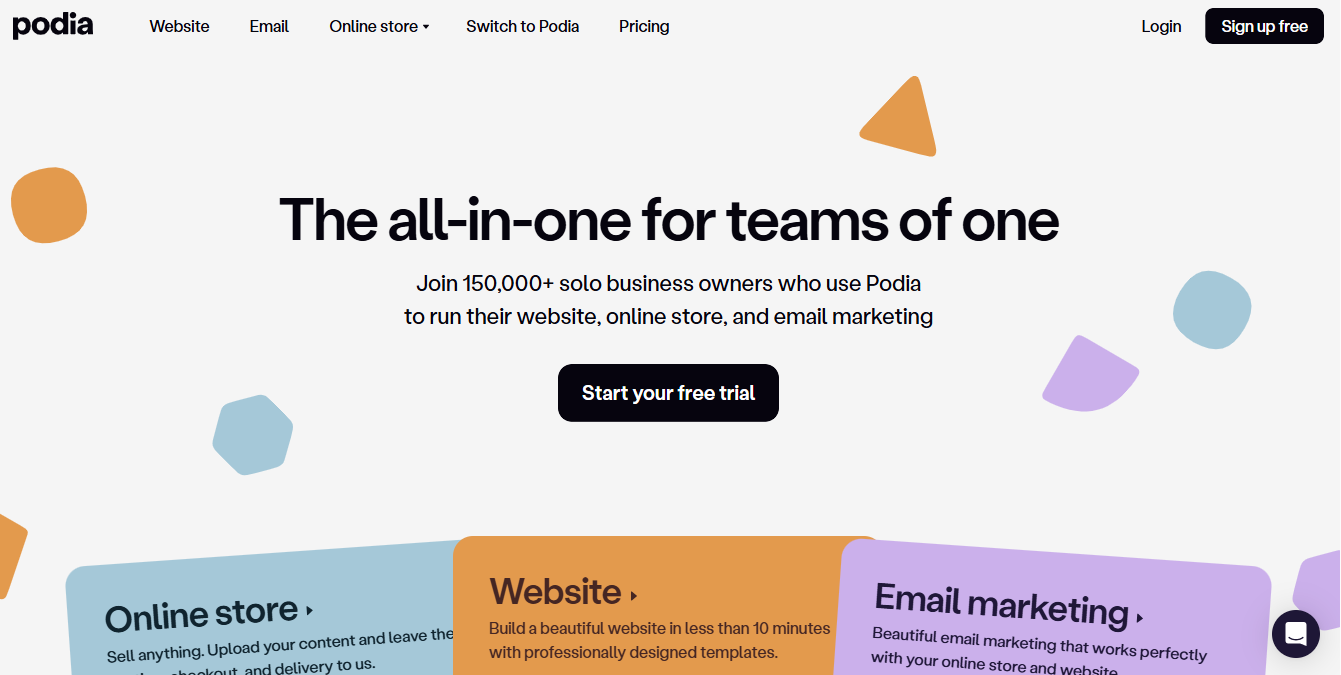
Podia is a unique Memberstack alternative designed for creators who prefer an easy setup without dealing with complex configurations or multiple disconnected services.
I found that Podia focuses heavily on keeping everything in one place. Instead of separating courses, memberships, digital downloads, webinars, and email marketing across different systems, it brings them together inside a single dashboard. This setup allows creators to spend more time building and selling content rather than managing several services at once.
What stood out during testing is how quickly you can get started. The interface feels clean, and the learning curve is low compared to many platforms in this space. You can set up a membership site, publish products, and start accepting payments without spending much time on configuration. The built-in email marketing also helps new creators begin building an audience without needing an external email service.
Features of Podia
- Membership sites and subscription management
- Online course hosting and delivery
- Digital product and download sales
- Built-in email marketing and automation
- Webinar and online event hosting
- No-code website builder
- Landing pages and sales pages
- Customer messaging and audience management
- Unlimited products on all plans
Pros
- Easy to learn and use
- Built-in email marketing reduces the need for extra software
- Supports courses, memberships, webinars, and digital products
- Unlimited products and bandwidth across all plans
- Includes a generous 30-day free trial
- Great choice for creators who want an all-in-one platform
Cons
- Transaction fees apply to the lower-tier plan
- Fewer advanced membership features compared to specialized platforms
- Affiliate marketing tools require a higher-tier subscription
- Design flexibility is more limited than WordPress-based solutions
Pricing
Podia offers a 30-day free trial for new users. Paid plans start at $33/month for the Mover plan, which includes a 5% transaction fee. The Shaker plan costs $75/month and removes transaction fees while unlocking additional features, including affiliate marketing and Zoom integration.
5. Kajabi

Kajabi is yet another alternative to Memberstack, especially for creators who prefer to manage their entire online business in one place.
After going through it, Kajabi feels like a full business system rather than a basic membership solution. It brings together course creation, website hosting, email marketing, sales funnels, and membership management in one place.
Instead of stitching together different services for each part of your business, everything is handled inside the same environment. That makes it appealing for coaches, educators, and digital product sellers who want fewer moving parts.
Features of Kajabi
- Course creation with video hosting and assessments
- Website builder with ready-made page layouts
- Email marketing and automated sequences
- Sales funnels and landing pages
- Membership and subscription management
- Built-in checkout and payment handling
- Analytics for tracking performance and revenue
Pros
- Covers most parts of an online business in one place
- No transaction fees across plans
- 24/7 customer support available
- Solid reporting and analytics for business insights
- Reduces the need for multiple separate services
Cons
- High starting cost compared to many alternatives
- Takes time to understand all the features
- May feel heavy for users with simple membership needs
- Not ideal for small budgets or early-stage creators
Pricing
Kajabi pricing starts at $89/month for the Basic plan. You can try it with a 30-day free trial, and if you choose to pay annually, you will save up to 20%.
6. Mighty Networks
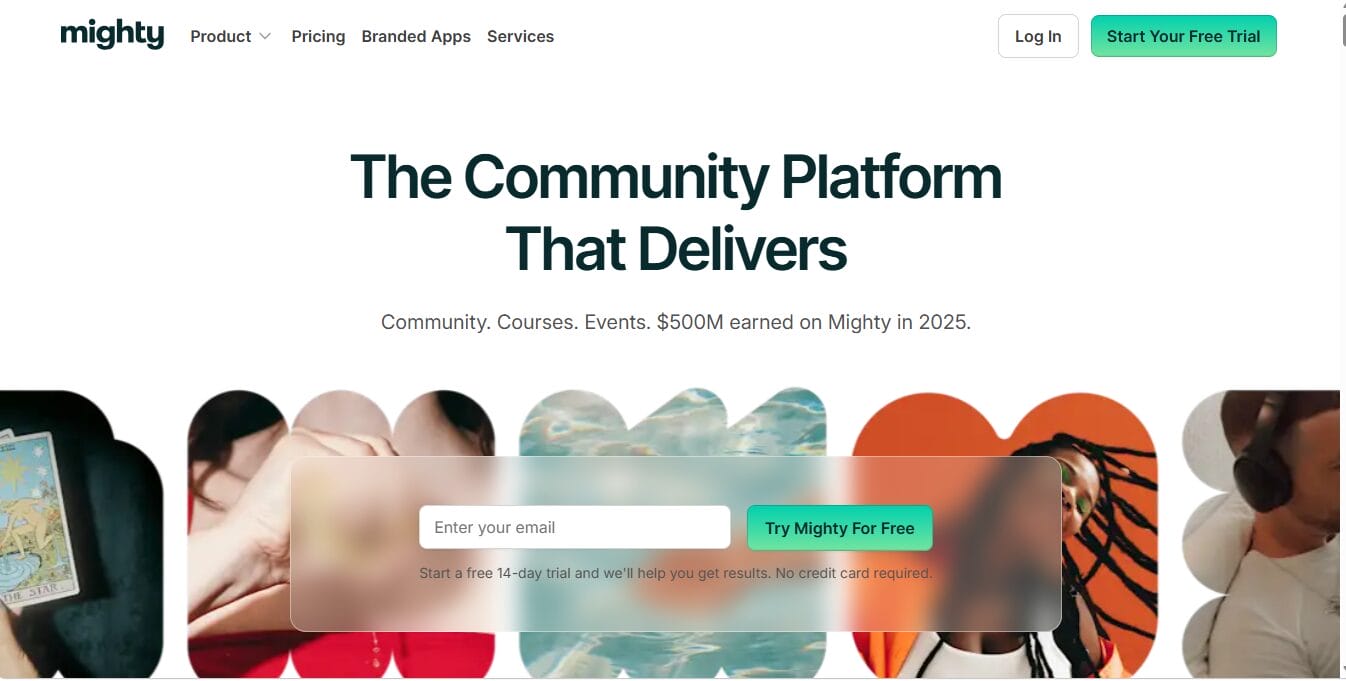
Mighty Networks is a great Memberstack alternative for creators who see community as the main experience, not just an added feature.
Mighty Networks was built for creators who want more than a members-only area. Rather than focusing primarily on content restriction and subscriptions, it creates a social environment where members can interact, join discussions, attend events, take courses, and build relationships with one another.
What we liked most is how natural engagement happens on the platform. Many membership sites eventually become little more than login portals where members consume content and leave. Mighty Networks takes a different approach by encouraging conversations, participation, and genuine member interaction. The experience feels closer to a private social network than a traditional membership website, which can help keep members engaged and active over the long term.
Features of Mighty Networks
- Community spaces with social networking functionality
- Online course creation and hosting
- Events and calendar management
- Member profiles and directories
- Group discussions and activity feeds
- Native mobile apps for iOS and Android
- Membership and subscription management
- Live events and member engagement features
Pros
- Excellent for building active communities
- Encourages member engagement and interaction
- Mobile apps included with paid plans
- Unlimited members across paid plans
- Built-in courses, events, and community features
Cons
- Higher pricing compared to many membership platforms
- Transaction fees apply to certain plans
- Less focused on advanced membership management
- Website customization options are somewhat limited
Pricing
Mighty Networks pricing starts at $95/month on the Launch plan. A 14-day free trial is available, and annual billing can reduce costs by up to 15%.
7. Wild Apricot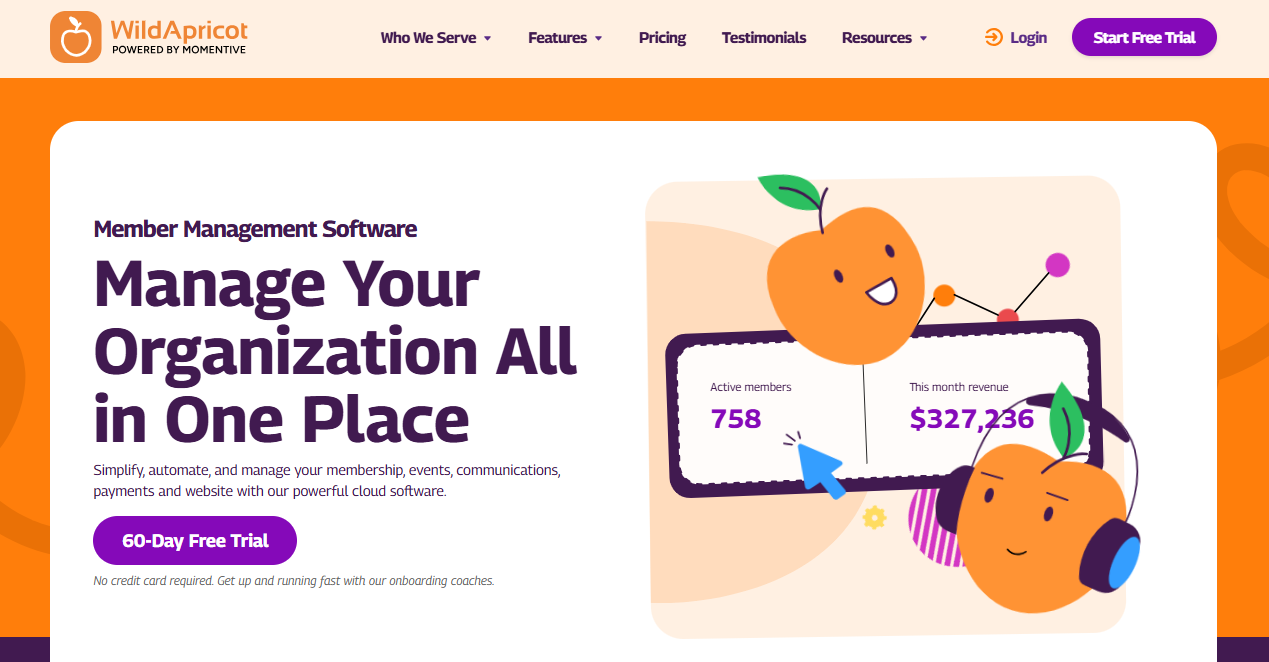
Wild Apricot is an effective Memberstack alternative built with a very specific audience in mind: associations, clubs, non-profits, chambers of commerce, and other membership-based organizations.
Wild Apricot isn’t trying to compete with creator-focused membership platforms like Podia or Uscreen. Instead, it focuses on helping organizations manage members, collect dues, organize events, process payments, and communicate with their community from a single dashboard.
What we liked most is how much administrative work the platform can handle automatically. Membership renewals, event registrations, payment collection, member communications, and account management can all run with minimal manual effort once everything is configured. For organizations that spend countless hours managing spreadsheets and member records, this can save significant time.
Features of Wild Apricot
- Membership database and contact management
- Event registration and ticket sales
- Website builder with drag-and-drop editing
- Automated membership renewals
- Online payment processing
- Member directories and profiles
- Email communication and newsletters
- Member application and approval workflows
Pros
- Designed specifically for associations and non-profit organizations
- Handles memberships, events, payments, and communications in one platform
- All features are available across plans
- 60-day free trial with no credit card required
- No transaction fees when using Wild Apricot Payments
Cons
- Interface feels outdated compared to newer platforms
- Design customization options are somewhat limited
- Additional fees apply when using Stripe or PayPal instead of the native payment system
- It may be excessive for small membership websites
Pricing
Wild Apricot pricing starts at $66/month for up to 100 contacts. Costs increase based on the total number of contacts in your database, including active members, former members, and subscribers.
Every plan includes the same features, with pricing determined solely by the size of your membership database.
8. Circle
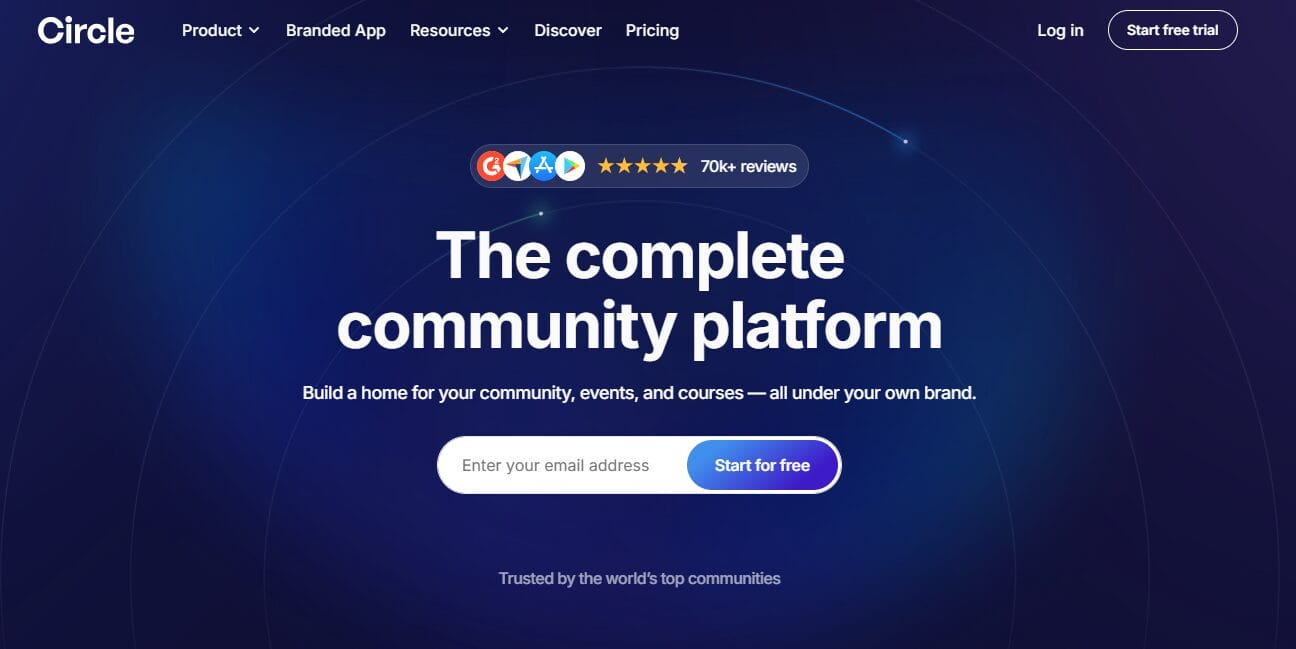
Circle is a Memberstack alternative built for creators and brands that want community at the center of their membership experience.
Circle is not trying to be a traditional paywall tool. Instead, it feels much closer to a modern social network where members can talk, share ideas, and stay active. Discussions, live streams, courses, and events are all in one place, helping keep engagement high without sending members to different platforms.
What caught my attention during the review is how natural the experience feels for members. The interface is clean and reminiscent of Slack or other modern community apps, making it easy for users to jump in and participate. Rather than just consuming content, members are encouraged to interact, which can make a big difference for retention and long-term engagement.
Features of Circle
- Community discussion spaces with threaded conversations
- Built-in course hosting and content delivery
- Live streaming capabilities
- Events and calendar management
- Mobile apps for iOS and Android
- Member profiles and engagement features
- API access and integrations on higher plans
Pros
- Focus on community engagement
- Combines courses, discussions, and events in one place
- Mobile apps included across plans
- Supports unlimited members on higher tiers
- Clean and easy-to-use interface
Cons
- Higher pricing compared to many alternatives
- Limited design and layout flexibility
- Transaction fees apply depending on the plan
- More suited for community-first use cases than simple memberships
Pricing
Circle pricing starts at $89/month and includes a 14-day free trial.
How to Choose the Right Membership Platform
Not every Memberstack alternative works for every business. The right choice depends on what you’re trying to build and where you want your business to go.
Below are the main factors to consider when choosing a membership platform.
1. What you’re actually selling: Start with the basics. Are you selling courses, gated content, digital downloads, coaching sessions, or access to a community?
Some platforms lean heavily toward video content and courses, while others focus more on subscriptions or community interaction. For example, a video-first platform like Uscreen will feel very different from a community-centered option like Circle or Mighty Networks.
Getting this wrong usually leads to frustration later because the platform starts working against your content rather than supporting it.
2. SaaS vs WordPress setup: This decision shapes everything else. SaaS platforms like Memberstack, Kajabi, Podia, Outseta, Circle, and Uscreen are hosted for you. You sign up, connect your site, and start building without worrying about servers or technical setup.
WordPress-based options like ProfilePress work differently. They sit inside your own website, which means you fully own your data, design, and user experience. There’s no dependence on a third-party platform to control your membership system.
If long-term control matters to you, WordPress setups are the best.
3. Content type and delivery style: Different platforms handle content in different ways.
- Video-heavy businesses often do better with Uscreen
- Community-first setups usually fit Circle or Mighty Networks
- Course-based businesses often lean toward Kajabi or Podia
- Mixed setups with ecommerce or memberships often work well with ProfilePress or Outseta
Think about how your members will actually consume your content day-to-day, not just how you plan to sell it.
4. Pricing structure and long-term cost: Pricing goes beyond the monthly fee you see upfront. Some platforms look affordable at the start, but add transaction fees, usage limits, or paid add-ons as you grow. Others may feel expensive initially, but include more features without extra charges.
It helps to think beyond the launch stage. Ask yourself what the platform will cost when you reach 500, 1,000, or even 10,000 members.
5. Control and customization: This is where platforms start to differ a lot. Some give you a fixed structure, which makes setup easier but limits flexibility. Others, especially WordPress-based systems, give you more control over layout, user flow, and branding.
If your membership experience needs to feel highly customized or closely tied to your brand identity, this becomes an important factor.
6. Community and engagement features: If your business depends on retention, engagement matters as much as access control.
Look for features like discussions, live sessions, member profiles, and events. Platforms like Circle and Mighty Networks focus heavily on keeping members active, while others treat community features as secondary.
7. Growth and integrations: Think about what happens when your business grows. Check whether the platform integrates easily with email marketing systems, payment gateways, analytics tools, or automation services. Some platforms are built to integrate with many external services, while others prefer to keep everything within their own systems.
Choosing a platform that can grow with your business helps you avoid switching later, which can be time-consuming and messy.
Frequently Asked Questions About Memberstack Alternatives
Q1: What is the best alternative to Memberstack?
The best Memberstack alternative depends on your specific needs.
If you run a WordPress website and want complete control over your memberships, subscriptions, payments, and content restrictions, ProfilePress is an excellent choice.
If you’re looking for an all-in-one business platform that combines memberships, CRM, email marketing, and customer management, Outseta is worth considering.
For creators focused on community building, Circle and Mighty Networks are popular options, while Uscreen is ideal for video-based memberships.
Ultimately, the best platform is the one that aligns with your business model, budget, and long-term goals.
Q2: Which membership platform is best for online courses?
If your primary goal is selling online courses, ProfilePress, Kajabi, Podia, and Uscreen are the best options.
ProfilePress works well for WordPress users who want full control over course access, payments, and membership rules directly within their website. It supports subscriptions, one-time payments, and digital product sales and integrates with popular LMS plugins such as Tutor LMS, LearnDash, LifterLMS, and others.
Kajabi offers course creation, email marketing, funnels, and website hosting in a single platform.
Podia focuses on ease of use and combines courses, memberships, webinars, and digital downloads.
Uscreen is for creators whose courses are heavily video-based and who want a premium streaming experience for students.
Q3: Can I migrate from Memberstack to another platform?
Yes. Most membership platforms allow you to migrate your members, subscriptions, and content, although the process varies depending on the platform you choose.
Some providers offer migration assistance, while others provide import tools and documentation to help you move your data manually.
Before migrating, it’s a good idea to review how memberships, payment subscriptions, user accounts, and protected content will be transferred to avoid disrupting your members’ experience.
Q4: What should I look for when choosing a Memberstack alternative?
When evaluating membership platforms, focus on factors that directly impact your business.
These typically include:
- Ease of use
- Pricing and transaction fees
- Payment gateway support
- Membership and subscription features
- Content protection options
- Community functionality
- Customization flexibility
- Integrations with other services
- Scalability as your business grows
Choosing a platform based on your actual requirements rather than the longest feature list usually leads to a better long-term experience.
Q5: Are WordPress membership plugins better than SaaS membership platforms?
Yes, in many cases, WordPress membership plugins offer more advantages than SaaS membership platforms, especially for users who want long-term control and flexibility.
SaaS platforms are often easier to launch and maintain because hosting, updates, and infrastructure are handled for you. However, that convenience comes with limits on how much you can customize and how far you can shape the system around your business.
WordPress membership plugins give you full ownership since everything runs on your own website. You control your data, branding, integrations, pricing structure, and overall membership experience without relying heavily on a third-party platform. This makes it easier to build a membership business that can grow on your own terms.
Conclusion
Memberstack remains an effective membership platform, but it is far from the only option available today. As you’ve seen throughout this guide, there are several excellent Memberstack alternatives designed for businesses, creators, communities, and organizations of all types.
At the end of the day, the best choice comes down to your project. Are you building a simple membership site, a full online community, or maybe a subscription-based business? Each platform has its own strengths, so it’s worth comparing a few before you decide.
We hope this guide has helped you find the best Memberstack alternative for your needs. You may also find these guides helpful: how to build a membership website with WordPress and how to sell digital products on WordPress.