
7 Best User Management WordPress Plugins
Do you want to find the best user management WordPress plugins to manage registrations, user roles, and access on your website?
WordPress includes a basic user system, but it often becomes limiting as your site grows. You may want custom WordPress registration forms, better control over user roles, or the ability to restrict certain content to specific users.
This is where user management WordPress plugins become useful. They extend the default WordPress user system and give you more control over how users register, log in, and interact with your website.
In this article, we will explore the best user management WordPress plugins that can help you manage users, control permissions, and improve the experience for everyone who visits your site.
Quick Verdict
To help you choose quickly, the table below highlights our top 3 recommended WordPress user management plugins and what each is best for.
| Rank | User Management WordPress Plugin | Best For | Pricing |
| 🥇 | ProfilePress | Membership sites, user registration forms, and content restriction | Freemium
Pro plan starts at $129 per year |
| 🥈 | WP User Manager | Creating user profiles and community websites | Freemium
Pro plan starts at $149 per year |
| 🥉 | User Role Editor | Managing user roles and capabilities | Freemium
Pro plan starts at $29 per year |
Why Do You Need a User Management WordPress Plugin?
Below are some common reasons why website owners install user management WordPress plugins.
1. Custom Registration and Login Forms: The default registration and WordPress login pages are very basic and do not always match the design of your website. With a user management WordPress plugin, you can create custom registration and login forms.
2. Manage User Roles and Permissions: WordPress comes with built-in roles like Administrator, Editor, Author, and Subscriber. However, many websites need more control over what users can and cannot do. A WordPress user management plugin allows you to create new roles and adjust permissions. For example, you may want certain users to view content but not edit posts, or allow contributors to submit articles without publishing them.
3. Restrict Content: Many websites want to control who can access certain WordPress pages, posts, or resources. For instance, you may want to create members-only content or limit access to registered users. Using a WordPress user management plugin, you can restrict content based on user roles, subscribed membership, or login status. This is especially useful for membership sites, online courses, and private communities.
4. Allow Users to Manage Profiles: Some websites allow users to update their personal information, change passwords, or upload profile pictures. The default WordPress system offers limited options for this. A user management plugin lets you create user profile pages where members can update their information directly on the front end of your website.
With that in mind, let’s take a look at the best user management WordPress plugins you can use on your website.
1. ProfilePress
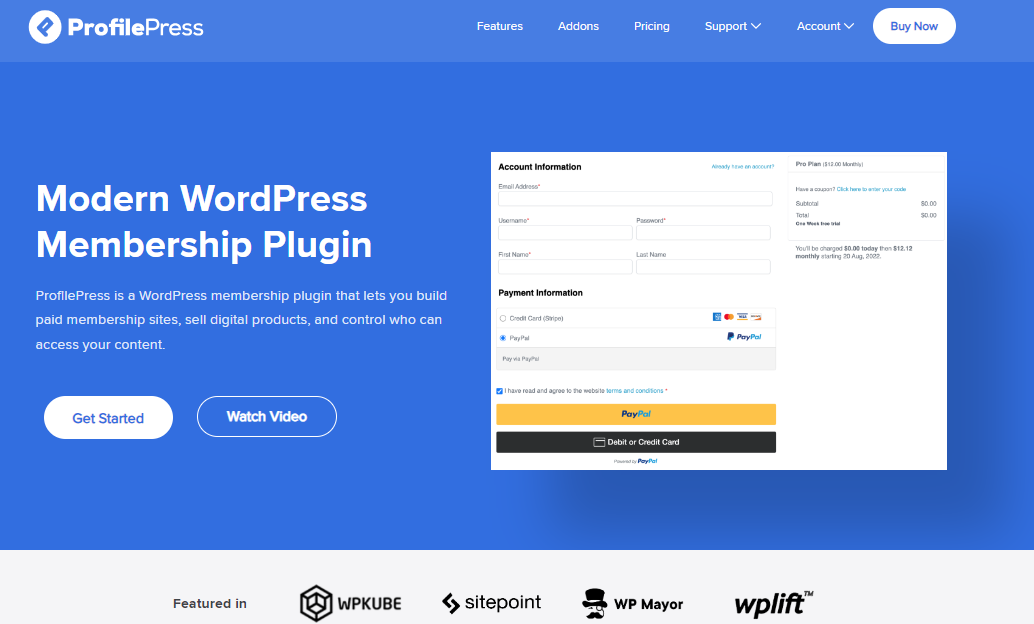
ProfilePress is one of the most popular WordPress plugins for user management, building membership websites, and controlling access to content. It allows you to create custom registration and login forms. Instead of relying on the default WordPress login page, you can design forms that match your website and provide a better experience for visitors.
Another reason many website owners choose ProfilePress is its memberships and payment features. You can sell subscriptions, digital downloads, and paid memberships while controlling which users can access specific pages or posts. This makes it a good option for websites that offer premium content, online courses, or member-only resources.
ProfilePress also helps you manage user accounts from the frontend of your website. Users can create accounts, update their profiles, reset passwords, and manage their membership details without entering the WordPress dashboard.
Features of ProfilePress
ProfilePress includes a wide range of features designed to help you manage users and memberships more effectively. Some of the main features include:
- Custom registration, login, and password reset forms
- Drag-and-drop form builder for creating forms without coding
- User profile pages and searchable member directories
- Content restriction and paywall for members-only content
- Support for one-time payments and recurring subscriptions
- Multiple payment options, including Stripe, PayPal, Paystack, RazorPay, Mollie, and bank transfer
- User dashboard where members can manage their accounts
- Login and logout redirects based on user roles
- Email customization for user notifications
- Integrations with LMS plugins and email marketing services
- Security features such as spam protection and email confirmation
Price
ProfilePress offers a free version with basic features. Paid plans start at $129 per year, giving you access to advanced membership features, payment integrations, and additional add-ons.
2. WP User Manager
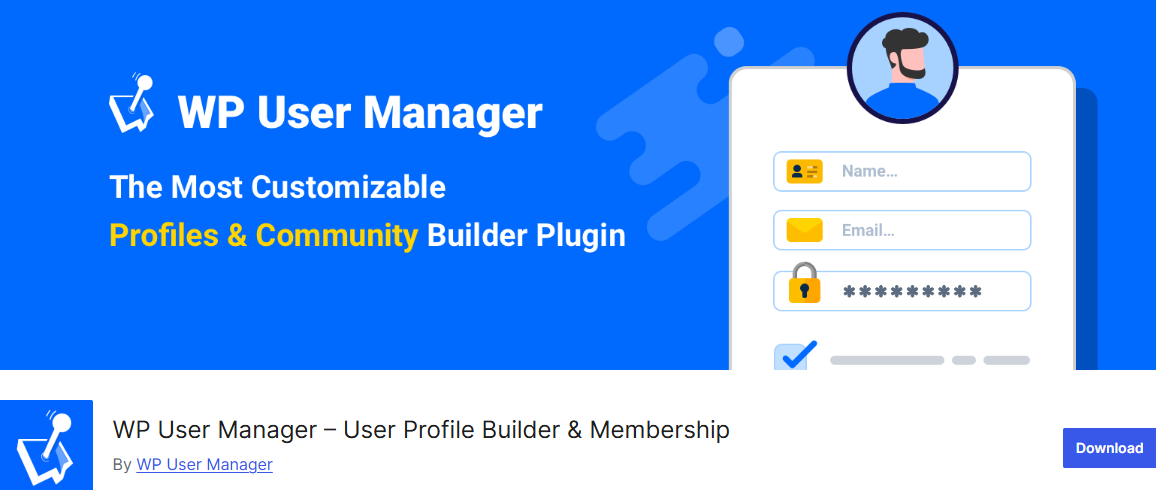
WP User Manager is a flexible user management WordPress plugin that allows you to create custom user profiles, registration forms, and login pages for your website. Instead of relying on the default WordPress login system, this plugin lets you design forms that appear on the front end of your website, giving users a more comfortable experience when they sign up or log in.
One of the reasons we recommend WP User Manager is its ability to help build community-driven websites. It allows visitors to register as members, manage their accounts, and interact with other users through profile pages and user directories. This makes it a good choice for websites that want to create a member area or an online community.
The plugin also gives you control over how users register and what information they provide. You can add custom fields to registration forms, restrict content based on user roles, and control where users are redirected after login or registration.
Features of WP User Manager
- Frontend user registration and login forms
- Custom user profile pages
- User directories that display registered members
- Custom fields to collect additional user information
- Content restriction based on login status or user roles
- Custom email notifications for registration and password reset
- Redirect users to specific pages after login or registration
- Allow users to update their profile details and passwords
- Integration with Stripe and WooCommerce
- Spam protection with Google reCAPTCHA
- Social login options for faster user registration
Price
WP User Manager offers a free version that includes the basic user management features. Paid plans are also available if you want access to additional extensions such as social login, advanced registration forms, and other membership features. Pricing for the premium version starts at $149 per year.
3. User Role Editor
User Role Editor is an excellent WordPress plugin for user management that lets you control what different users can do on your website.
WordPress already includes default roles such as Administrator, Editor, Author, and Subscriber, but sometimes these roles do not give you the level of control you need. User Role Editor helps you adjust these roles to match how your website operates.
With this plugin, you can change user permissions by selecting or removing capabilities with simple checkboxes. This means you can decide exactly what each role is allowed to do, such as editing posts, publishing content, or managing certain sections of your website. It also allows you to create new roles or modify existing ones to suit your needs better.
Another useful feature is the ability to assign multiple roles to a single user and give specific permissions directly to individual users. This can be helpful for websites with many contributors, editors, or team members who need different levels of access.
Features of User Role Editor
- Edit and manage WordPress user roles and capabilities
- Add new user roles or copy existing roles
- Assign multiple roles to a single user
- Give specific permissions to individual users
- Remove unnecessary capabilities from roles
- Change the default role assigned to new users
- Multisite support for managing roles across a network
- Restrict access to certain admin menu items
- Hide menu items or widgets from selected roles
- Control who can view or edit certain content
Price
User Role Editor offers a free version that includes the main features for role and capability management. There is also a Pro version available that adds advanced permission settings, export and import options, and additional access control features, with pricing starting at $29 per year.
4. WP User Frontend
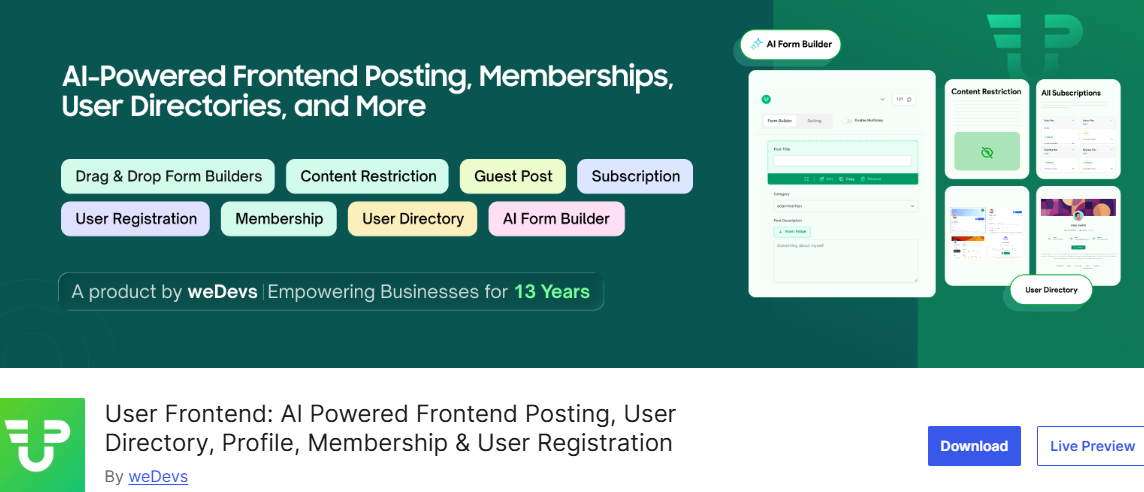
WP User Frontend allows users to interact with your website directly from the front end. Instead of accessing the WordPress dashboard, users can submit posts, edit their profiles, and manage their content from the main website interface. This makes it a useful option for websites that allow guest posts, user-generated content, or community contributions.
WP User Frontend can handle frontend post submissions. This means registered users can create and update posts without entering the WordPress admin area. For example, if you run a job board, marketplace, or directory website, users can submit listings or articles using a simple form.
The plugin also supports user registration, profile management, and membership features. With these options, you can allow visitors to sign up, manage their accounts, and access different features based on their roles or subscriptions.
Features of WP User Frontend
- Frontend post submission forms for users
- Custom user registration and login forms
- Drag-and-drop form builder for creating forms
- Allow users to edit their profiles from the front end
- Upload images and files through submission forms
- Role-based access control for different users
- Content restriction based on roles or subscriptions
- Custom redirects after login or form submission
- Subscription packs and pay-per-post options
- Email notifications for submissions and registrations
- Integration with plugins such as WooCommerce and Advanced Custom Fields
Price
WP User Frontend offers a free version that includes the basic frontend submission and user management features. There is also a Pro version available that adds advanced form templates, social login, payment support, and additional modules. Pricing for the premium version starts at $172 per year.
5. LoginWP
LoginWP is one of the best user management WordPress plugins; it allows you to control where users are redirected after they log in, log out, or register on your website. Instead of sending every user to the default WordPress dashboard, LoginWP lets you direct users to specific pages based on their role or account type.
This can be very helpful for websites with different user types. For example, you might want administrators to go to the dashboard, members to go to their account page, and customers to go to a welcome page. With LoginWP, you can create redirect rules that guide users to the right page immediately after they log in.
Another helpful feature is the ability to create redirect rules for individual users, user roles, or all users on your website. This gives you better control over how users move around your site after signing in. If you want a better login experience and more control over user navigation, LoginWP is a useful plugin to consider.
Features of LoginWP
- Redirect users after login, logout, or registration
- Create redirect rules for specific users or user roles
- Set a redirect rule for all users
- Support for dynamic URL placeholders, such as username and website URL
- Redirect users to the page they logged in from
- Create custom redirect rules using code
- Integration with plugins such as WooCommerce, LearnDash, MemberPress, and WP User Manager
Price
LoginWP offers a free version that includes basic login redirect features. A Pro version is also available with additional integrations and advanced redirect options. Pricing for the premium version starts at $49 per year.
6. User Switching
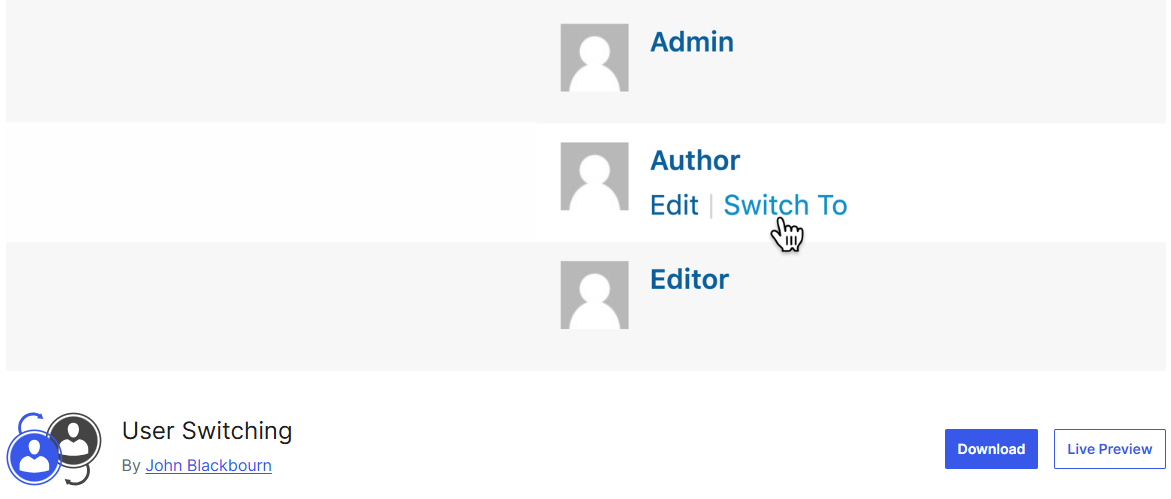
User Switching is a user management plugin for WordPress sites that allows administrators to switch between user accounts instantly. With just one click, you can log in as another user without needing their password. This is especially useful when testing how different users experience your website.
Many website owners use User Switching when managing membership websites, online stores, or community platforms. For example, if a customer reports a problem with their account, an administrator can quickly switch to that user’s account to see exactly what they see. This makes troubleshooting easier and saves time when providing support.
Another advantage of User Switching is that it allows you to switch back to your original account at any time. You can move between accounts during testing and return to your administrator account without logging in again. This makes it a practical option for developers, administrators, and site managers who regularly work with multiple user accounts.
Features of User Switching
- Instantly switch to another user account from the WordPress Users page
- Switch back to your original account with one click
- Option to log out while keeping the ability to switch back quickly
- Compatible with WooCommerce, BuddyPress, bbPress, and multisite installations
- Works with many membership and user management plugins
- Compatible with most two-factor authentication plugins
- Uses the WordPress authentication system for security
- Does not reveal or store user passwords
Price
User Switching is a completely free plugin available in the WordPress plugin directory. It includes all its features without requiring a paid upgrade.
7. WPFront User Role Editor
WPFront User Role Editor is one of the best user management WordPress plugins for managing user roles and permissions on your website.
With this plugin, you can create new roles, edit existing ones, or remove roles that are no longer needed. It also allows you to control what each role can do by adding or removing specific capabilities. This gives you more control over who can edit posts, manage settings, or access certain parts of your website.
Another helpful feature is the ability to assign multiple roles to a single user and change the default role given to new users during registration. This makes it easier to manage permissions on websites with multiple contributors or members.
Features of WPFront User Role Editor
- Create new WordPress user roles
- Edit or rename existing roles
- Clone roles to create similar permission structures
- Add or remove role capabilities
- Change the default role assigned to new users
- Assign multiple roles to a single user
- Restore roles if changes need to be reversed
- Basic control over navigation menu and widget permissions
- Login redirect options
Price
WPFront User Role Editor offers a free version that includes the main features for role and capability management. A Pro version is also available with advanced permission settings, import and export options, and multisite support. Pricing for the premium version starts at $89 per year.
Conclusion
Whether you want to build a WordPress membership site, manage multiple contributors, or restrict content, the plugins we’ve covered offer features to make user management effortless.
We hope this article helped you find the best user management WordPress plugins for your website.